The symptom
A client books online. The booking lands in your calendar. The client hears nothing, or finds the confirmation three days later in their junk folder. They ring to ask whether the booking went through. Or they do not ring, assume it failed, and book somewhere else. Or they turn up on the wrong day because the reminder never reached them.
The booking system did its job. The email did not arrive. It is one of the most common faults we find on booking-led business websites, and one of the cheapest to fix, because the cause is almost always the same: the email is being sent in your name from a server that is not allowed to send in your name.
Why it happens, in plain words
When your booking tool or your website sends an email "from" hello@yourbusiness.com, the receiving mail service, Gmail, Outlook, whoever your client uses, asks a question: does yourbusiness.com permit this server to send on its behalf?
The answer lives in your domain's DNS records. If nobody has put the right records there, the honest answer is "no", and the email is treated as a probable forgery. That is what spam filters are for. Your confirmation email looks exactly like a phishing attempt that impersonates your business, because from the filter's point of view, it is indistinguishable from one.
Three records fix it. They have unfriendly names, but each does one understandable thing.
The three records
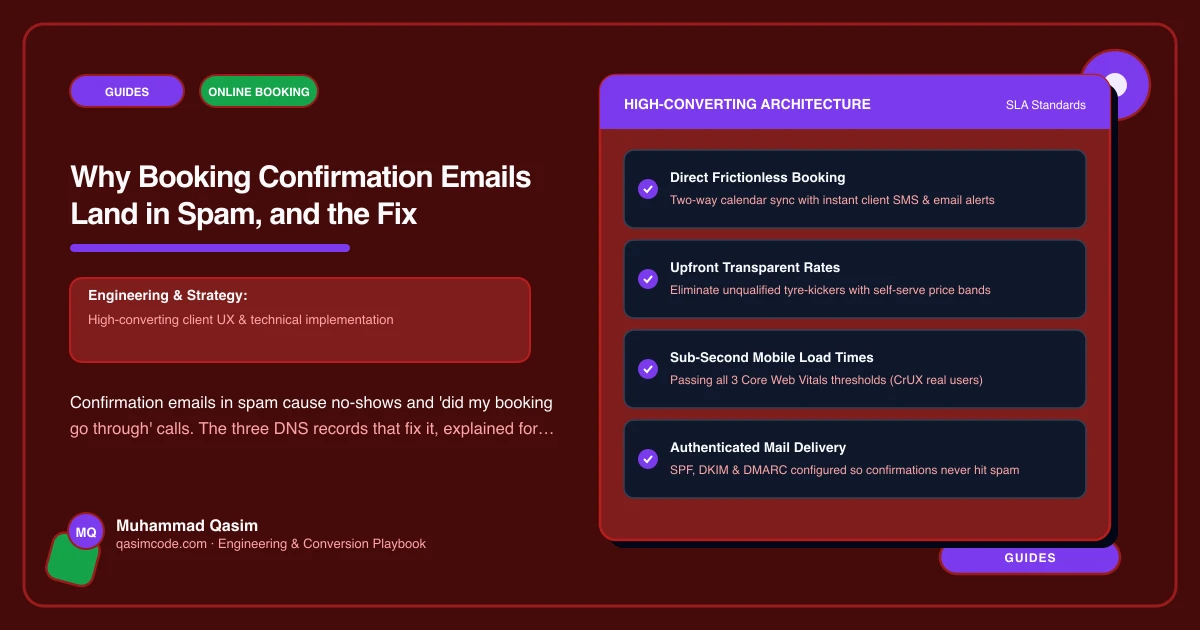
SPF is a list of servers allowed to send email for your domain. If your booking tool sends from its own servers, your SPF record needs to include them. Each tool publishes an "include" line to add, and your email provider has one too.
DKIM is a signature. Your sending service signs each email with a key, and a DNS record publishes the matching public key so the receiver can check the signature. Each sending service gives you one or two DNS records to add.
DMARC is the policy. It tells receivers what to do when SPF or DKIM fail, and where to send reports. Since 2024, Gmail and Yahoo require DMARC for anyone sending in volume, and its absence hurts delivery for everyone else too.
With all three in place, the receiver's question gets a clear answer, and confirmation emails land in the inbox.
How to check yours
You do not need to understand the records to see whether they exist.
- Send a test booking to a Gmail address you control.
- Open the email in Gmail, use the menu to "Show original", and read the top: it says whether SPF, DKIM and DMARC each passed or failed.
- Alternatively, use a free checker. Search for "SPF DKIM DMARC checker", enter your domain, and read the result.
Three passes, and the problem is elsewhere. Any fail, and you have found it.
Common findings on inherited sites: SPF exists for the office email but not for the booking tool; DKIM was never set up for the website's form plugin; DMARC does not exist at all.
The fix, in order
Decide what sends email. Typically three things: your normal email provider (Google Workspace, Microsoft 365), your booking tool (Fresha, Cliniko, Acuity, whichever), and your website's forms. Each needs to be authorised.
Send website mail through a proper service. A WordPress site sending email directly from the web server is the worst offender. Route it through a transactional email service instead: Postmark, Resend, Brevo, Amazon SES or the SMTP relay your host offers. This is a plugin and an API key.
Add the DNS records. Each service gives you exact records. They go into the DNS settings at your domain registrar or wherever your DNS is managed. SPF is one combined record, so the includes are merged rather than added separately. DKIM is one or more records per service. DMARC is one record, starting with a monitoring-only policy.
Test again. Same test booking, same "Show original". Three passes.
For someone who has done it before, the whole job is about twenty minutes plus DNS propagation. For someone who has not, the risk is breaking your normal office email with a bad SPF edit, which is why it is worth having a developer do it or checking each change with the tester before moving on.
Two other causes worth ruling out
The "from" address. Some booking tools send from their own domain with your name on it. That is fine and delivers well, but replies go to their address, not yours, unless a reply-to is set. Check the settings.
The content. Emails that are one image, or all capital letters, or have a subject line like "CONFIRMATION!!!", trip content filters regardless of authentication. Plain text with the booking details, the address and a way to change the appointment is what you want anyway.
Why it matters more than it seems
The confirmation email is not admin. It is the moment the client knows the booking is real, the reminder that gets them there on time, and the message that tells them how to move the appointment instead of missing it. Everything a deposit and a reminder do to reduce no-shows depends on the email arriving.
When we set up online booking for a client, testing the emails to Gmail and Outlook is on the checklist before launch, and DNS authentication is part of the setup, not an extra. If your site takes bookings and you have never checked, run the Gmail test today. If it fails and you would rather not touch DNS, it is a small fixed job and part of any booking setup we do.