Free is real, up to a point
Several booking tools have free plans that are genuinely free and genuinely useful. Calendly, Setmore, Square Appointments, Fresha and others let a sole trader take bookings online at no cost. If you are one person offering one or two services and taking a handful of bookings a week, a free plan may be all you ever need.
The question is where the free plan stops covering what your business does, and whether you notice before it costs you.
The limits that push you to paid
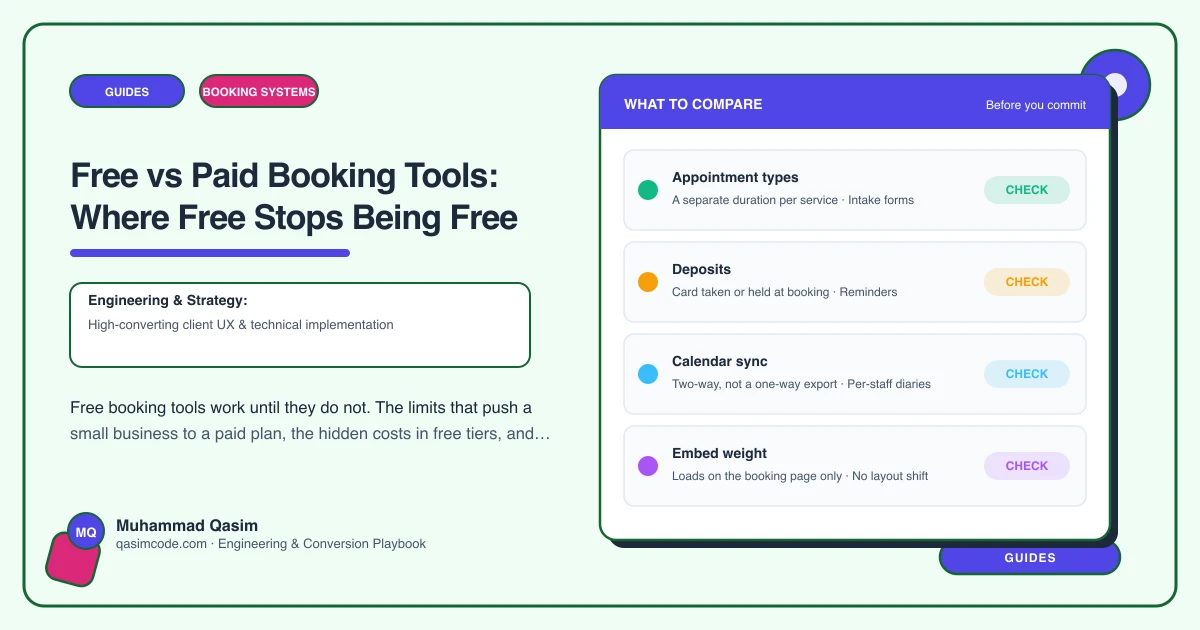
One booking type. Most free tiers allow a single event or service type. The moment you offer a 30-minute consultation and a 60-minute treatment, you need two, and that is a paid feature.
One calendar connection. Free plans usually sync with one calendar. If you keep a personal Google calendar and a work Outlook, or you have a second staff member, you are past the limit.
No reminders, or email only. SMS reminders are the feature that cuts no-shows, and they are almost never free, because the messages cost the provider money.
No payments or deposits. Taking a deposit at booking is the second no-show killer and needs a paid plan plus a payment processor.
Branding. The free tier shows the tool's logo on your booking page and in emails. Fine for a freelancer, off-putting for a clinic.
Staff. Multiple staff, each with their own diary and services, is paid on every platform.
Limited customisation. Booking questions, buffer times, minimum notice, custom confirmation text: some free, most not.
Support. Free means a help centre. Paid means a person.
The costs hidden in free
Transaction fees. Some free tiers fund themselves by taking a percentage of payments made through them, or by requiring their own payment processor at a higher rate. Free software with a 2.9 percent plus fixed fee on every transaction is not free at any volume.
Marketplace positioning. Some free booking tools are free because they are marketplaces: your profile sits alongside your competitors', the platform owns the client relationship, and it may market other businesses to your clients. That is a cost, even if it is not on an invoice.
Time. A free tool without reminders means you send them yourself. Without deposits, you eat the no-shows. Without a second calendar, you double-book once and spend an hour untangling it. Your hour has a price.
Migration later. Starting free and moving to a different paid tool later means re-entering services, re-training clients on a new link, and losing history. Starting on a tool whose paid tier you would be happy with avoids that.
When the upgrade pays for itself
Paid plans for small businesses run from about $10 to $50 a month per user. Work out whether one of these is true:
- You have had two or more no-shows in a month. SMS reminders and deposits on a paid plan typically halve no-shows. One saved appointment usually covers the month's subscription.
- You spend more than an hour a month on booking admin that the tool would do: reminders, rescheduling, chasing confirmations.
- You have a second service or a second person. You are already past the free tier's shape.
- A client has mentioned the tool's branding or asked whether the booking page was really you.
Any one of those and the paid plan is cheaper than free.
When free is the right answer
- One person, one or two services, low volume.
- Clients who mostly book by phone anyway and the online option is a convenience.
- A trial period while you find out whether clients will book online at all.
- A side business where the admin genuinely is small.
Use the free tier deliberately, knowing what it lacks, and set a reminder to review in three months.
How to choose a tool you can grow on
Pick a tool whose paid tier does what you will need in a year: multiple services, staff, reminders, deposits, your branding, and an embed that works on your own website rather than sending clients to the tool's domain. Check the pricing page for per-user costs and transaction fees. Then start on whichever tier fits today.
This is the conversation we have when we set up booking on a client's site. Free is often right at the start. The point is to choose it with the upgrade path in view, so that when the diary fills up, the switch is a plan change rather than a migration.