What Cliniko provides
Cliniko's online bookings live at your Cliniko subdomain (yourclinic.cliniko.com/bookings), branded with your logo and colours, showing live availability. Cliniko also provides an embed snippet that places the same flow in an iframe on your own page, and both the hosted page and the embed accept URL parameters that pre-select location, appointment type and practitioner. Confirmation, reminders, intake forms and patient self-service come from Cliniko.
That gives you two good options and one rule: nothing from Cliniko loads on any page until a patient wants to book.
Option A: link to the hosted page
Every Book button is a plain link to your Cliniko bookings URL, with parameters. Zero cost to your site. The patient leaves your domain to book on Cliniko's branded page and returns or closes. Simplest, fastest, and robust in every browser including Instagram's and Facebook's in-app browsers.
Option B: embed on one dedicated page
The Cliniko iframe on a single /book page. Every Book button elsewhere links to /book with parameters passed through. The patient stays on your domain; the iframe loads only on that page.
Keep /book fast:
<link rel="preconnect" href="https://yourclinic.cliniko.com">

<div class="booking-embed">
  <iframe
    src="https://yourclinic.cliniko.com/bookings?embedded=true&practitioner_id=…"
    title="Book an appointment"
    loading="eager"></iframe>
</div>.booking-embed { min-height: 720px; position: relative; contain: layout; }
.booking-embed iframe { width: 100%; height: 100%; min-height: 720px; border: 0; }The min-height reserves space so nothing shifts when the iframe arrives; Cliniko's embed script (if you use their resizing snippet) can then grow it. preconnect warms the connection. Nothing else on the page: no gallery, no reviews widget, no chat. The page's job is the iframe.
Never place the iframe on the home page or on service pages. It would load Cliniko's flow for every visitor, most of whom are reading, not booking.
Passing the choice through
Cliniko's parameters (check the current documentation for exact names) let you pre-select location, appointment type and practitioner. Build the /book page to accept the same parameters and forward them into the iframe src, so a Book button on Sam's profile links to /book?practitioner=…&type=… and the embedded flow opens on Sam's initial assessment. Service pages pre-select the appointment type; condition pages pre-select the usual type; location pages pre-select the location.
If forwarding parameters is more than the site's platform easily does, use option A for the deep-linked buttons (link straight to Cliniko with parameters) and reserve the embedded /book page for the generic Book button. Mixing is fine.
Configure Cliniko first
The embed is only as good as what Cliniko exposes:
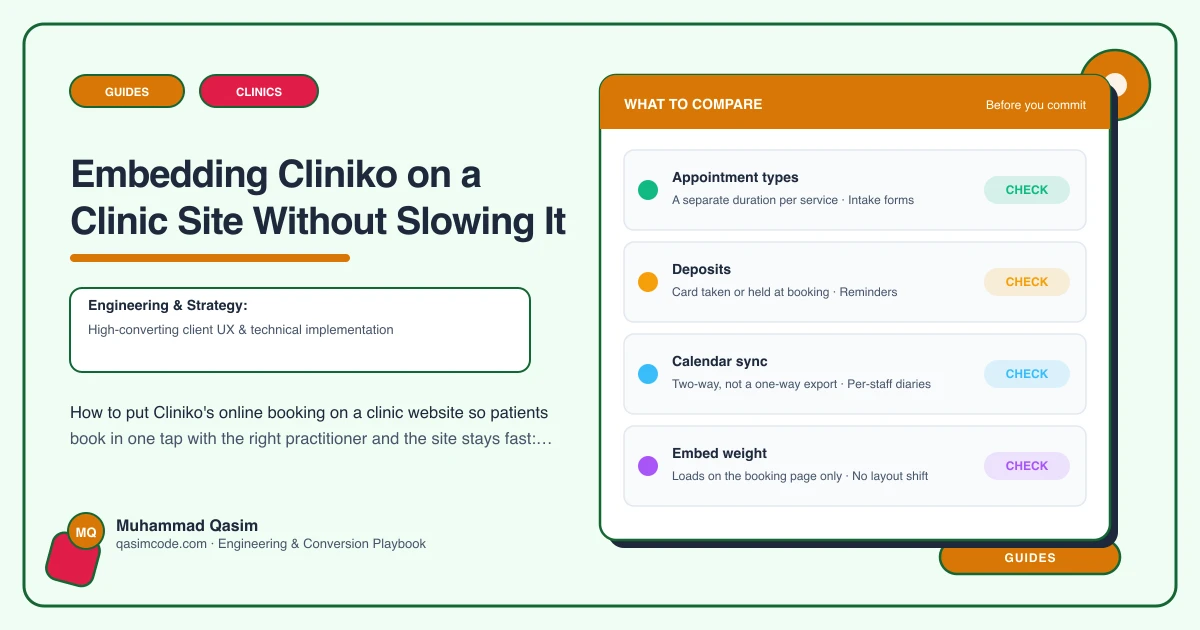
- Appointment types available online, with durations and any deposits.
- Practitioners and the hours they open to online booking.
- New patient registration with minimal fields; the intake form sent after booking.
- Confirmation and reminder templates with the practical details.
- Patient self-service for rescheduling and cancelling, with your notice window.
Test as a patient on a phone. If the flow shows no availability or asks too much, fix it in Cliniko before wiring the site.
Testing in the browsers patients use
Safari and Chrome on iOS and Android, and the in-app browsers in Instagram and Facebook, where many clinic patients arrive from. Complete a booking in each. Iframe embeds occasionally misbehave in in-app browsers because of third-party cookie handling; if that happens, the Book buttons in social bios and posts should link straight to the hosted page (option A) while the site's /book page keeps the embed for normal browsers. Then check the diary and the confirmation SMS.
Tracking
- A
booking_clickevent on every Book button, with parameters for the page and the pre-selected service or practitioner. - Cliniko's own reports for completed online bookings, compared monthly with clicks.
- If you use Cliniko's redirect-after-booking setting, point it at a thank-you page on your site so completions register as conversions in analytics.
Monthly check
From the home page, a service page and a practitioner profile, on a phone: tap Book, complete a booking, cancel it. Cliniko updates its bookings flow; find out before a patient does. This is on the care plan for every clinic we look after.
Common mistakes
- Embedding on every page. Slow, and the widget is rarely used there.
- No
min-height. The page jumps when the iframe loads, which is a Core Web Vitals failure on the one page where patients are committing. - No parameters. Patients face the full list and leave.
- Health questions added to the booking form. Abandonment and a privacy problem; use Cliniko's intake forms after booking.
- Nobody checks online bookings in the morning.
Where this sits
Cliniko is the system we integrate most often into clinic websites, and this setup, a dedicated embedded page or direct links, deep-link parameters throughout, preconnect and reserved space, and monthly testing, is the version that keeps the site fast. Cliniko does the booking; the site's job is to get every visitor there in one tap without paying for it on every page.