What Jobber gives you
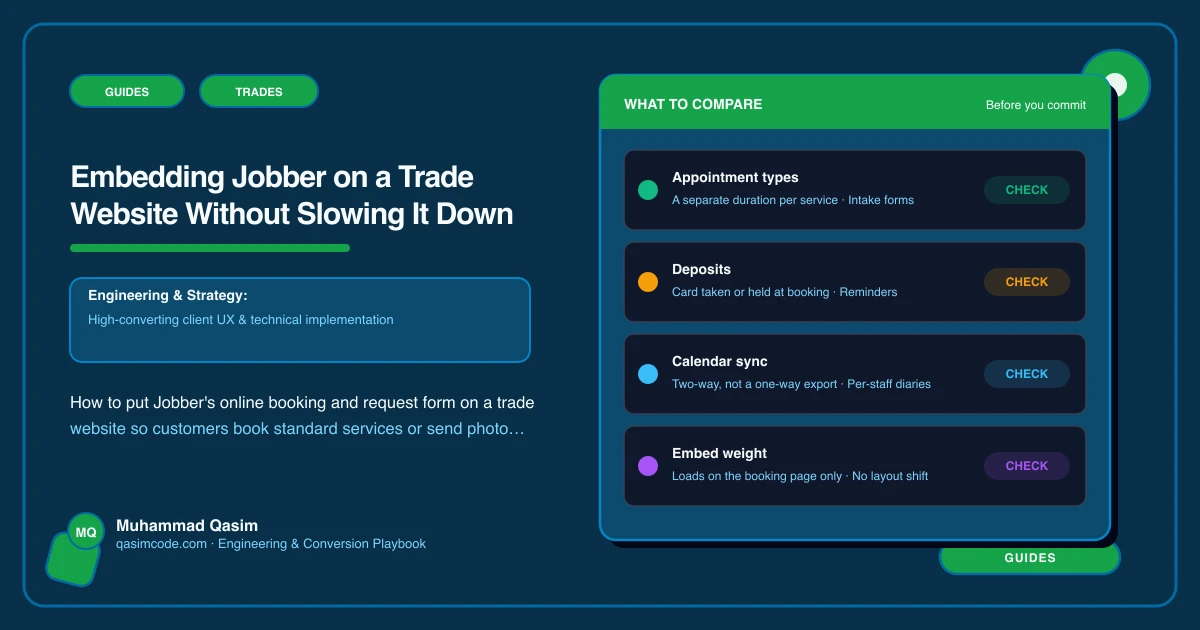
Jobber has two customer-facing pieces for a website. Online booking lets customers pick from services you define with fixed durations and prices (annual boiler service, gutter clean, safety certificate) and book a real slot from your schedule. The request form takes a description, photos and preferred times for everything that needs a quote, and creates a request in Jobber that notifies your phone. Both are available as a hosted page on Jobber's domain and as embeddable snippets for your own site. The client hub handles quotes, approvals, invoices and payment afterwards.
The performance question is where the snippets go. The answer: on the pages where the customer wants them, never on every page.
The rule
Nothing from Jobber loads until the customer taps Book or Get a quote. Service and area pages are for reading and ranking; they link to booking and quoting. Two dedicated pages carry the embeds.
Page 1: /book, for standard services
The online booking embed on a single page, with a one-line reassurance ("Pick a service and a time; you'll get a confirmation straight away"), the phone number and nothing else. Service pages for bookable services link here with the service pre-selected.
Keep it fast: reserve the embed's height in CSS so the page does not shift when it loads; preconnect to Jobber's domain in the head; no gallery or reviews widget on this page.
Page 2: /quote, for everything else
The request form embed, or a site-built form that posts to Jobber, on a single page, with the photo upload prominent, the reply promise ("We reply the same evening or first thing"), and the emergency number. Service and area pages link here with the service or town pre-filled where Jobber's form parameters allow, or with the page name passed through a hidden field.
If Jobber's embed does not match your site's style or is heavy on phones, a form built on the site (six fields, camera upload) that creates the request in Jobber via its API or an automation tool gives the same result with full control. Either way, the request lands in Jobber and your phone buzzes.
Deep links from service pages
For services set up as bookable in Jobber, the service page's Book button opens /book with that service selected (via Jobber's booking link parameters where available, or by embedding a service-specific booking link). The customer sees times for a boiler service, not a menu.
For quote-based services, the Get a quote button opens /quote with the service pre-filled.
Every area page carries Call, Text and Get a quote, with the town pre-filled on the quote.
Tap-to-call stays first
Jobber does not change the hierarchy: on a trade site, the call button in the header and the sticky bottom bar on phones comes before Book and Quote. Emergency customers do not fill in forms. Jobber's request form is for the customer who wants a considered quote; the phone is for the one with water on the floor.
Configure Jobber first
- Bookable services with accurate durations, prices and the crew or person who does them, and the schedule Jobber may book into.
- Request form fields kept minimal; photos enabled.
- Notifications to the right phones for new requests and bookings.
- Automated confirmation and reminder messages in your voice.
- Client hub enabled so quotes can be approved and paid online.
Book a test service and submit a test request from a phone before wiring the site.
Testing on phones
Safari and Chrome on iOS and Android, and inside Instagram's and Facebook's in-app browsers (a lot of trade traffic arrives from local Facebook groups). Complete a booking and a photo request in each. If an embed misbehaves in an in-app browser, link those entry points to Jobber's hosted page instead. Check the request arrives on your phone with the photos, and the booking appears in the Jobber schedule with confirmation sent.
Tracking
contact_clickfor calls and texts,booking_clickfor Book taps,quote_requestfor form submissions, each with the page, service and town as parameters.- Jobber's own reporting for requests and bookings by source.
- A thank-you page after submission so completions register in analytics.
- Monthly: calls, quote requests and bookings by service and area page.
Monthly check
From the home page, a service page and an area page, on a phone: tap Book and complete one; tap Get a quote and send one with a photo; confirm both arrive. Jobber updates its embeds; find out before a customer does. This is on the care plan for every Jobber site we look after.
Common mistakes
- The booking or request embed on every page, slowing the site for the majority who are reading.
- No photo upload on the request form.
- Book buttons on quote-only services, so customers hit a menu that does not have their job.
- The hosted Jobber page as the Instagram link with no way back to your site.
- Nobody watching the Jobber notifications between jobs.
Where this sits
Jobber is one of the systems we wire into trade websites most often, and this setup, two dedicated pages, deep links from service and area pages, tap-to-call ahead of both, and tracking on everything, is the version that keeps the site fast and the requests landing on the phone. Jobber runs the schedule and the quotes; the site gets the customer into it in one tap.