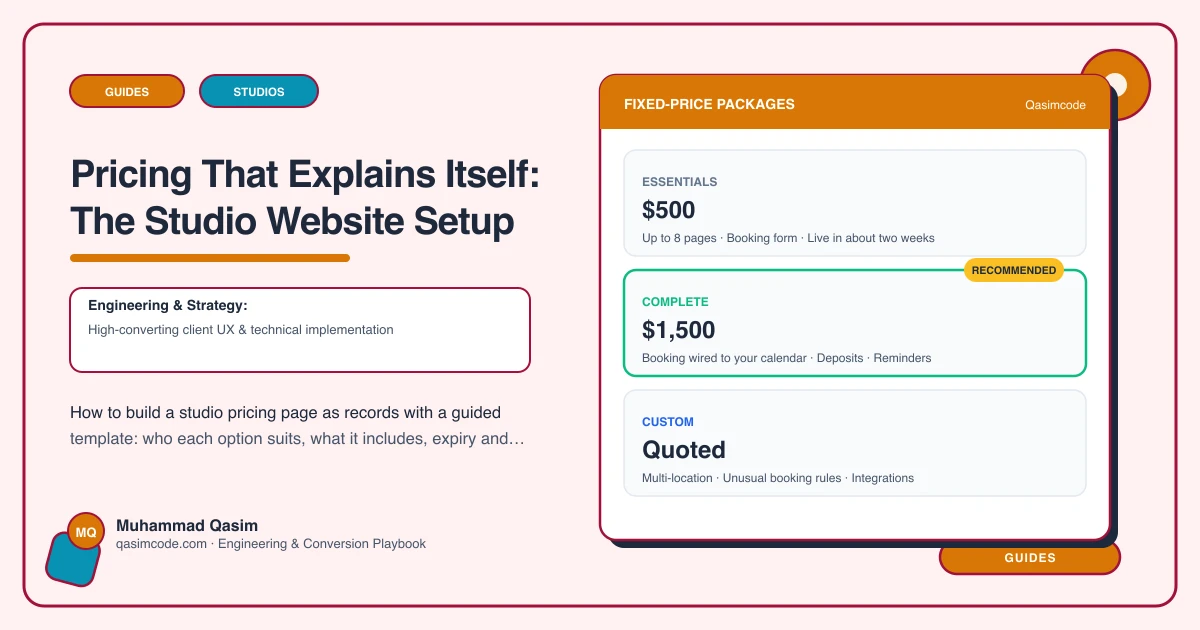
The two jobs of a pricing page
It has to help a stranger choose, and it has to be editable by the manager when prices or packs change. Most studio pricing pages do neither: a grid copied from the platform that explains nothing, hard-coded into a page that needs a developer to change. Here is how to build one that does both.
The records
Each pricing option is a record with fields:
| Field | Purpose | |---|---| | Name | "Unlimited monthly" | | Type | Intro, drop-in, pack, membership, annual, concession | | Who it suits | The plain-words line: "Coming twice a week or more" | | Price | Number; currency from site settings | | Per-class equivalent | Optional; computed or entered | | What it includes | Classes, class types, guest passes, extras | | Validity or term | "8 weeks", "Rolling monthly", "12 months" | | Cancellation and pause | One sentence each | | Eligibility | New clients only, students, off-peak | | Platform link | The checkout deep link or option ID | | Featured | Flag for the intro | | Order | Display position |
The manager edits any of these in the admin. Adding a pack is filling the form. The Buy button is built from the platform link field, so it never rots.
The template, in two parts
Part 1: the guide. Renders the "who it suits" lines as a short set of questions and answers, intro first:
Trying it out? First class free. Once a week or less? 4-class pack, £X, valid 8 weeks (£Y a class). Twice a week or more? Unlimited monthly, £X, cancel any time with 30 days' notice. Committed? Annual unlimited, £X, saving £Y.
Each with its Buy button.
Part 2: the full table. Every option with all fields, for people who want detail. Grouped by type. Concessions and off-peak here.
Then a short FAQ from the edge cases: expiry, cancellation, pausing, missed classes, joining fees, sharing.
Writing the "who it suits" lines
One sentence per option, from the visitor's side, naming the habit rather than the product. Not "Our most popular membership" but "If you come twice a week or more, this is cheaper than packs." Reception knows which questions people ask at the desk; those are the lines.
Honest comparison
Compute the per-class equivalent and show it. State when unlimited beats the pack. A page that helps the visitor pick the cheaper option for their habit sells more, because the visitor trusts the rest.
Keeping it matched with the platform
The platform charges the price; the site displays it. Two options: the manager changes both the same day and reads the page against the platform quarterly; or, where the platform's API exposes pricing options, the site reads them and there is one copy. Ask which your platform supports.
Where prices appear beyond the page
- Class-type pages: "Drop in for £X or start with the intro", with links.
- The first-class page: the intro offer.
- Instructor pages: the intro offer.
- Structured data:
Offermarkup on the pricing page so search can show prices.
Changes and increases
Change the price field; add an "effective from" line; let the platform's confirmation state that existing members' terms are honoured per their agreement. The platform handles the contractual side; the site states it plainly.
The edge-case FAQ
Written once, edited rarely, answering: when packs expire and whether they can be extended; how to cancel or pause a membership and the notice; the late-cancel and no-show policy; joining fees; whether packs can be shared; concessions and proof; what happens to unused classes. Every unanswered edge case is a DM or a lost sale.
Testing
Ask three people who have never visited to read the page and say what they would buy. If anyone hesitates, rewrite the line that stopped them. Then check every price against the platform and every Buy button opens the right option.
Where this sits
Pricing as records with a guided template, editable by the manager and deep-linked to the platform, is how every studio website we build handles it. The grid is still there for those who want it; the guide above it is what sells the intro and the membership to the person who did not know which to pick.