Six tests, ten minutes
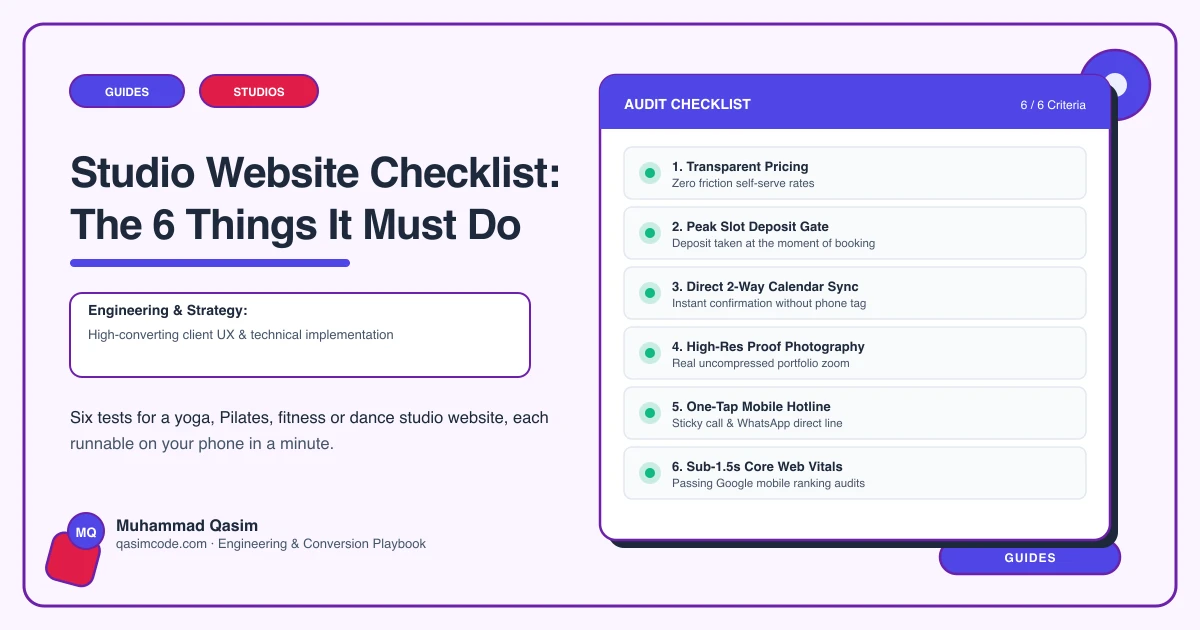
A studio website has six jobs. Each has a one-minute test on your own phone. The first two are the funnel; if either fails, fix it first.
1. Sell the intro offer in under a minute
Test: open the site on your phone. Without scrolling, is there an intro offer button? Tap it. Complete the purchase with a test card, counting screens and taps.
Pass: offer visible on landing; purchase done in under a minute and under six screens; confirmation received with a link to book the first class.
Fail: offer buried; account creation with email verification before you can see the price; ten screens.
Fix: intro button in header and hero on every page; the platform's shortest checkout deep-linked to the intro option; minimal fields; first class chosen after payment.
2. Appear in under two seconds
Test: private window, mobile data. Load the home page and a class page. Count.
Pass: under two seconds; Core Web Vitals Good on mobile in Search Console.
Fail: a black screen while a video loads; Poor in Search Console.
Fix: still hero sized and prioritised; no autoplay video above the fold; images compressed and lazy-loaded; scripts trimmed; decent hosting.
3. Show a live, filterable timetable on your domain
Test: open the timetable. Is it on your site? Can you filter to one class type? Is it today's real schedule? Book a class.
Pass: embedded, filterable, live, bookable.
Fail: a link to the platform's page in a new tab; a PDF; a screenshot.
Fix: the platform's schedule widget embedded on a dedicated page, with class-type pages deep-linking to filtered views.
4. Explain the pricing to a stranger
Test: read the pricing page as someone who has never done this. Do you know which option to buy if you would come once a week? What happens when a pack runs out?
Pass: options explained and compared in plain words, intro first, expiry stated, each with a Buy button.
Fail: a grid of names and numbers.
Fix: pricing as records with a plain-words template: who it suits, what it includes, expiry, Buy deep-linked.
5. Reassure the first-timer and show the room
Test: find "your first class". Would a nervous beginner know what to wear, where to park, what happens? Find photos of real members in your real space.
Pass: a first-class page and real photography within a minute.
Fail: no first-timer content; stock imagery.
Fix: a first-class page written for the nervous; a photographer for a morning in a real class.
6. Know what it sold
Test: ask your manager how many intro offers and memberships the website sold last month and from which pages and sources.
Pass: the numbers are known.
Fail: "Instagram does well, I think."
Fix: events for intro clicks and purchases, bookings and membership purchases; UTM tags on the bio link; the platform's sales-by-source report; a monthly look.
Scoring
Six of six: the site is working; add class-type pages and keep the photos real. Four or five: fix the failures, no rebuild. Three or fewer with 1 or 2 failing: the site is losing members weekly and the fixes cost less than a few of them.
Where this sits
This is the launch checklist for every studio website we build and the first ten minutes of a diagnosis on an existing one. Most studio sites fail at least three, and the intro flow is the fix that changes the numbers fastest.