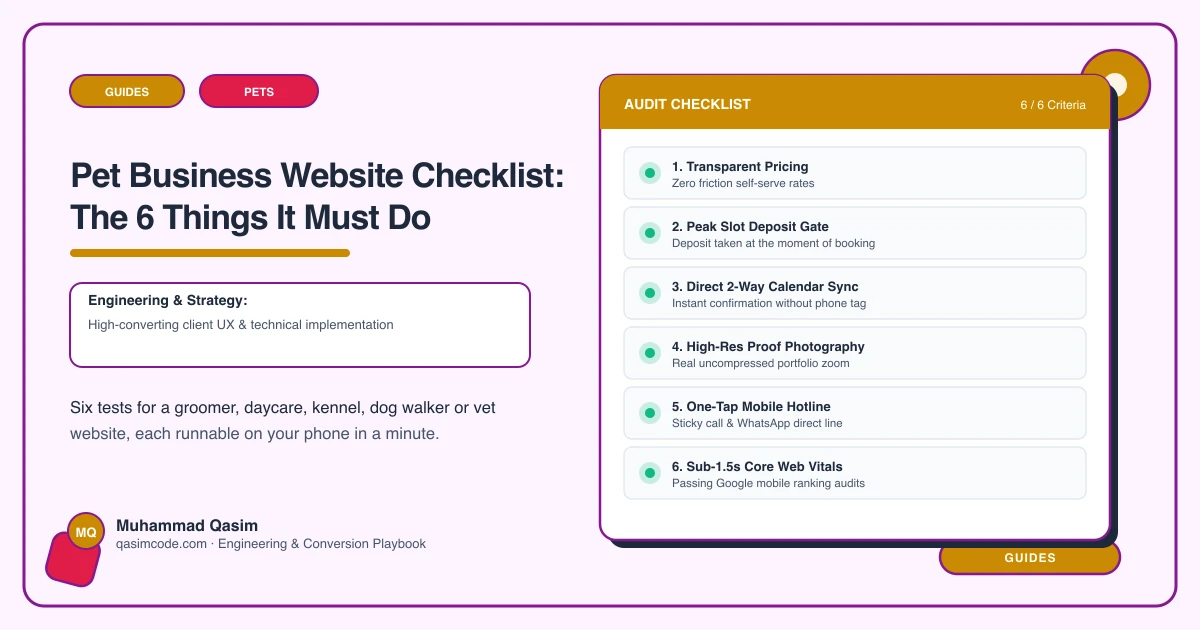
Six tests, ten minutes
A pet business website has six jobs. Each has a one-minute test on your own phone. The first three are the path from an owner's question to a booking.
1. Answer "how much for my dog"
Test: as a stranger, find the price of your main service for a medium dog with a curly coat. Time it.
Pass: a matrix by size and coat on the service page, found in under thirty seconds, matching what you charge.
Fail: "from £X"; "prices on request"; a single number for all dogs.
Fix: prices as a size-and-coat matrix on service records, editable, matching the platform's pricing, with a note on what moves it.
2. Book in one tap with the pet captured
Test: without scrolling, tap Book. Is the service pre-selected? Does the flow ask for the pet's details and vaccinations?
Pass: one tap to the platform's booking with the service chosen, pet profile and vaccination capture in the flow.
Fail: Book in a menu; a contact form; a platform page where you search for the business again; pet details collected later by phone.
Fix: a header Book button deep-linked per service; the platform's intake configured to capture pet, vaccinations and consent.
3. Appear in under two seconds
Test: private window, mobile data. Load the home page and a service page. Count.
Pass: under two seconds; Core Web Vitals Good on mobile.
Fail: blank, then a slider of puppies.
Fix: images sized and compressed, hero prioritised, gallery lazy-loaded, slider removed, decent hosting.
4. Show the premises and the people
Test: find photos of every space an animal would be in at your business, and of your team.
Pass: a premises page with real photos of kennels, play areas, grooming room, van, overnight space, and the team with their own animals.
Fail: stock photos; a single exterior shot.
Fix: a photographer for a morning, or a good phone in daylight; a premises tour page and photos on every service page.
5. Tell owners what you need before the first visit
Test: find what vaccinations you require, whether a trial or assessment is needed, what to bring, and how consent is given.
Pass: a "before your first visit" page found within a minute, and the requirements captured in the booking flow.
Fail: nothing until a phone call after booking.
Fix: a first-visit page per service type (grooming, daycare, boarding, walking), and the platform's intake forms.
6. Know what it produced
Test: ask whoever runs the desk how many bookings and enquiries came from the website last month, by service.
Pass: known, by page.
Fail: "quite a few, I think."
Fix: events for booking clicks, calls and forms by page and service; the platform's new-client source report; a monthly look.
Scoring
Six of six: the site is working; keep the premises photos fresh and add service pages. Four or five: fix the failures, no rebuild. Three or fewer with 1, 2 or 3 failing: the site is losing regulars every week, and each regular is years of visits.
Where this sits
This is the launch checklist for every pet business website we build and the first ten minutes of a diagnosis on an existing one. Most pet sites fail at least three, and the price matrix is the fix that stops the phone ringing with the question the site should have answered.