The short answer
Acuity, Calendly, Paperbell, CoachAccountable and Practice Better. All five show your real availability, take the booking, collect intake answers, send the video link and reminders, and take payment for sessions and packages. Any of them will do the job on a coaching or therapy website. Which one depends on the kind of practice, and some practice types have tools of their own that fit better. Here is the longer answer.
What each one is for
Acuity is a general scheduler that happens to suit therapists and coaches very well: appointment types with their own durations and prices, intake forms per type, packages and gift certificates, payment through Stripe, Square or PayPal, Zoom, Google Meet and Teams links sent automatically, and an embed or a link to a scheduling page. If you want one tool that does everything adequately and costs little, this is it.
Calendly is the simplest to set up and the one most clients have already used. Event types, availability, routing questions, video links, and payment on the paid tiers. Best for discovery calls and for coaches whose paid work is invoiced separately.
Paperbell is built for coaches specifically: packages with a price, a payment plan and a contract, sold from a checkout page; scheduling of the sessions in the package; a client area for notes and files. If you sell programmes rather than single sessions, this removes the invoicing and the chasing.
CoachAccountable is for coaches who run structured programmes with homework, worksheets and progress between sessions. Scheduling and payment are there, but the reason to choose it is the accountability layer.
Practice Better is built for health and wellness practitioners: intake forms and questionnaires, protocols and plans, a client portal, telehealth, and booking with payment. Nutrition and health coaches choose it because the intake and the client record matter as much as the calendar.
By practice type
| Practice | Tools that fit | |---|---| | Life, business, career coaches | Acuity, Calendly, Paperbell | | Health and nutrition coaches | Practice Better, Healthie, Acuity, Paperbell | | Hypnotherapists | Acuity, Calendly, Zanda, WriteUpp | | Reflexologists and holistic therapists | Fresha, Acuity, Timely, Cliniko | | Relationship and family therapists | Jane, Zanda, SimplePractice, Acuity | | Doulas | Acuity or Calendly for the chat; TeamUp or Bookeo for antenatal classes | | Sleep consultants | Acuity, Calendly, Paperbell |
The pattern: coaches lean to the general schedulers and Paperbell; anyone whose work is closer to a clinic, with notes and records, leans to a practice-management tool that also books. Holistic therapists booking treatments with deposits use the same tools salons and clinics do. Hypnotherapists and relationship therapists often want the record-keeping. Doulas need two things, a chat booking and a class enrolment, and no single tool does both well.
Four questions to choose by
- Do you sell packages or single sessions? Packages with payment plans point to Paperbell; single paid sessions to Acuity; free calls to Calendly.
- Do you keep clinical-style notes? If yes, a practice-management tool that also books saves running two systems.
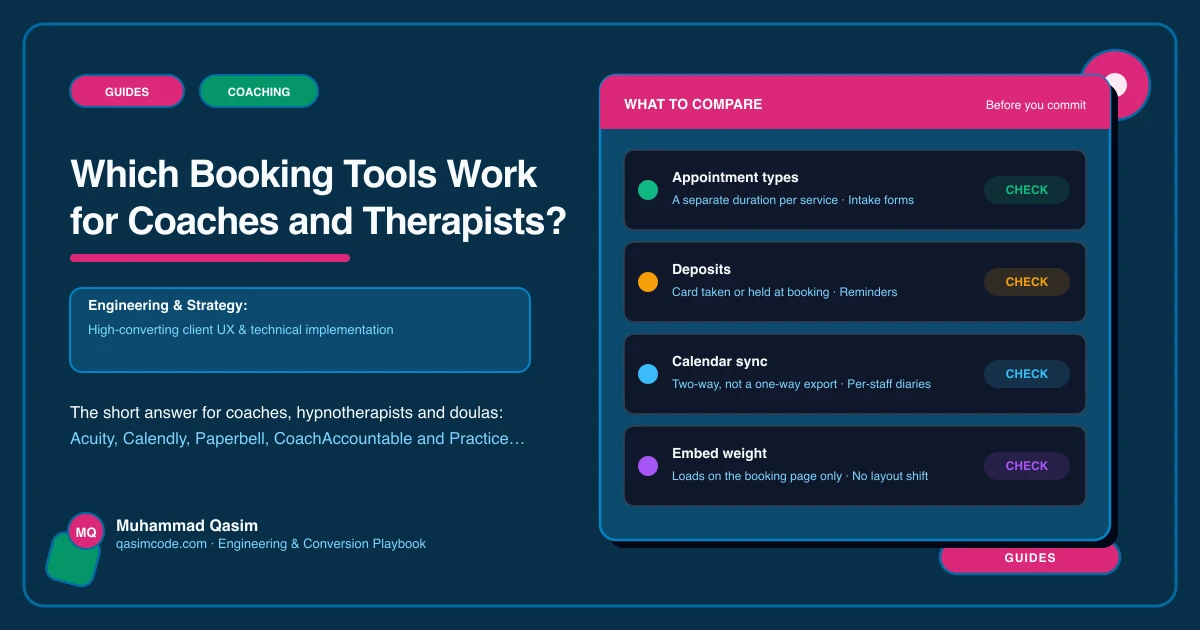
- Do you take deposits? Acuity, Fresha, Timely and Cliniko all do; check your choice does before committing.
- Where do your clients live? Data agreements differ by country. UK and EU practitioners handling health-adjacent data should check the tool's GDPR position; Australian and Canadian practitioners their local equivalents.
What they all need from the site
The tool takes the booking. The site does the rest: a Book a session page that says what the first step is, who-I-work-with pages with Book buttons that pre-select the right appointment type, the prices stated before the client reaches the tool, and a thank-you page on your domain so completions are counted. Put the embed on one page only, and link to it from everywhere else, so the rest of the site stays fast.
What to avoid
- Two tools doing the same job because you tried both and never cancelled one.
- The tool's hosted page as your only booking route, with no way back to your site.
- An intake form with fifteen questions at booking.
- A tool with no payment when you have paid first sessions; the invoice chase is where sessions are lost.
Where this sits
We wire whichever of these tools you already use into your coaching practice website, or help you choose one if you are starting out. The tool holds the calendar; the site is what makes the right client press Book, and that is the part we build.