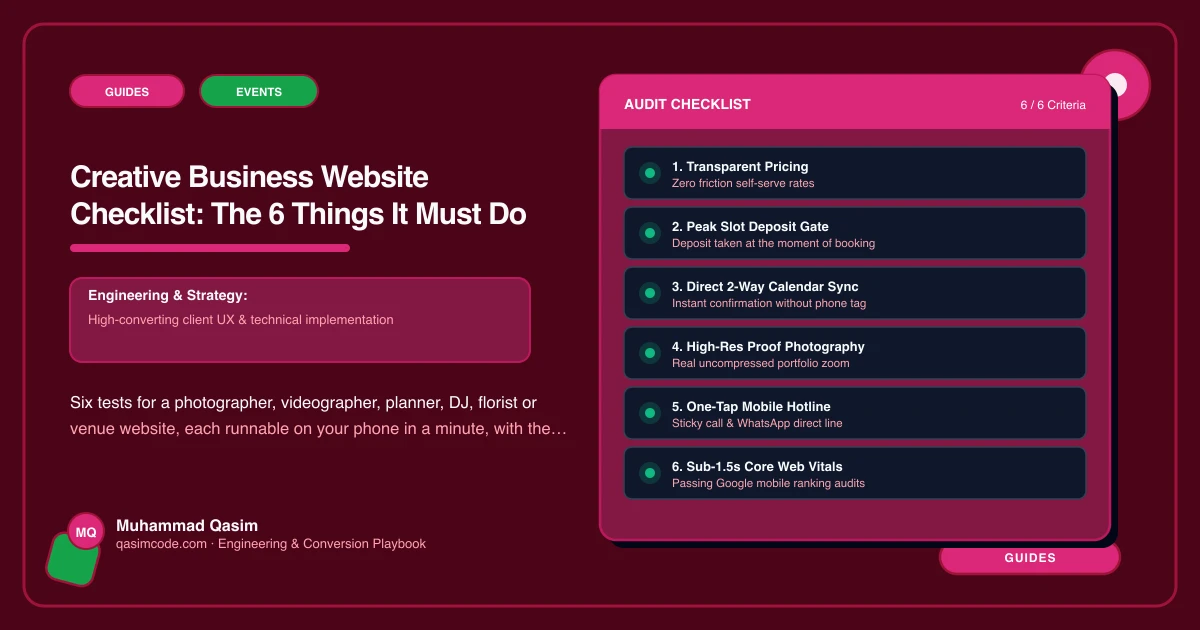
Six tests, ten minutes
A creative business website has six jobs. Each has a one-minute test on your own phone. The first three are the path from a couple's scroll to a date-check enquiry; if any fails, fix it before anything else.
1. Show the work in under two seconds
Test: private window, mobile data. Open your portfolio page. Count until the first image appears, then until the gallery stops loading.
Pass: first image inside a second, full gallery under two; Core Web Vitals Good on mobile in Search Console.
Fail: a blank screen, a spinner, a full-screen video that has not started; Poor in Search Console.
Fix: every image compressed and sized automatically, lazy-loaded, first image prioritised, video embedded with a poster and no autoplay. Slow portfolios are the most common failure of creative websites and the first thing a couple notices.
2. Answer "how much" without a reply
Test: as a stranger, find what your main package starts at and what is included.
Pass: a Packages and prices page with from-prices and inclusions, found in under thirty seconds.
Fail: "enquire for pricing"; a PDF; a single figure with nothing listed.
Fix: packages as records with from-price and inclusions, editable by you, matching the packages in your studio tool. Full packages can follow the enquiry.
3. Take the date enquiry properly
Test: open the enquiry form. Does it ask for the date, the venue, the guest count and the budget? Submit a test. Where does it land, and what comes back?
Pass: a Check my date form with those fields, landing in HoneyBook, Studio Ninja, Dubsado, Light Blue or Tave as a lead, with an automated reply and price guide inside a few minutes.
Fail: name, email, message; an email to an inbox; nothing back until you are off the shoot.
Fix: the date-check form wired to your tool, an automated first reply, a same-day personal follow-up.
4. Book the small jobs instantly
Test: try to book and pay for a portrait session, a consultation, a tasting or a viewing without waiting for a reply.
Pass: live booking with a deposit through Acuity, Session or your studio tool, deep-linked from the session page.
Fail: the same enquiry form as a wedding; a DM.
Fix: session pages with duration, price and a Book button, deposit taken at booking. Portrait studios and children's entertainers especially.
5. Show the person and the proof
Test: find a photo of you, a paragraph on how you work on the day, and three reviews with first names.
Pass: an About page with the person; reviews with permission beside the enquiry button on the pages that matter.
Fail: a logo and a mission statement; testimonials on a page nobody opens; reviews with no names and no permission.
Fix: an About page written in the first person with a real photo (video for celebrants and planners); reviews collected with consent and placed near the buttons.
6. Know what it produced
Test: how many date-check enquiries and session bookings came from the website last month, and from which page?
Pass: known, by page, with the source recorded in your studio tool.
Fail: "a few, I think, mostly Instagram."
Fix: events for enquiry submissions and bookings by page; the tool's lead source filled from the form; a monthly look.
Scoring
Six of six: the site is working; keep the portfolio edited and add a page for the next kind of work you want. Four or five: fix the failures, no rebuild. Three or fewer with 1, 2 or 3 failing: the site is losing dates every week, and a single booked wedding or event covers the fixes.
Where this sits
This is the launch checklist for every photography and events website we build and the first ten minutes of a diagnosis on an existing one. Most creative sites fail at least three, and the fast portfolio is the fix everything else depends on.