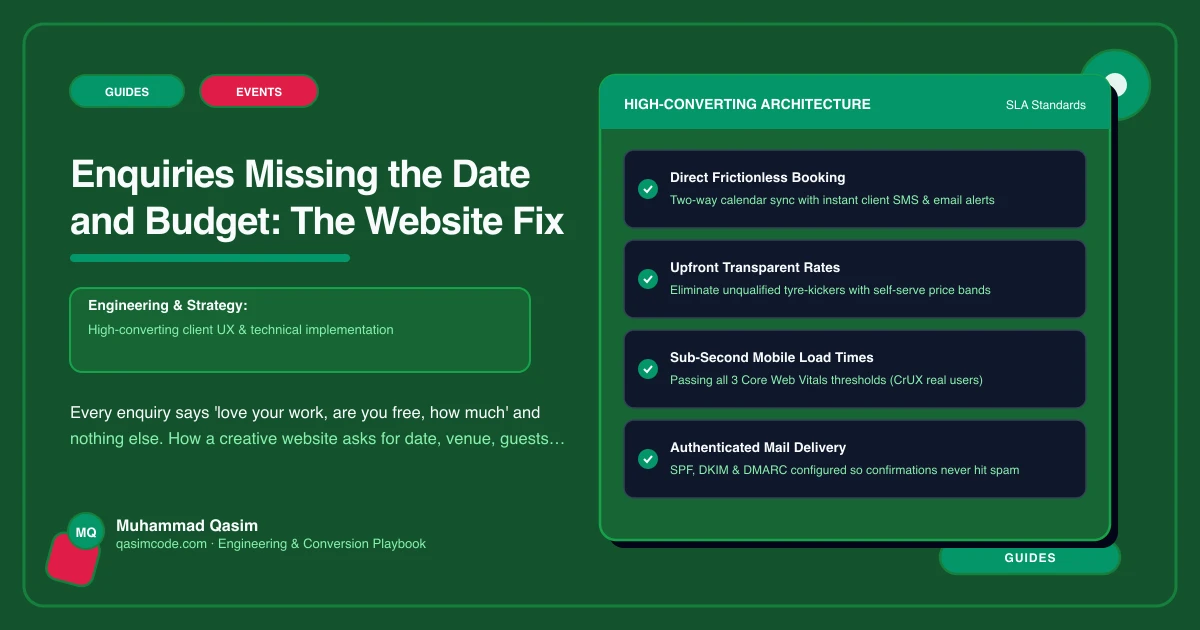
The enquiry that is not an enquiry
"Hi, we love your work. Are you available for our wedding and what are your prices?" No date. No venue. No idea of numbers or budget. You reply asking. They answer one question. You reply again. By the time you know whether you are free and whether they can afford you, a week has gone, and they have booked someone who answered on Sunday night.
The form on most creative sites is name, email, message, so that is what it gets. The fix is to ask for what you need to reply usefully, and to make the first reply automatic.
1. The Check my date form
Replace the contact form on the wedding and events pages with a date-check form. Not a contact form with more fields, a different form with a different name, because "Check my date" is what the couple is actually doing.
The fields: name; email; event date (a date picker, with "not fixed yet" as an option); venue or town; approximate guest count; budget range as a dropdown with bands that match your packages; how they found you; a short box for anything else. Mobile number optional.
Why each: the date tells you whether to reply at all. The venue tells you travel and whether you know it. Guests tell a planner, caterer or DJ the scale. The budget band, phrased as a range and offered as a dropdown rather than a blank box, is the one couples fill in when it is easy and skip when it is a question. Eight fields sounds a lot; couples fill it in because every field is obviously about their day.
Per sub-type: a florist adds colours, items needed and a mood board upload. A DJ or band adds timings and event type. A caterer adds service style and dietary needs. A venue checks the date against its calendar. A commercial photographer has a brief form instead: deliverables, usage, deadline, budget.
2. Where it lands
The form should create a lead in your studio tool with the fields mapped, not send an email you re-type. HoneyBook, Dubsado, Studio Ninja, Tave and Light Blue all provide a lead form you can embed or a way to feed one from the site's own form. The date goes into the date field, the budget into the budget field, and the lead appears in your pipeline with the source recorded as the website page it came from.
3. The automatic first reply
Within minutes of submission, the tool sends a reply in your voice: thanks, the date is noted and you will confirm availability shortly, the price guide is attached or linked, here is a link to book a fifteen-minute call. Couples who enquire with three photographers on a Sunday night remember the one who replied that night.
Then the personal reply, the same day where you can: free or not, and if free, a proposal from the tool with the package that fits the budget band they chose.
4. From-prices before the form
Many of the "how much" enquiries disappear when the Packages and prices page carries from-prices with inclusions. The couples outside your range do not enquire; the ones in range arrive already knowing, and pick a budget band that matches. Link the packages page from the form and the form from the packages page.
5. The small jobs skip the form
Engagement sessions, portraits, consultations, tastings and viewings do not need a date check. They need a Book button with live availability and a deposit through Acuity, Session or your studio tool. Keeping them off the date-check form keeps the form for the enquiries that need a human.
6. The thank-you page
After submitting: what happens next, when they will hear from you, the price guide link again, and the consultation booking link. Not a redirect to the home page. Fire the analytics event here, with the page the enquiry came from.
What changes
Enquiries that arrive with the date, venue, guests and budget can be answered in one reply, often with a proposal. The ones outside your range or on a date you are booked take a minute instead of a thread. And the studio tool's reporting starts to show which page and which kind of work produces the enquiries that book.
Where this sits
The Check my date form wired to the studio tool, the automated first reply and the from-prices in front of it are part of every photography and events website we build. The enquiry should arrive ready to answer, and a form that asks the right questions is how it does.