Yes, at any size
A hundred-image gallery can load in under two seconds on a phone. It usually does not, because the images were uploaded straight from the export folder at full resolution, the gallery loads all of them at once, and the showreel autoplays over the top. None of that is necessary. The fix is done once, in how the site handles images and video, and the portfolio then stays fast however much you add to it.
Here is the direct answer, then the detail.
The answer in one paragraph
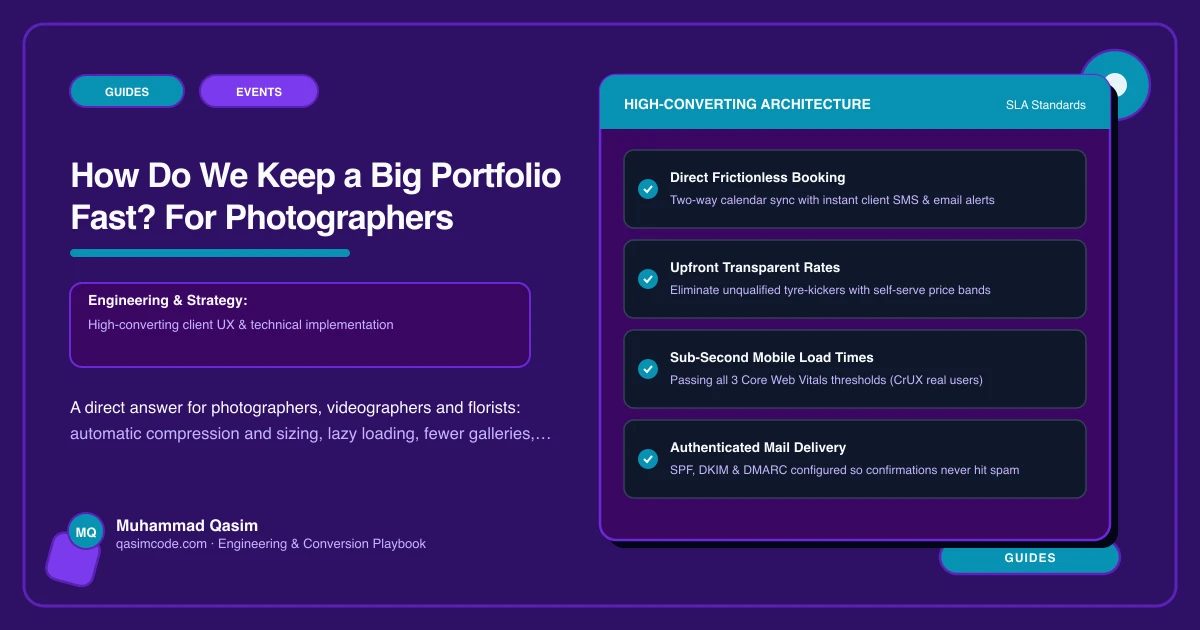
Every image is compressed and resized automatically on upload into several sizes and a modern format. The browser is served the size that fits the screen it is on, and only the images about to come into view are loaded. Video is hosted on Vimeo or YouTube, shown as a poster image, and loads only when someone presses play. Galleries are curated to fewer, better images. Do those four things and a big portfolio is fast; skip any one of them and it is not.
Automatic compression and sizing
You upload the full-size export. The site makes the versions: a thumbnail for the grid, a medium size for phones, a large size for desktop, and a full-screen size for the lightbox, in WebP or AVIF with a JPEG fallback. Each is compressed to a quality level that a couple on a phone cannot tell from the original. A 6 MB image becomes a 60 KB thumbnail and a 250 KB phone image. The full-size file is kept for print sales and never sent to a browser.
This has to be automatic. A process that depends on you running an export preset every time will be skipped in a busy September, and one skipped upload makes a page slow.
Serve the right size
The page tells the browser which sizes exist, and the browser picks the one that matches its screen and density. A phone never downloads the desktop image. The first images on the page, the ones visible on landing, are given priority so they appear immediately; everything below is lazy-loaded as the visitor scrolls. Space is reserved for each image before it arrives, so the page does not jump.
Fewer galleries than you think
The wedding photographers whose sites convert best show a full wedding story or two and a highlights set, not forty weddings. A couple decides on range and consistency, and they decide in the first twenty images. Organise the portfolio by type, weddings, engagements, portraits, commercial, and within each type show one full story and a curated set. Florists organise by style and by season. Commercial photographers organise by industry and use, because the buyer is looking for work like theirs.
Full galleries for booked clients live in your delivery tool, not on the public site.
Video that waits to be asked
For videographers and DJs and bands, video is the portfolio, and video is where sites become slow. Host on Vimeo or YouTube. On the page, show a poster image, sized like any other image, with a play button. The player and the video load only when the visitor presses play. Never autoplay, never a background video hero on a phone. Audio clips for acts work the same way: short, with a press-to-play control.
Paging and the lightbox
A grid loads twenty-four images at a time and fetches the next set on scroll. Tapping an image opens a lightbox that loads the large size and preloads the next two, so swiping is instant. The lightbox carries the gallery name and a Check my date button, because a couple who has just swiped through a full wedding is ready to ask.
Measuring it
Test on a phone, on mobile data, not on the studio wifi. Google's PageSpeed Insights gives the field numbers: Largest Contentful Paint under 2.5 seconds is the target for the first image, and no layout shift as the rest arrive. Check the portfolio page, not just the home page, because the portfolio is where couples spend the time.
What breaks it later
- Uploading through a route that bypasses the processing, a page builder's media library or a raw file field.
- A gallery plugin that loads every image on the page in full.
- Autoplay added to the home page hero "just for the reel".
- A third-party review or Instagram widget that loads fifty images of its own.
- Hosting that does not serve images from a CDN, so visitors abroad wait on one server.
The care plan for a creative site checks the portfolio speed monthly, because a slow portfolio is the first thing a couple notices and the last thing the owner does.
Where this sits
A portfolio that loads fast at any size, organised by type and compressed automatically, is the first of the six essentials on every photography and events website we build. Slow portfolios are the most common failure of creative websites, and the most common reason a business that does beautiful work loses the enquiry to one that does not.