What Acuity gives a lesson provider
Acuity Scheduling shows real availability from a calendar, takes a booking against an appointment type, collects payment or a deposit, sends confirmations and reminders, and can run several staff calendars so each teacher has their own diary. For lesson providers that maps neatly onto a trial lesson booked with a named teacher, and onto one-to-one lessons and packages afterwards.
It offers a hosted scheduling page on its own domain and embeddable code for your site. The performance question is entirely about where that embed goes. The answer: on the pages where somebody is booking, and nowhere else.
The rule
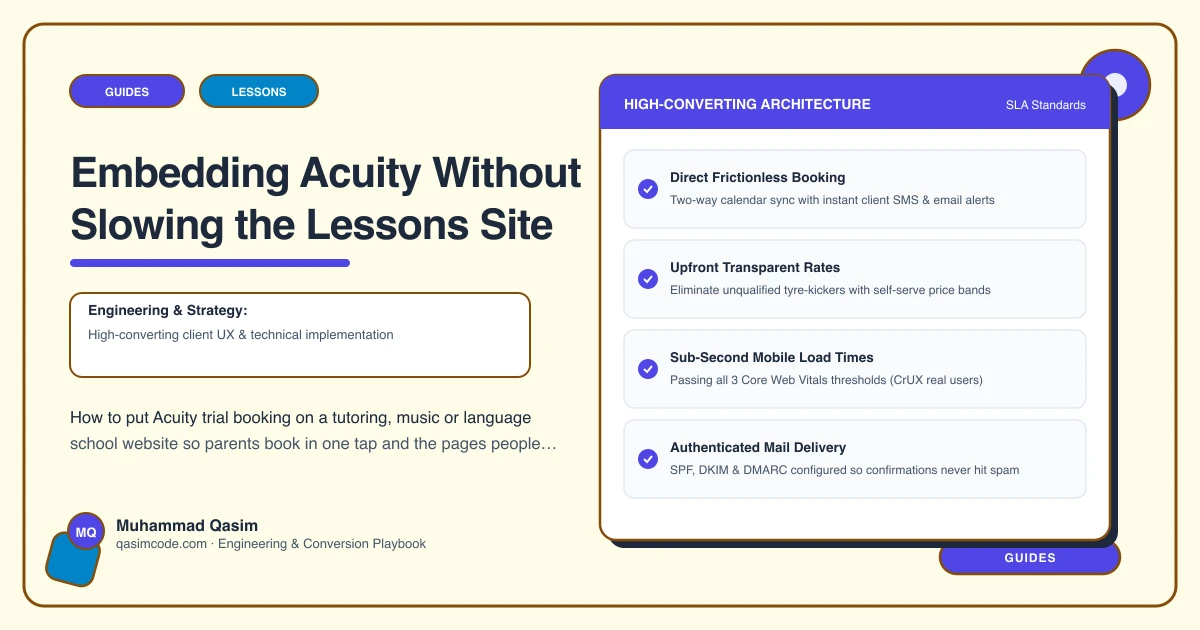
Nothing from Acuity loads until the reader taps Book a trial. Subject pages, teacher profiles and the fees page are for reading and ranking; they carry buttons that link to booking. One dedicated page carries the embed.
A scheduler widget dropped into the footer of every page makes the whole site slower for the large majority of visitors who are reading rather than booking, and it is the most common performance mistake we find on lessons sites.
Configure Acuity first
Before touching the website:
- Appointment types for each thing that can be booked: trial lesson by subject, thirty and sixty minute lessons, an assessment or placement session, an online trial as its own type so the location is unambiguous.
- Calendars per teacher, with real availability, buffers and travel time where lessons are at the student's home.
- Intake questions kept short: student name, age, level, subject, and anything the teacher needs before the first lesson.
- Payment, if the trial is paid, or none if it is free.
- Confirmations and reminders in your own voice, with what to bring, where to park or the joining link.
- Time zone correct, and stated on online appointment types.
Book a test trial from a phone before wiring anything into the site.
The booking page
One page, /book-a-trial, with the embed, a line of reassurance ("Pick a subject, a teacher and a time; you will get a confirmation straight away"), the phone number for anyone who would rather ask, and nothing else. No gallery, no reviews widget, no map.
Keep it fast:
- Reserve the embed's height in CSS so the page does not shift as the scheduler loads.
- Preconnect to Acuity's domain in the head of this page only.
- Load the embed script on this page, not site wide.
- Do not stack a chat widget and a review widget on the same page.
Deep links from subject pages and profiles
This is where the conversion is won. Acuity's scheduling links accept parameters that preselect an appointment type, a calendar and a date, so:
- The piano page's Book a trial button opens the booking page with the piano trial preselected.
- A teacher profile's button opens it with that teacher's calendar selected.
- The online lessons page's button opens the online trial type.
The parent sees times for the thing they were reading about, not a menu of eleven appointment types they have to interpret. Check the current parameter names in Acuity's own documentation, since they change from time to time.
Where the buttons go
Header on every page. Under the first section of the home page. At the end of every subject page and every teacher profile. At the foot of the fees page, once the reader has accepted the number. On the online lessons page. Each with the same words, "Book a trial", so it is recognisable everywhere.
When the embed is the wrong choice
Two cases. If a parent is arriving from an in-app browser inside Instagram or Facebook, embeds sometimes misbehave; link those entry points to the hosted Acuity page instead and make sure your logo there links back to the site. And if you run classes and courses rather than one-to-one lessons, a class platform such as TeamUp, ClassForKids or Arlo is the better tool and the same rules about placement apply to its embed.
Tracking
- A
booking_clickevent on every Book a trial tap, with the page, the subject and the teacher as parameters. - A
booking_startwhen the embed loads on the booking page. - Acuity's own reporting for bookings by appointment type.
- Monthly, read them together: which subject pages and which profiles produce trials, and which produce nothing.
The monthly check
From a phone, on a real connection: tap Book a trial from a subject page, complete a booking, confirm the confirmation and the reminder arrive, and check it lands in the right teacher's calendar. Then delete the test. Scheduling tools update their embeds and their payment flows quietly, and you want to be the one who finds out.
Common mistakes
- The scheduler embedded on every page or in the footer.
- No preselected appointment type, so every parent starts from a long dropdown.
- Availability that is not real, producing a booking the teacher has to move.
- Intake forms with fifteen questions.
- A hosted Acuity page used as the social media link, with no route back to the site.
Where this sits
Acuity is one of the tools we wire into lessons websites most often, and this arrangement, one booking page, deep links from subject pages and teacher profiles, and nothing loading anywhere else, is the version that keeps the site fast and the trials arriving. Acuity runs the diary; the site gets the parent into it in one tap.