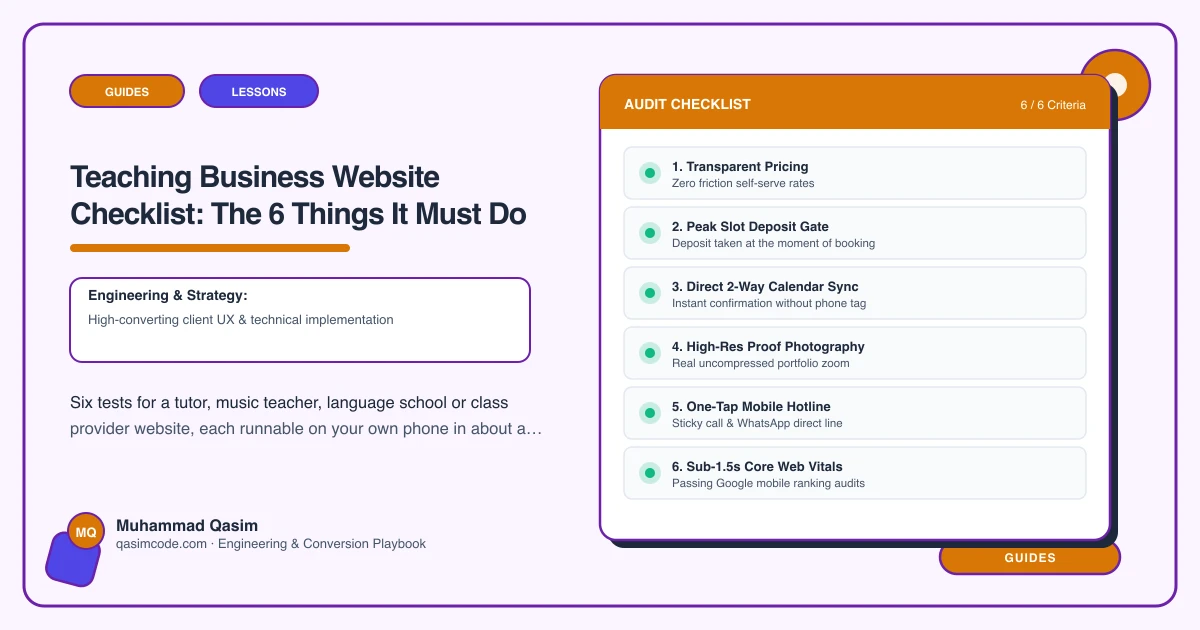
Six tests, ten minutes
A teaching website has six jobs. Each has a one-minute test you can run on your own phone this evening, which is when your visitors are running it. The first three are the path from a parent's interest to a booked trial. If any of those fail, fix them before anything else.
1. Book a trial in two taps
Test: open the site on your phone. Without scrolling, is there a Book a trial button? Tap it. Do you see real available times?
Pass: a booking button in the header on every page, going to live availability in Acuity, TutorBird, My Music Staff, TeamUp, ClassForKids or Arlo, with the subject carried through where the tool allows.
Fail: a Contact button; a form that promises a call back; a booking page listing times you have to request by email.
Fix: wire the booking tool in and deep-link it from every subject page. Keep the enquiry form as the second option, not the only one.
2. Find the fee in thirty seconds
Test: from the home page, find what a weekly lesson costs and what a term costs. Time it.
Pass: fees per lesson, per term and per course, on their own page and repeated on each subject page, with what the term covers and how it is collected.
Fail: "fees on enquiry"; a single price with no term context; a fee buried inside the booking widget.
Fix: publish the fees. If they vary by teacher or level, publish the range and say what moves it.
3. Prove who is teaching
Test: find one teacher's qualifications and their vetting status. Then find a real photograph of them.
Pass: a profile per teacher with qualifications named, vetting stated in the terms your country uses, ages and levels taught, an approach in a few sentences, and a real photo. Parent reviews nearby, used with permission.
Fail: "our tutors are all qualified and DBS checked" as a single line with no names; stock photography.
Fix: a profile page per teacher, linked from every subject page they teach. Safeguarding and vetting requirements differ by country, so state yours accurately rather than borrowing wording from another market.
4. Have a page for each thing you teach
Test: search for your main subject plus your town, in a private window. Does a page of yours appear, and is it about that subject?
Pass: a page per subject or instrument, each with levels, lesson length, fee, teacher and a booking button.
Fail: one Lessons page with a bullet list; enquiries arriving for instruments or subjects you do not teach.
Fix: build the pages for the three subjects you most want to fill first, then the rest as a template.
5. Show the timetable and what comes after the trial
Test: if you run classes, find the current timetable and check the term it covers. Then find what happens after a trial: how the weekly slot is agreed, how the term is billed, and the cancellation policy.
Pass: a live timetable filterable by day, age or level, bookable from each row, and a short section explaining trial, slot, term payment and policies.
Fail: a PDF from last term; nothing at all about what enrolment involves.
Fix: publish the timetable from your platform. Write the enrolment sequence once and place it on the fees page and beside the trial button.
6. Know what the site produced
Test: ask yourself, or whoever handles admin, how many trials the website booked last month and which pages produced them.
Pass: the number is known, by subject page and teacher profile.
Fail: "a few, I think."
Fix: track trial bookings and enquiry submissions with the page as a parameter, and look at it once a month. It tells you which subject page to write next.
The extra one for online
If you teach online at all, add a seventh test: can a visitor find how online lessons work, what they need, and whether the fee differs? Online tutoring is a search in its own right and the reader may be nowhere near your town. An online lessons page is a small amount of writing for an audience that would otherwise never find you.
Scoring
Six of six and the site is working; keep adding subject pages and keep the teacher profiles current. Four or five and the failures are fixable without a rebuild. Three or fewer, with tests 1 or 2 among them, and the site is losing students every week to providers who published a fee and a calendar.
Where this sits
This is the launch checklist for every education and lessons website we build and the first ten minutes of a diagnosis on an existing one. The fee test and the trial test are the two that most sites fail, and they are also the two that change the diary fastest.