Two people, two routes
A life events website has two visitors with almost nothing in common.
The first has just been bereaved. They need a number, answered now, and a form for the moment when they cannot speak. Nothing should be between them and that.
The second is planning ahead. They are considering a pre-paid plan, thinking about a will, or arranging a memorial months after a loss. They are calm, comparing, and often browsing in the evening. They want an appointment at a time that suits them, and they will happily book it themselves.
Build one route for each and keep them apart. The commonest mistake on these sites is a single Contact page that serves neither.
Route one: the urgent call
A tap-to-call button in the header of every page with the hours beside it, and the words "Answered 24 hours" where that is true. A repeat of the button at the foot of every page. On phones, a quiet fixed bar with Call and Message.
Say what happens when someone calls out of hours. If an answering service takes the call first, say so and say what they will do. If the call reaches a member of staff directly, say that, because it is a genuine difference and families care about it.
The recorded message outside hours matters as much as the site. It should say when you open, what a caller should do if a death has just happened, and, where true, that nothing else needs deciding tonight.
Route two: the gentle message
Not everyone can speak. A short form, five fields, is the alternative: name, phone, email, what it concerns, and a message box. No required dropdowns, no marketing consent as a condition of sending, no captcha that defeats an eighty year old.
Under the button, one line about how quickly you reply and the number again for anything urgent. After sending, a page confirming it arrived, when a reply will come, and the number once more.
Messages about a death are sensitive personal data. They should reach a monitored inbox or your practice software over an encrypted connection, be kept only as long as needed, and never be added to a mailing list. One line under the form saying so, linked to the privacy notice, is enough.
Route three: the booked consultation
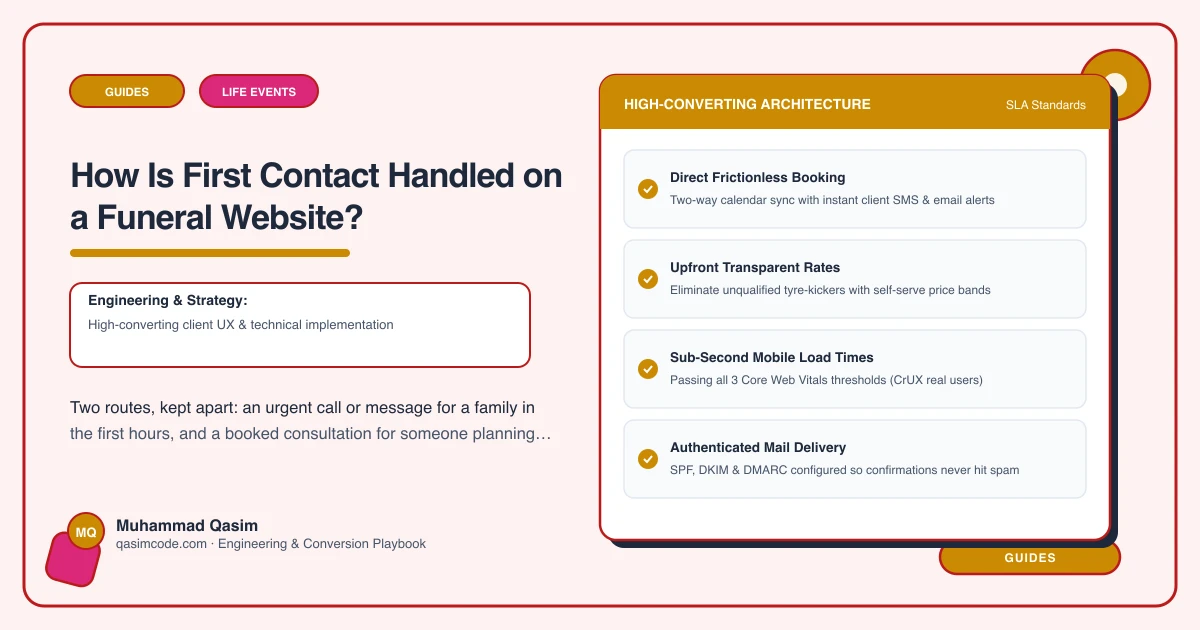
For planning ahead, and for everything that is not urgent, an online booking is better than a form. The visitor picks a time, gets a confirmation, and stops thinking about it.
Calendly and Acuity both do this well for a small practice, and funeral practice software may have its own scheduling. Configure the appointment types honestly: what the meeting covers, how long, where it happens, and that there is no obligation. Offer a home visit as well as an office or online appointment, because many clients in this sector are older or unwell and a home visit is the reason they choose one firm over another.
Keep the booking embed on its own page so it does not slow the rest of the site, and link to it from the pages where the intent lives: planning ahead, pre-paid plans, memorial enquiries, will and power of attorney pages. Never put it beside the urgent number.
How it differs by business
A funeral director leans on route one, with route three for pre-need enquiries.
A funeral celebrant needs two audiences instead: bereaved families, and funeral directors checking availability quickly. Give each its own route and make the director's route fast, because a director who cannot get an answer in an hour will call the next celebrant on the list.
A memorial mason works mostly through route three, at the showroom or on a home visit, with an enquiry form for inscriptions and renovations.
A will writing practice is almost entirely route three, with home and online appointments booked directly and fixed fees stated beside the button.
What happens after the form
The route is only as good as the reply. Decide and write down who monitors the inbox and the booking notifications, in and out of hours, what the reply time is, and what the first reply says. Then publish that reply time on the site and keep to it.
An automatic acknowledgement helps, provided it is written in your voice and not the form tool's default. Two sentences: that the message arrived, when someone will reply, and the number for anything that cannot wait.
Testing it
Monthly, from a phone: tap the header number and check the dialler opens with the right number, send a test message and confirm it arrives and the reply address works, book a test appointment for each type and confirm the confirmation arrives and the calendar blocks the slot, and ring the out of hours line to hear what a family hears. Integrations break quietly, and in this sector a broken form is a family who thinks nobody answered.
Count taps on the number, form submissions and completed bookings by page, so you can see which pages produce first contact. On most sites it is the what happens next page by a distance.
Where this sits
A number on every page, twenty-four hour cover stated where it is offered, a gentle form for those who cannot call, and online consultation booking for people planning ahead are how first contact works on every funeral and life events website we build. Two routes, honestly described, monitored by someone named.