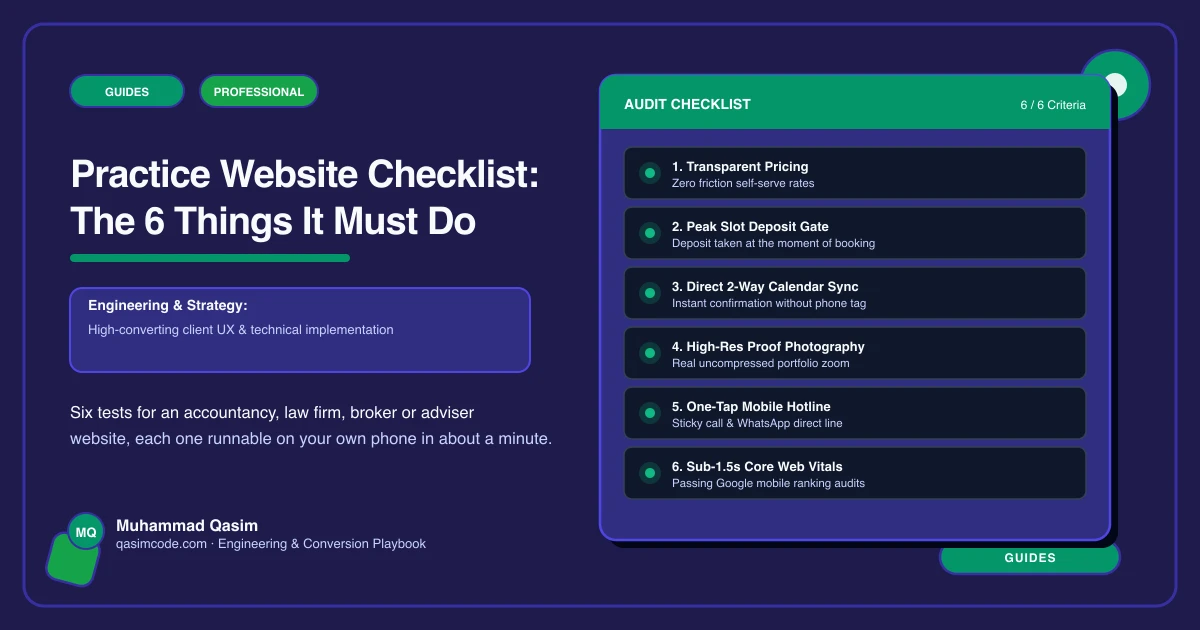
Six tests, ten minutes
A practice website has six jobs. Each has a one-minute test you can run yourself, on your own phone, in a private window. The first three are the path from a client's question to a meeting in your diary.
1. Be found for the service, not just the firm
Test: search the exact phrase a client would type for your most profitable work. "Probate solicitor [town]". "Limited company accountant [city]". "Remortgage broker [area]". "Certified translation [language pair]".
Pass: one of your pages is about exactly that, with its own title, its own words and its own booking button.
Fail: one Services page listing eight things in bullets, or a home page trying to rank for everything.
Fix: a page per service, titled the way a client asks, opening with their situation. This is the single highest-value structural change on most practice sites.
2. Answer the money question
Test: ask someone outside your profession to find what a piece of your work costs, in thirty seconds, on their phone.
Pass: fixed fees for defined work, hourly ranges, monthly packages by business type, a fee per document type, or a plain paragraph on how you quote and what moves the number.
Fail: "contact us for a quote", or nothing at all.
Fix: a fees page and a cost paragraph on every service page. Check your own regulator's current expectations on price transparency, since several bodies now require it for certain work; treat this as orientation and confirm the detail with your compliance lead.
3. Book the first meeting
Test: tap Book on the home page as a stranger would. Where does it go?
Pass: a diary with real slots, the right meeting type pre-selected, three to six intake questions, an automatic video link where relevant, and a confirmation that says what to bring. Calendly, Acuity, Microsoft Bookings, Clio Grow, Karbon or Intelliflo all do this.
Fail: a contact form, an email address, or a phone number as the only route.
Fix: embed the tool you already pay for, put the Book button in the header on every page, and keep the phone number visible beside it for the clients who will not book online.
4. Prove you are who you say you are
Test: find your regulator registration or authorisation details, your professional body membership and your complaints route. Then check they are still correct.
Pass: a regulatory information page plus the details your body expects in the footer and on the relevant pages, held as records a non-technical person can edit.
Fail: an image of a logo, a number from three years ago, or nothing.
Fix: build the details as editable content, put a calendar reminder against them, and have your compliance lead confirm placement. Law firms, financial advisers, mortgage brokers, insurance brokers and immigration consultants each have their own requirements, and they differ by country.
5. Introduce the person who will do the work
Test: find the individual who would handle your most common matter. Can you see their qualifications, their specialisms and book them directly?
Pass: a profile per fee earner with a real photograph, credentials, professional body and a booking button.
Fail: a group shot, first names only, or a team page that has not been updated since two people left.
Fix: individual profiles, kept current, each linked from the service pages they cover.
6. Know what the site produced
Test: ask whoever handles enquiries how many first meetings the website booked last month, and from which pages.
Pass: known, by page, and compared with the same month last year.
Fail: "most of our work is referral, I think."
Fix: events for booking taps, completed bookings, form submissions and call taps, all recorded with the page. Review monthly. It tells you which service page to write next.
Scoring
Six of six: the site is doing its job. Add process pages and a portal link if you have not.
Four or five: fix the failures. No rebuild needed.
Three or fewer, with 1, 2 or 3 failing: every week the site is losing clients who searched for exactly what you do, found a competitor's service page, saw a fee they could live with, and booked. That happens whether or not anyone in the practice notices.
Where this sits
This is the launch checklist for every professional services website we build and the first ten minutes of a diagnosis on an existing one. Most practice sites fail at least three, and a page per service is the fix that changes the most, because it is the only one that also brings new people to the site in the first place.