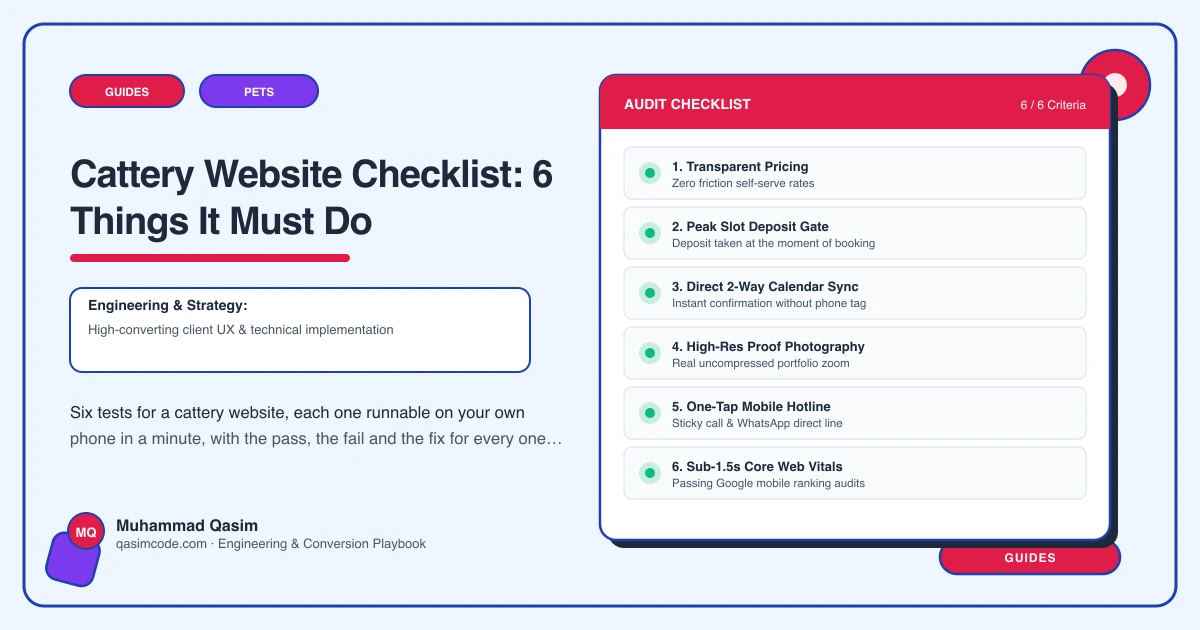
Six tests, ten minutes
Do this on your own phone, standing outside the building on mobile data rather than the office wifi, and behave like a stranger with two cats and a holiday booked. Each test has a pass, a fail and the fix.
1. Show the pen the cat will sleep in
Test: find the pen your standard cat would go in and look at it.
Pass: photographs for each pen type, inside and out. The sleeping area with bedding in it. The run photographed from outside so the size reads. The heating. The gap to the next pen. Captions in plain words.
Fail: one gallery of mixed images, or an exterior shot of the building and a cat on a shelf.
Fix: an hour with a phone camera in daylight, one set per pen type, then captions. Add a slow walk along the pens on video if you can, hosted on YouTube or Vimeo and embedded with a poster image so the page stays fast.
2. Price the stay she is booking
Test: work out ten nights for two cats from the same home.
Pass: a table with pen types down the side, price per night, the rate for a second and third cat from one household, peak dates if they are priced differently, and a line saying what a day means with your arrival and collection windows.
Fail: "prices on request", or one nightly figure with no multi-cat rate and no note about the collection day.
Fix: build the table from what your booking software already charges, not the other way round, so the site and the invoice agree. Hold it as editable records so you can change a cell in January without ringing a developer.
3. State the requirements, with timing
Test: find out what vaccinations a cat needs and how long before arrival.
Pass: the vaccination course and the timing before the stay, flea and worm treatment, and what to bring, all readable without booking anything.
Fail: nothing on the site, or a line saying "vaccinations required" with no timing, so an owner with a booster due has to ring to find out whether she can book at all.
Fix: write it once, put it on its own page, link it from the booking page and from every pen page, and have the booking flow confirm and store it with an expiry so next year's reminder goes out on its own.
4. Say what a day looks like, and how tablets are given
Test: find out what happens between drop-off and collection.
Pass: a routine page covering feeding, cleaning, how often someone is with the cats, how medication is given and recorded, what happens if a cat stops eating, and which vet you use.
Fail: a sentence about individual attention.
Fix: write it as you would say it at the gate. This is the page that wins the owner of an elderly cat on daily medication, and that owner comes back twice a year for years.
5. Take the booking in a couple of taps
Test: from the family pen page, try to hold your dates.
Pass: booking from Revelation Pets, Gingr, PetExec or Kennel Connection embedded on your own page, with the pen type you were reading about already selected, collecting vaccination and medication in the flow. If you take requests rather than instant bookings, the page says so and says how fast you reply.
Fail: an email address, a contact form that goes to an inbox nobody watches in July, or a button that throws her onto a differently branded portal on another domain.
Fix: embed it, deep-link it per pen type, and load the script only on the booking page so the rest of the site stays quick.
6. Be honest about August, and know what the site produced
Test: try to book a week you know is full, then check whether anything is measuring the button.
Pass: peak weeks show as gone, or offer a waiting list that collects an email and gets answered. Booking clicks and call taps are tracked by page.
Fail: the calendar takes the request anyway, or the form disappears into silence. No tracking, so every argument about the website is opinion.
Fix: keep availability in step with the software and add a waiting list that a person actually works through. Put events on the booking button and the phone number so that after one season you know which pages fill pens.
Scoring
Six passes and the site is doing its job. Four or five and you have specific work, in the order above. Three or fewer and the spring phone calls asking about the pens and the jabs are not customer service, they are the site failing in public.
Where this sits
The six tests are what we build against on a cattery website, from pen photography to embedded booking, and the same checklist logic runs through our other pet business websites with packages on pricing. Run it once a year, in June, before the season proves the point for you.