The step that has to come first
No responsible daycare takes a dog it has never met into a group, and no boarding kennel takes a first-time dog for a fortnight in August without seeing it. The assessment, the trial day, the temperament test, whatever you call it, is the gate everything else passes through.
Most daycare websites treat it as a footnote. The Book button opens a calendar of daycare days, a new owner picks a Tuesday in three weeks, and someone has to ring them back and explain that they cannot have it yet. That call is the most avoidable call in the business, and the assessment booking flow is how you stop making it.
The rule: new dogs cannot reach the day calendar
The site has two front doors, and which one an owner walks through depends on whether their dog has been assessed.
Existing clients go to booking: daycare days, packages, boarding dates. New clients go to registration and assessment. Nothing on the site offers a new owner a daycare day, because your software should not accept one.
In practice that means the daycare and boarding service pages carry two buttons, not one. "Book your dog's days" for existing clients, and "New here, book an assessment" as the primary button, because most of the traffic on those pages is people who have never been.
Configure it in your software
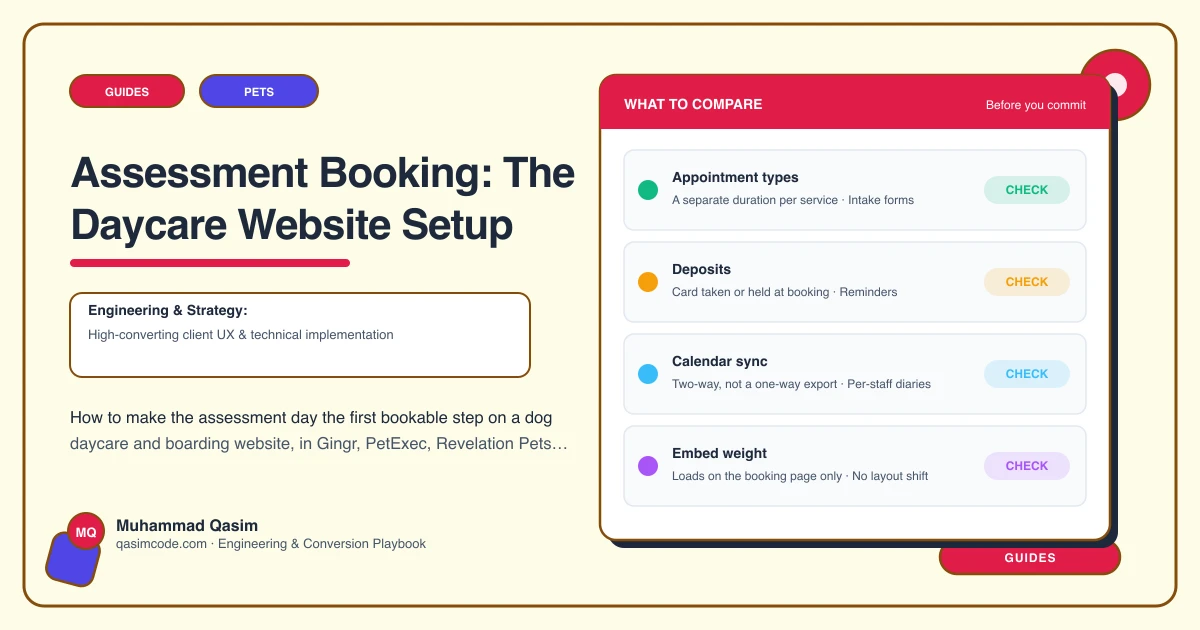
All four of the platforms we see most in daycare and boarding, Gingr, PetExec, Revelation Pets and Kennel Connection, can carry the assessment as its own bookable thing with its own rules. The names differ by product, so check the exact terms with your vendor, but the shape is the same.
Set up the assessment as a service or reservation type with its own duration, its own daily capacity, and its own price or zero price. Cap how many assessments run in a day, because two unknown dogs in one morning is as many as most handlers want. Restrict them to the days and times you actually run them, typically midweek mornings when the group is settled rather than a busy Monday.
Then set the dependency: a dog with no completed assessment cannot book a daycare day or a boarding stay. Where your platform does not enforce that automatically, do it with a required field on the pet profile that staff set after the assessment, and keep the day calendar behind the owner portal so nobody reaches it before registration.
Require the pet profile to be complete before an assessment can be booked. Vaccination certificate uploaded, neutering status, medical notes, vet details, emergency contact, agreements signed. That is the whole point of putting registration ahead of the calendar.
The assessment page on the website
One page, linked from the header, from both service pages, from the routine page and from the FAQ. It says:
- What the assessment is. A half day or a full day with a handler watching how your dog is with people, with the space and with other dogs, in small groups first.
- What it costs, or that it is free, and whether it counts towards a package.
- What you need before you book: vaccinations up to date including kennel cough if you require it, flea and worm treatment, neutering by the age you require, the vaccination certificate to hand for upload.
- How long the booking takes to complete online, so nobody abandons the profile halfway.
- What happens on the day: drop-off time, how long, what to bring, when you will hear from us.
- What happens after: you get a written outcome, and if the dog is accepted the day calendar opens in your account.
- What happens if the dog is not right for group daycare. Say it kindly and say it honestly, and name what you can offer instead if anything.
That last point is the one businesses skip and the one that builds the most trust. Owners of reactive dogs know their dog might not pass, and a kennel that says so plainly is the one they ring.
Follow-up that does not need a person
Set three automated messages in your platform. A confirmation with what to bring and the drop-off window. A reminder the day before. And an outcome message after, which for an accepted dog contains the link to book days and the package options, and for a dog that is not suited says so with a note of what would help.
The gap between a good assessment and a first booked day is where daycares lose people, and the only reason is that nobody sent the link.
Test it as a stranger
From your own phone, register a fictional pet, upload a certificate image, sign the agreements, book an assessment, and check the profile, the certificate and the signed agreement all land where staff will look on the day. Then try to book a daycare day for that unassessed dog and confirm you cannot. Repeat quarterly, because platforms change their intake flows.
Where this sits
Assessment booking as the first step is one of the six must-haves on the dog daycare and boarding websites we build, and it is the single change that most reduces phone traffic in the first month. On any pet business website the principle is the same: the site should never offer a booking the business cannot honour. In daycare and boarding it is sharper, because the booking a new dog cannot have is the one every new owner tries to make.