Two bookings, one system
A dog training business asks more of a booking system than most small businesses, because it sells two different shapes of thing.
A puppy class is a course. Six weeks, a fixed start date, a cap of eight dogs, one price for the block, and an owner who needs to know they can make all six Tuesdays before they pay. A behaviour consult is an appointment. Ninety minutes at a house or a field, one dog, a history that has to arrive before you do, and often a follow up already implied.
Systems that are good at one are frequently poor at the other. Below are the four that trainers actually use, judged on what a website needs from them.
TeamUp
For: training schools running courses and classes as the main business.
Website side: an embeddable class and course calendar plus a hosted registration page, so a Classes page on your site can show real start dates and places left rather than a PDF.
Training features: courses with fixed start dates and a set number of sessions, class capacity, waiting lists, memberships and passes, customer accounts where an owner can see their own course, registration questions, and recurring payments where you sell blocks.
Strengths: it was built for group class businesses, so course logic, capacity and waiting lists behave the way a six week puppy course actually behaves. Watch: one to one behaviour work is possible but is not the centre of gravity, so check the appointment and intake side against how you actually run consults.
Bookeo
For: trainers with a genuine mix of classes, courses and one to one work.
Website side: embeddable booking widgets you can place on the relevant page, so the class page books classes and the behaviour page books consults.
Training features: classes and courses with seats, appointments with varying durations, custom booking questions, deposits and part payments, promotional codes, and reminders.
Strengths: the mix. If half your revenue is courses and half is consults, one system can hold both without either feeling bolted on. Watch: the setup is more configuration than the others, so budget an afternoon rather than an hour.
Acuity Scheduling
For: trainers whose business is mostly one to one, with some group work.
Website side: embeddable scheduling and direct links to a single service, which is what you want on a behaviour page. Owned by Squarespace, so it drops into a Squarespace site easily and embeds fine elsewhere.
Training features: appointment types with their own durations and prices, intake forms attached per appointment type, packages and multi session bundles, group classes with capacity, deposits, and calendar sync.
Strengths: intake forms per service is the standout for behaviour work. The questionnaire arrives attached to the booking rather than chased afterwards. Packages handle a block of four follow ups cleanly. Watch: the class side does not carry a six week course as naturally as TeamUp does.
Square Appointments
For: trainers who already take payment through Square and want one place for the diary and the till.
Website side: a hosted booking site and embeddable booking, with links per service.
Training features: appointments with durations and prices, staff calendars where you have more than one instructor, intake questions, deposits, cancellation policies and no show handling, and payments that land in the same place as your card reader.
Strengths: one system for money and diary, which matters if you sell leads, long lines and treat pouches at class. Watch: it is an appointments product first, so structured multi week courses need checking against how you run them.
What to check before you commit
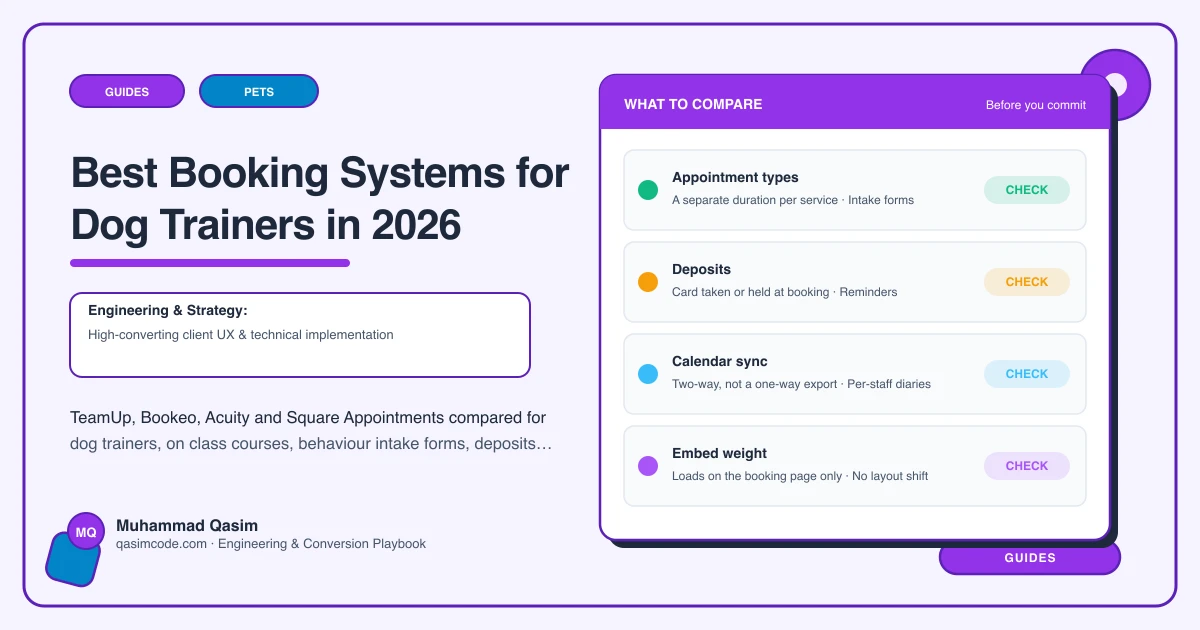
Whatever you pick, test these six against your own business rather than the feature list.
- Course logic. Can an owner book all six sessions of a course as one purchase, with a cap, a start date and a waiting list.
- Intake attached to the service. Can a behaviour consult carry its own questionnaire, so the dog's history, the vet's details and what has already been tried arrive with the booking.
- Deposits and cancellation. A no show on a ninety minute consult in the next county costs an afternoon. Confirm you can take a deposit and state a cancellation window.
- Deep links. Can you link straight to one service, so the button on your behaviour page opens the behaviour consult rather than a menu of everything.
- Phone behaviour. Run the whole flow on your own phone on mobile data, including from the Instagram in app browser, which is where a good share of new owners will start.
- What the owner sees afterwards. A confirmation that names the venue, the date, what to bring and whether the dog comes to the first session is worth more than any reminder feature.
The website's job either way
The platform takes the booking. The site has to make somebody want to make one. That means the class page states the next start dates, the age or ability the class is for, the venue and the price, and books in one tap. It means the behaviour page explains the process, says when a vet referral is needed, states the price of an assessment and follow ups, and books the consult with the questionnaire attached. And it means both routes are visible on the first screen, because the puppy owner and the owner of a reactive rescue are not looking for the same thing.
Where this sits
We build dog training and behaviour websites around whichever of these you already run, with the class timetable embedded, the behaviour consult deep linked and the intake questionnaire in the flow, and the same approach runs through our other pet business websites. What each package includes is on pricing. Pick the system that matches the shape of your work, then make the site carry it properly.