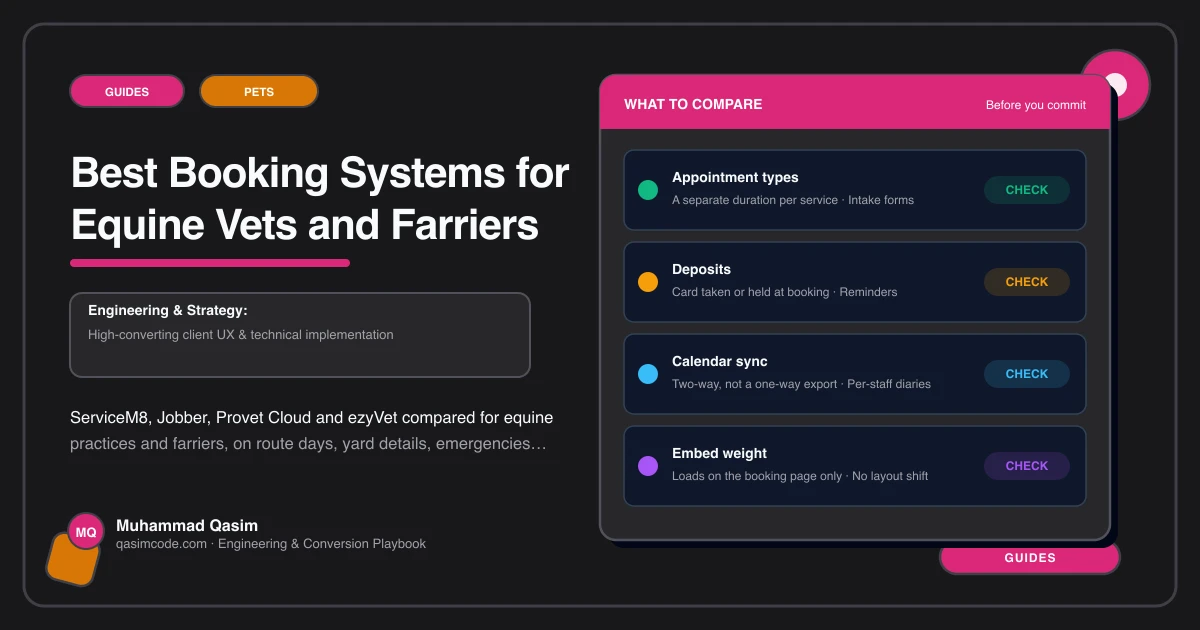
What an equine booking has to carry
A grooming booking is one animal at one address at one time. An equine booking is not. It is a yard, which may be twenty minutes down a lane, holding between one and fifteen horses, some of which need a vaccination, one of which is lame, and all of which have to happen on the day you are already in that direction.
So the question is not which system has the nicest calendar. It is which one can hold an address, several animals, a list of work per animal, and a route day, and then let your website hand it a booking without the client having to type any of it twice.
ServiceM8
Built for field trades rather than for animals, which turns out to suit farriers well. Jobs carry an address, notes, photographs and attachments. Dispatch and mapping let you see where the day's jobs sit geographically, which is the core of route work. Quotes and invoices run through the same job, and the mobile app is designed for someone working out of a van.
The gap is that a horse is not a first class record. You will carry horse names and work in job notes or custom fields rather than in a patient file, which is fine for shoeing and trimming and thin for clinical history. Online booking or request forms are available; confirm the exact behaviour of the current version with the vendor before you design a flow around it.
Suits: farriers and equine therapists with a round rather than a caseload.
Jobber
The same family of tool with a stronger client facing side. Recurring visits are a first class idea, which maps well onto six week shoeing cycles and annual vaccination rounds. Request forms, a client hub, routing and text reminders are all part of the picture, and reminders are what stop a yard forgetting the day you said you would come.
Same caveat on clinical records. Jobber will run your round and your invoicing well and it is not a patient management system. Check current online booking and routing features with Jobber directly, as field service products change these regularly.
Suits: farriers and multi person mobile teams that want reminders and recurring work handled without effort.
Provet Cloud
A cloud veterinary practice management system, so the record is the animal and the clinical note, not the job. That is the right shape for a vet practice: patient history, medications, treatment records and invoicing all against the horse and its owner.
For equine work the questions to put to the vendor are specific. How are ambulatory and mobile visits handled. Can several patients at one location be scheduled as a single visit. What does the online booking or client request path look like, and can your website deep link into it. Ask rather than assume, because the answer depends on your region and configuration.
Suits: equine practices that need real clinical records and want one system for diary, notes and billing.
ezyVet
Another cloud practice management system with a large integration ecosystem, widely used by practices that want to connect other tools to their record rather than run everything in one product. Same shape of question: confirm how mobile and multi patient visits are scheduled, and what client facing booking or request options are available to you on your plan.
Suits: larger practices already committed to a full veterinary system and comfortable connecting it to other tools.
The honest split
Vets need patient records, so a veterinary system such as Provet Cloud or ezyVet is the spine and the round is arranged inside it. Farriers and therapists do not need clinical records in that sense, so a field service tool such as ServiceM8 or Jobber will run the business better and cost less. Mixed practices sometimes run a veterinary system for clinical work and keep routine round scheduling somewhere simpler. That is not a failure of tooling, it is two different jobs.
What your website needs from any of them
The system runs the diary. The site has to get people into it without friction, which means five things.
Capture the yard, not just the person. Yard name, address, access notes and gate codes belong in the first form, because a booking without an address is a phone call.
Capture horses and work per horse. Names, ages where relevant, and what each one needs. A field that lets a manager list six horses in one go is the difference between one submission and six.
Ask for an area, not a time. Owners cannot see your route. A form that asks which area they are in and offers the days you are usually there books into your round instead of against it.
Never route an emergency through a form. Every booking page needs the emergency number above it, worded so nobody with a colicking horse fills in a form and waits.
Test it on a bad signal. These forms are completed in yards, standing in a doorway with one bar. If the page takes four seconds and the form loses its contents on a reload, the booking is lost.
Choosing
Start from whether you need clinical records. If yes, pick the veterinary system first and design the website flow around what it can actually receive. If no, pick the field service tool that handles recurring visits and routing best for the way you work, and spend the saved money on the site. In both cases confirm current booking and integration features with the vendor rather than with a comparison table, this one included.
Where this sits
Route-day booking, yard and horse capture and the emergency route are all part of an equine vet and farrier website as we build it, and booking embedded from whatever you already run is standard across our pet business websites. What each package includes is on pricing. Pick the diary first, then build the site that feeds it.