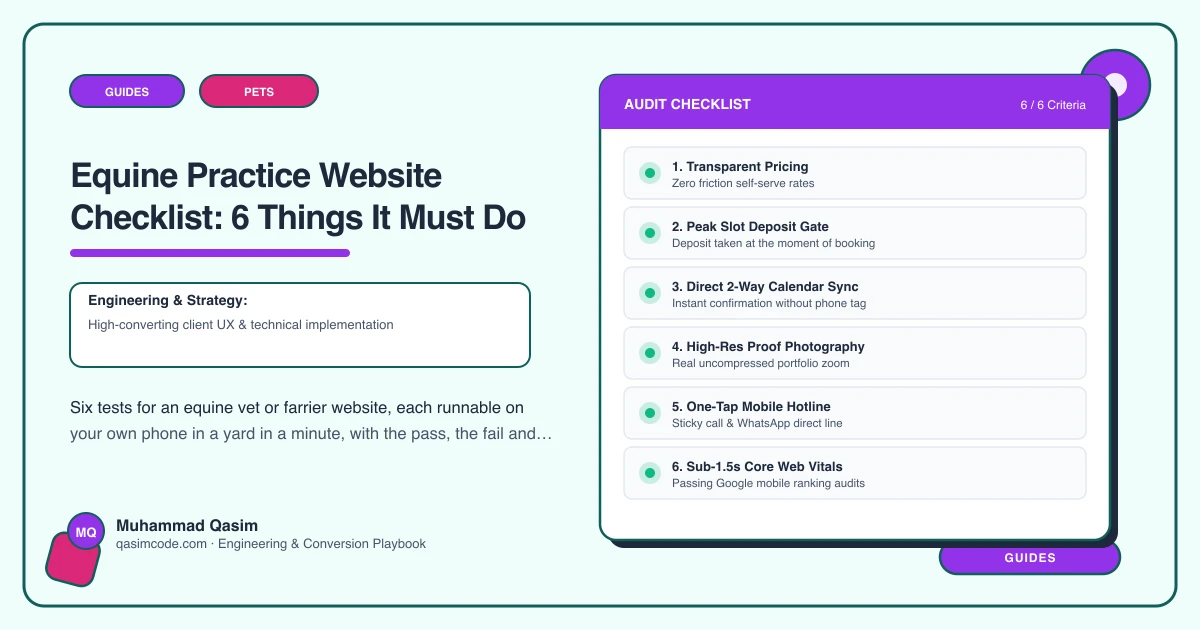
Six tests, ten minutes
Do this standing in a yard rather than at a desk, on your own phone, on the signal you actually get there. That is the environment your site is used in, and it is unforgiving in ways a laptop on office broadband never shows you. Six tests, a pass condition, a fail and a fix for each.
1. Book a route-day visit by area
Open the site as an owner would and try to book a routine vaccination for a horse at a yard in one of your outlying areas.
Pass: the form asks which area the yard is in, offers the days you are usually there, and takes yard name, address, access notes, horse names and the work needed for each.
Fail: a general contact box, or a calendar of empty slots with no idea where you are that day.
Fix: rebuild the booking around area first and time second, and feed it into whatever runs the diary, whether that is ServiceM8, Jobber, Provet Cloud or ezyVet. If the form cannot take several horses at once, add a repeatable block for horse and work. That change alone removes most of the phone calls.
2. Call the emergency number from a page chosen at random
Go to any page that is not Contact. A service page, a blog post, the About page. Now try to ring the emergency number without opening a menu.
Pass: a tap to call is visible without scrolling, hours and out of hours arrangements are stated beside it, and short holding guidance for colic, wounds and lameness is one tap away.
Fail: the number is only on Contact, or written as text you cannot tap, or the out of hours arrangement is out of date.
Fix: put the emergency route in the site header and repeat it in the footer, make it a real tel link, and put the out of hours details in an editable record so they can be changed in a minute when the rota changes.
3. Find a visit fee in under thirty seconds
Pretend to be a yard manager who needs a figure for the yard owner by lunchtime.
Pass: the visit fee, common routine procedure costs and the basis for emergency callout charging are all findable from the homepage in one or two taps, and what varies is stated in plain words.
Fail: fees on request, or a single "from" figure that answers nothing.
Fix: publish a fee table as editable records rather than text baked into a page, so April's changes take you ten minutes and not a support ticket. Keep whatever your practice software charges and what the site says in agreement.
4. Load in under two seconds on yard signal
Time the homepage from a cold start in the worst yard on your round.
Pass: something readable and tappable appears in about two seconds, and the emergency number is part of what appears first.
Fail: four seconds, a spinner, or a full width hero image that arrives last.
Fix: compress and correctly size every image, load below the fold images lazily, cut the video from the homepage, and make sure the header including the phone number renders before the photography does.
5. Find out whether you cover a given village
Pick a village at the edge of your patch and search for it alongside horse vet or farrier, then look for it on your own site.
Pass: there is a page for that area or cluster, naming the villages, saying which day the round usually falls, and carrying its own booking link.
Fail: the village appears nowhere, or only inside a long comma separated list in the footer.
Fix: build a page per area you genuinely serve. Write each one properly rather than duplicating a paragraph with the place name swapped, because thin repeated pages help nobody and rank badly.
6. Read the site as a yard manager with fourteen horses
Last test, and the one most sites fail outright.
Pass: there is a page addressed to yards, covering shared visit fees when several horses are seen in one stop, account terms, invoicing, how to add horses, and a named contact.
Fail: everything on the site is written to a single owner with a single horse.
Fix: write the yard page. It is one page and it is aimed at the highest value visitor your site receives.
Scoring
Six passes and the site is doing its job. Four or five and you have an afternoon of work. Three or fewer and you are paying for a brochure while your phone does the actual selling.
If you are unsure how any of it reads against professional rules, and particularly anything touching advertising claims, registration or the wording around emergency and out of hours cover, check with your own regulator or professional body. Veterinary conduct rules and farrier registration differ between countries and this is orientation rather than legal advice.
Where this sits
All six are built in by default on an equine vet and farrier website from us, and the same phone in hand testing runs across our pet business websites. What sits in each package is on pricing. Run the six in a gateway before you commission anything, because the fails will tell you what to buy.