The target
A stranger taps Book on their phone, and by the time they reach a calendar the system already knows where they live, that you go there, what dog it is, and what will be waiting at the kerb. You open your diary the next morning and every booking in it is one you could drive to and complete.
That is a different build from a salon booking, and the difference is the order of the questions.
1. Ask for the address before the slot
A salon asks for the service, then the time, then who you are. A van has to ask where first, because the answer decides whether any of the rest exists.
Put the address, or at minimum the postcode, as the opening step. MoeGo, Savvy Pet Spa, Fresha and Booksy all support service area configuration in some form, so set your round in the platform and let it reject or flag an address outside it before a calendar ever appears. Confirm the exact behaviour with your vendor, because how strictly each one enforces the boundary varies.
For anything just outside the line, do not show a dead end. Show a short form that takes the address and the dog and says you will confirm whether you can reach them, which turns a bounce into a lead you can decide on.
2. Model the services the way the round works
Your services are not just size bands. They are lengths of time in a parking space. Set the duration of each service to the real figure, including setting up and packing away, not just the clipping.
Then set travel buffers between appointments. Every one of these platforms has some form of gap or buffer setting; use it, and set it to the honest drive time across your typical round rather than the best case. A diary that books back to back across ten miles is a diary that makes you late all day and eventually makes you cancel.
If you run set days in set areas, build that into availability so the calendar only ever offers a slot you would actually drive to.
3. Build the pet profile as intake questions
The dog decides the price and the time, so ask before the slot is confirmed, not on the doorstep:
- Breed or mix, weight, age.
- Coat type and when it was last groomed, which is your matting warning.
- Vaccination status, with the date, and whether they can show the record.
- Behaviour: nervous, reactive, bad with clippers, ever been muzzled, ever bitten.
- Health: skin conditions, lumps, arthritis, deafness, anything a groom should work around.
- Vet name and an emergency contact.
Make the ones that change your decision required. Everything else optional, because a long form on a phone loses bookings.
4. Ask the site questions no salon needs
This is the section that separates a mobile booking from every other booking, and it is the one most groomers leave out.
- Where can the van park, and is it permit, restricted or free.
- Height or width restrictions, low branches, narrow lanes, gated estates.
- Is there an outside tap, and can you reach it from where the van will stand.
- Is there an outside socket, or does the owner need to run a lead from inside.
- How far is the parking from the door, because carrying a large dog changes the job.
- Will an adult be at home for the whole appointment.
Set the ones you cannot work without as required. These six answers are the difference between a completed morning and a wasted drive.
5. Turn on deposits and write the policy in the owner's words
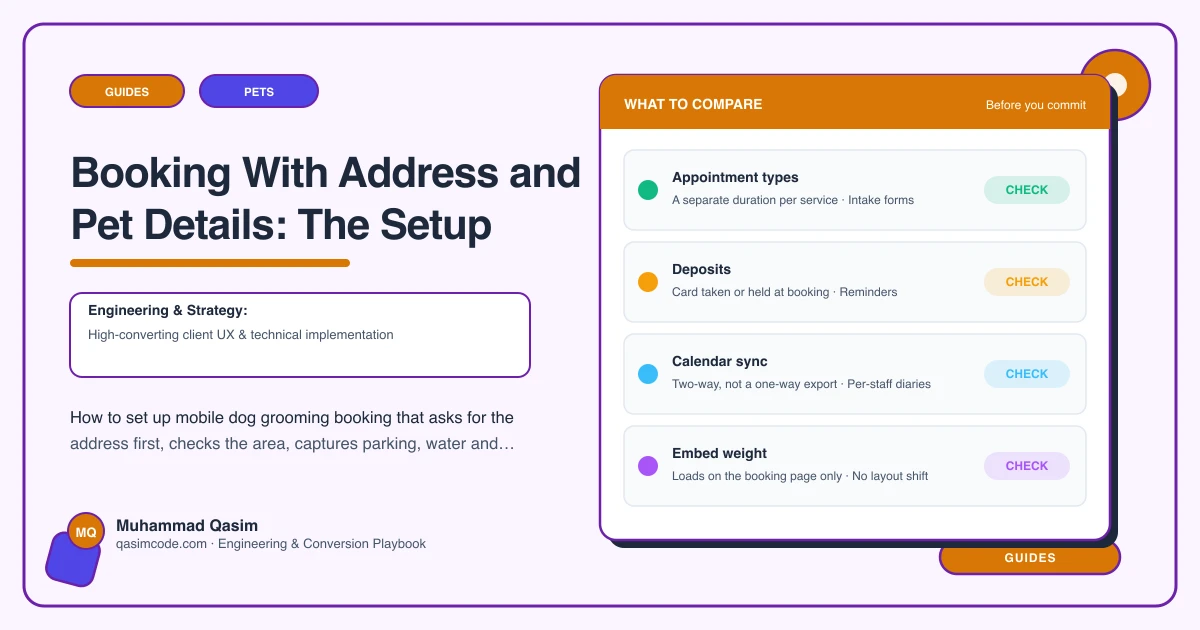
A no-show for a salon costs a slot. A no-show for a van costs a slot plus the drive there and the drive to the next stop. Take a deposit at booking, and write a short cancellation and no-show policy on the booking page in language a person can follow, not a paste from the platform's defaults.
6. Deep link the buttons
Every Book button on the site should open the booking flow with the service, and where possible the area, already chosen. From an area page, that means the area is pre-filled. From a service page, the service. Fewer taps between deciding and booking is the single most reliable conversion improvement on a small site.
7. Put the requirements back into the confirmation
The confirmation email and the reminder text should repeat, in a short list, the parking, water and power the owner agreed to provide, plus the arrival window and what to do about the dog before you arrive. Say it three times: on the site, in the booking, in the confirmation.
8. Test it as a stranger on a phone
Book yourself, on mobile data, from an address you do not cover and then one you do. Check the rejection is polite, the buffers hold, the deposit takes, the confirmation carries the requirements, and the whole thing works inside the Instagram in-app browser, where a large share of mobile grooming traffic starts.
Where this sits
Booking that captures the address, the area check, the dog and the site conditions before it offers a slot is part of every mobile grooming website we build, and booking that matches how the business really runs is the spine of our other pet business websites. What each package includes is on pricing. Ask where before you ask when.