What a veterinary booking has to carry
A haircut booking needs a name and a time. A veterinary booking needs the client, the pet, the reason and the right clinician. Species and breed, age, weight, whether the animal is already registered with you or coming from another practice, the appointment type, the length that type needs, and which vet or nurse can do it. Get any of that wrong and the consequence is not an awkward moment, it is a fifteen minute slot holding a lame dog that needed thirty.
That is why generic salon booking tools do not work for practices. What follows is the shortlist that does, judged on what a website needs from it rather than on the clinical side.
Vetstoria
For: practices that already have a practice management system they are happy with and want proper real-time online booking on the front of it.
Website side: an embeddable booking flow, so the Book button on your site opens the diary rather than sending the owner somewhere unfamiliar. Links can generally be pointed at a specific appointment type, which is what makes a vaccination page and a dental page each book the right thing.
Practice features: real-time availability read from the diary rather than a request form, appointment types with their own durations, rules about which clinicians and which sites take what, and new client capture in the same flow.
Strengths: it is built to sit in front of existing systems and to write straight back into the diary, which is exactly the problem most practice sites have. Watch: the value depends on the depth of the integration with your particular practice management system, so confirm your version and setup with the vendor before you plan the site around it.
ezyVet
For: practices that want the whole practice management system in the cloud and the website booking to be part of the same world.
Website side: client-facing online booking, with integrations to booking front ends where you want a richer flow.
Practice features: cloud practice management covering clinical records, billing, inventory and reporting, with a client portal side and an ecosystem of integrations around it.
Strengths: modern, cloud-native, strong integration story, which matters when the site has to talk to it. Watch: it is a full system replacement, so the website decision arrives as part of a much larger project. Check which booking capabilities are native and which come through a partner product on your plan.
Provet Cloud
For: practices wanting cloud practice management with online booking as part of the platform, including multi-site groups.
Website side: an online booking route for clients that lands in the practice diary, plus client communication around the appointment.
Practice features: cloud records, invoicing, inventory, reporting, referral and multi-location handling.
Strengths: one platform rather than a stack, and the multi-site handling suits groups where each branch needs its own diary behind one website. Watch: confirm exactly how the booking element embeds in a site and what it can pre-select, as that varies by configuration.
Covetrus
For: practices already using Covetrus software and client engagement products, including in the US where Avimark and Impromed are long-established.
Website side: client engagement and communication tooling alongside the practice systems, with online booking depending on which products you run.
Practice features: practice management, client communication, reminders and prescription management, with a large installed base and long support history.
Strengths: breadth, and the fact that many practices are already on it. Watch: the product family is wide and capabilities differ sharply between the older on-premise systems and the newer cloud ones. Ask specifically what your licence gives you for online booking and registration before designing the site around it.
The four questions that actually decide it
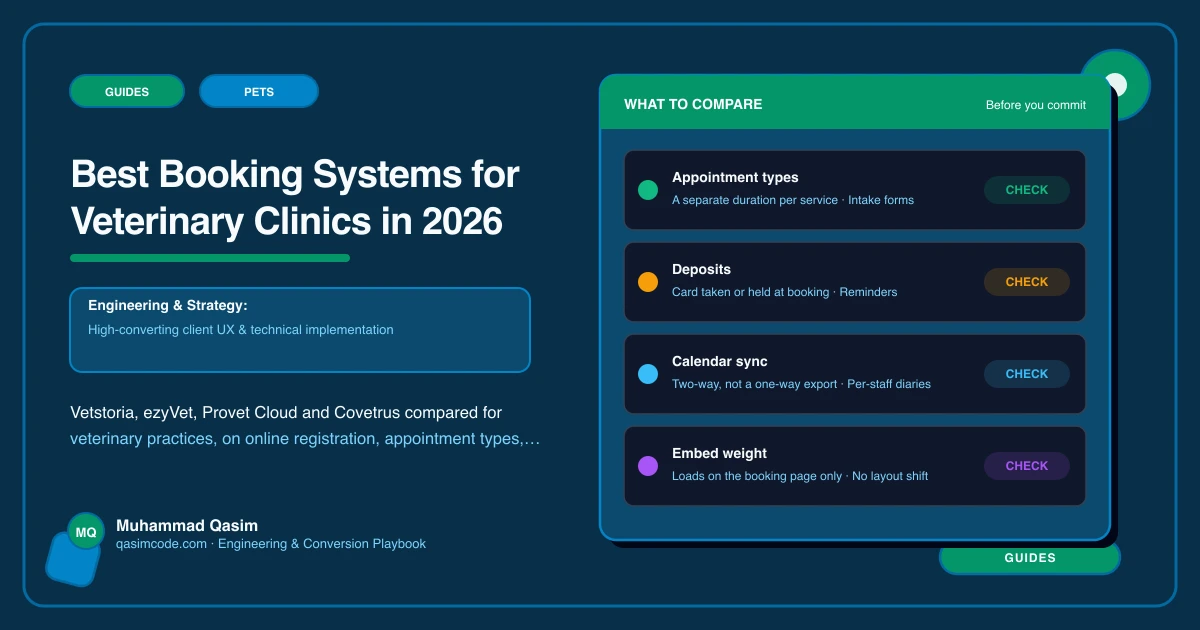
Does it register the client and pet, or just take a time? If the flow ends with a name and a slot, your team still does the registration by hand at the desk.
Does it read real availability? A request form that a receptionist confirms later is not online booking. Owners book elsewhere while they wait.
Can a link pre-select the appointment type? Otherwise every service page on your site sends people to the same generic front door, and they pick the wrong thing.
Does it embed, or does it redirect? Embedded flows keep the practice branding and lose fewer people. A redirect to an unbranded page loses the nervous ones.
What the website has to do around it
Even the best system fails if the site buries it. Book in the header on every page. Deep links per service so the vaccination page books a vaccination. A tappable phone number beside every Book button, because a proportion of owners will always prefer to ring, and because an emergency needs the phone rather than a diary. And the whole route tested on a phone, including inside the in-app browsers that social links open in.
Fees and health plan pricing belong beside the button too. An owner who cannot see the consultation fee hesitates at exactly the moment you want them to tap.
Where this sits
We build veterinary practice websites around whichever of these you run, with registration in the booking flow, deep links per appointment type and the emergency route on every page, and the same approach runs through the other pet business websites we make. What each package covers is on pricing. Feature sets change, so treat the notes above as a starting point and confirm the detail with each vendor for your own plan and region.