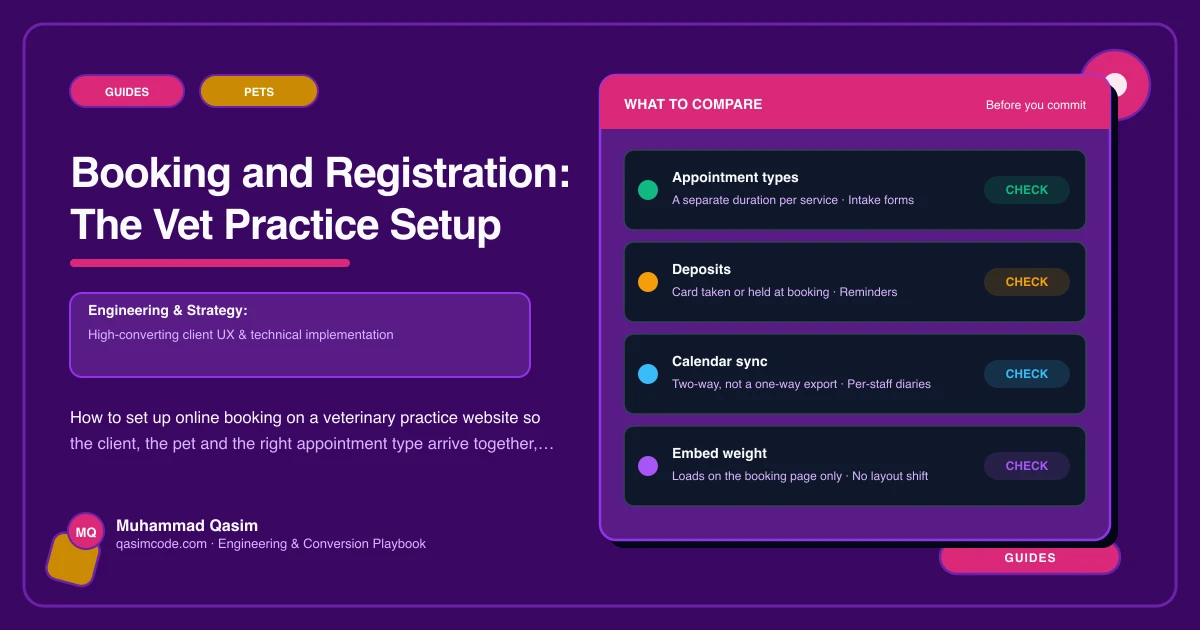
The target
An owner who has just moved into town opens your site at ten at night on a phone, picks a first consult for a cat, gives their details and the cat's, agrees your terms, and gets a confirmation. In the morning your diary has a correctly sized appointment against a client record and a patient record that already exist. Nobody at the practice touched it.
Getting there is configuration rather than magic. This is the order that works.
1. Model appointment types the way you actually run the diary
Start with the short list a client would recognise: first consult for a new client, routine consult, recheck, vaccination, puppy or kitten course, nurse clinic, dental assessment, pre-operative check, and whatever else you genuinely book online.
Give each one an honest duration. A recheck and a new client first consult are not the same length, and a diary that thinks they are will run late every afternoon. Set which clinicians can take which type, and which branch. Where you have a species split, say so, because a practice that also sees rabbits and reptiles gets asked constantly.
Keep the list short. Thirty near-identical options is how owners choose the wrong one.
2. Decide what may be booked online at all
Not everything should be. Most practices open routine consults, vaccinations, nurse clinics and rechecks, and keep surgery, complex cases and anything urgent on the phone.
Say that on the site rather than leaving it implied. One line stating what to book online and what to ring about prevents an unwell animal sitting in a Thursday slot when it needed to be seen today. Put the phone number beside the sentence.
3. Put registration inside the first booking
This is the step that separates a practice site from a booking widget. A new client's flow should collect the owner, the pet and the consent as part of booking, not afterwards on a clipboard.
Owner name, address, phone, email and contact preference. Pet name, species, breed, sex, neutered or not, date of birth or rough age, markings and microchip number. Previous practice name and town so records can be requested. Insurance details if they have them. Then the practice terms and the payment terms, agreed with a tick and a timestamp.
Vetstoria, ezyVet, Provet Cloud and Covetrus all offer routes to online booking that create the client and patient rather than just holding a slot, but what your licence and integration supports varies. Confirm the specifics with your vendor before you design the flow around them.
4. Do not make existing clients register again
The fastest way to annoy a loyal client is to present a new-client form to someone whose cat you have treated for nine years. The flow should branch on the first screen: new to the practice, or already registered. Existing clients go straight to choosing a time.
5. Deep-link every service page
Your vaccination page should open a vaccination booking. Your dental page should open a dental assessment. One generic front door for the whole site is how appointment types get mis-picked and slot lengths stop matching reality.
Ask your vendor for the link format that pre-selects a type, then use it on every button rather than pointing everything at the home page of the booking flow.
6. Get the confirmation and the reminder right
The confirmation should say the time, the length, the clinician, the address, which door, what to bring, and what the appointment costs. If you need a sample or a fasted animal, say so there and again in the reminder.
Set the reminder cadence in the booking or practice system rather than by hand, and make the reminder link do something useful: confirm, reschedule or cancel in one tap. A reminder that says ring us to change it produces did-not-attends.
7. Handle cancellation honestly
State how much notice you want and what happens if it is not given. Whether you take a deposit for longer appointments is a practice decision, but whatever it is should be visible before booking rather than discovered afterwards.
8. Test it as a stranger, on a phone
Off wifi, in a private window, as a new client. Then in the in-app browser that a social link opens in. Then with an existing client account. Then on a tablet at reception, because that is where the person answering the phone will use it.
Count the taps from landing to confirmed. If it is more than about eight for a new client, something in the flow is asking for more than it needs.
9. Measure it
Track booking clicks, completions and call taps by page, so you can see which service pages fill the diary and where people drop out. The drop-out point is almost always one over-long form screen, and it is usually fixable in an afternoon.
A note on data and rules
You are collecting personal data and consent. Keep it inside your own site or the vendor's compliant flow, say plainly what you do with it, and keep clinical claims out of the booking copy. Professional expectations on client communication and consent differ by country, with the RCVS Code in the UK and state veterinary boards with AVMA guidance in the US bearing on it. Treat that as orientation rather than legal advice and have your own adviser check the wording.
Where this sits
Booking with registration, deep-linked per appointment type and tested on a phone, is standard in a veterinary practice website we build, and the same booking pattern runs through the other pet business websites we make. What each package covers is on pricing. The measure of a good setup is simple: how many new clients arrived last month with nothing left for reception to type.