A registered client is years of consults
A new grooming client is a haircut. A new veterinary client is a registration that lasts the life of the animal: vaccinations, boosters, a neuter, dentals, the odd lameness, a health plan by direct debit, and often a second pet three years later. Households register once and rarely move.
That changes the maths on a website completely. The question is not what the build costs, it is how many new registrations per month it produces against a one-off cost. Here is how the two options compare on that one measure.
The template
A veterinary or medical theme with your logo, a stock consult room, a services page, a contact form and a link out to booking.
Cost: hundreds to low thousands.
Good at: existing, looking tidy, and going live quickly.
Weak at: registration, which stays on paper at the desk. Fees, which stay off the site because the theme has nowhere sensible to put them. Booking, which is an outbound link rather than an embedded diary. The emergency route, which ends up as one line on the contact page rather than on every page. Speed on a phone. And hosting, which stays in the vendor's name.
The custom build
Built around the sequence an owner actually follows: search for a vet near them, work out what registering and a consult cost, decide whether these people look like the sort you hand a cat to, register, book.
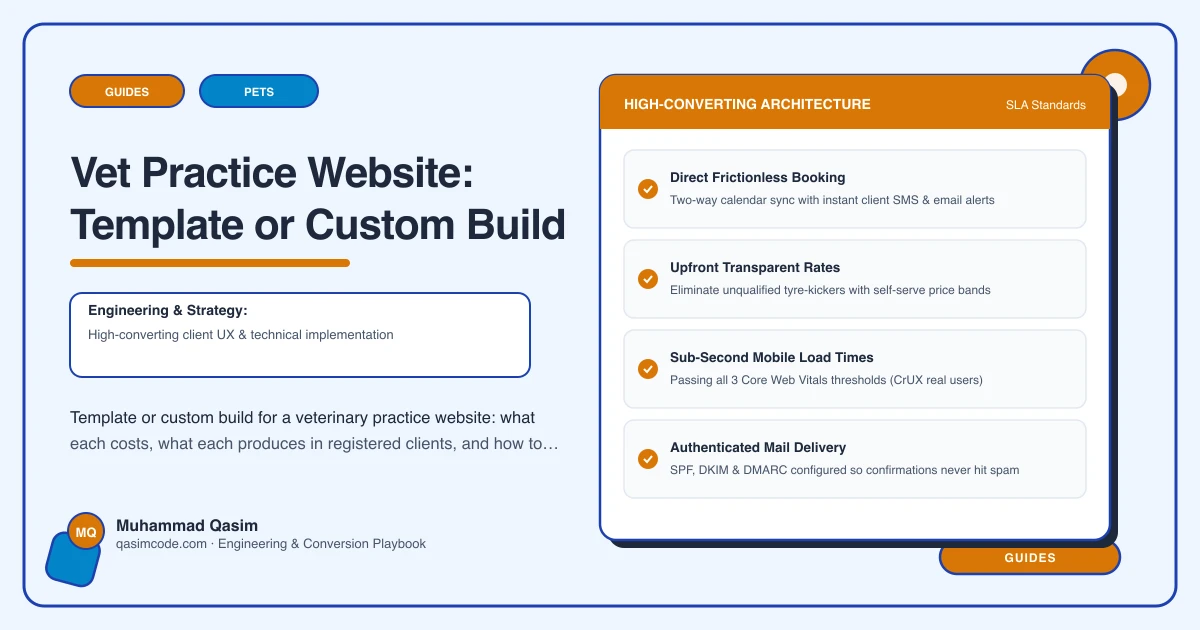
That means online booking and registration driven from Vetstoria, ezyVet, Provet Cloud or Covetrus, so the client and pet exist as records before they arrive. Consultation fees and health plan tiers stated. Service pages for vaccinations, neutering, dental and surgery. Vet and nurse profiles carrying professional registration. Real photography of your consult rooms, your prep area and your team. Google reviews near the buttons. An emergency route on every page with your own cover arrangement stated. Fast on a phone, structured data, tracking, everything in your name.
Cost: mid four figures, fixed.
Where the difference actually shows
At registration. The template sends a new client to reception with a clipboard. The custom build has them on the system before they park. That is ten minutes of nursing or reception time per new client, every time, and a much lower chance of the transcription errors that follow a hurried form.
At the fee question. The template hides fees, so the fee conversation happens at the desk when the owner is already holding an invoice. The custom build states the consultation fee and what each plan tier includes, which is the single biggest reducer of disputes at the till.
At two in the morning. The template has a phone number in the footer. The custom build has tap-to-call on every page with your out of hours arrangement stated. Owners remember who was findable when they were frightened, and they tell other owners.
In search. The template competes on one home page. The custom build has a page per service, each answering what the procedure involves, what it costs and how to book it, which is how a practice appears for the searches that actually precede a registration.
When a template is the right answer
It genuinely is sometimes. A brand new single-vet practice that has not yet decided its service mix, or a branch that exists mostly to be found by existing clients, does not need eight service pages on day one. Nor does a practice about to be absorbed into a group with its own web estate.
The honest test is whether you are trying to be found by people who do not know you. If almost all your new clients arrive by recommendation and the site is a formality, spend the money on the practice instead. If you want the site to bring registrations, a template will not.
When custom pays back quickly
If you are opening in a town with two established practices, if you have just added a second consult room and need to fill it, if you are launching health plans and need somewhere credible to explain them, or if reception is drowning in registration paperwork and fee questions, the build pays for itself in registrations and in staff hours rather than in feelings about the design.
What to insist on either way
Domain and hosting in the practice name. Fees and plan pricing editable by you. Booking embedded rather than linked, with the appointment type pre-selected. Professional registration shown for the clinical team. And claims written carefully: veterinary advertising is regulated, and what a practice may say about its services differs by country. The RCVS Code in the UK, and state veterinary boards with AVMA guidance in the US, are the places to orient yourself. Treat that as orientation rather than legal advice and have your own adviser check the wording.
Where this sits
A veterinary practice website from us is the custom option at a fixed price, with registration in the booking flow, fees and plans stated, service pages and the emergency route included, and the wider approach across the sector is on the pet business page. If you already have a template and reception still hands out clipboards, count the registrations you took last month and ask how many of them the website did any work for.