A trial booking is not one sale
A parent who books a trial and likes it does not buy one class. They buy a term, then the next term, then the toddler class after that, then they bring the second baby two years later, and they tell the antenatal group. That is the unit you are competing for, and it changes the maths on a website completely.
The question is not what the site costs. It is how many trial bookings a month it produces, and what a parent who stays for two years is worth. Here is how the two options compare on that.
The template
A children's activity theme with your logo, a photo of a baby on a play mat, the timetable typed into a page and a link out to booking.
Cost: hundreds to low thousands.
Good at: existing, looking cheerful, and going live in a week.
Weak at: speed on a phone; classes as one long list rather than pages by age band; the trial buried inside term enrolment; term dates and prices that need a developer in the fortnight you are trying to sell a term; venue and parking detail; waitlists; hosting that stays with the vendor.
The custom build
Built around the sequence a new parent actually follows: is there a class for a baby this age near me, what happens in it, can I try it once, what does the term cost, where do I park the buggy.
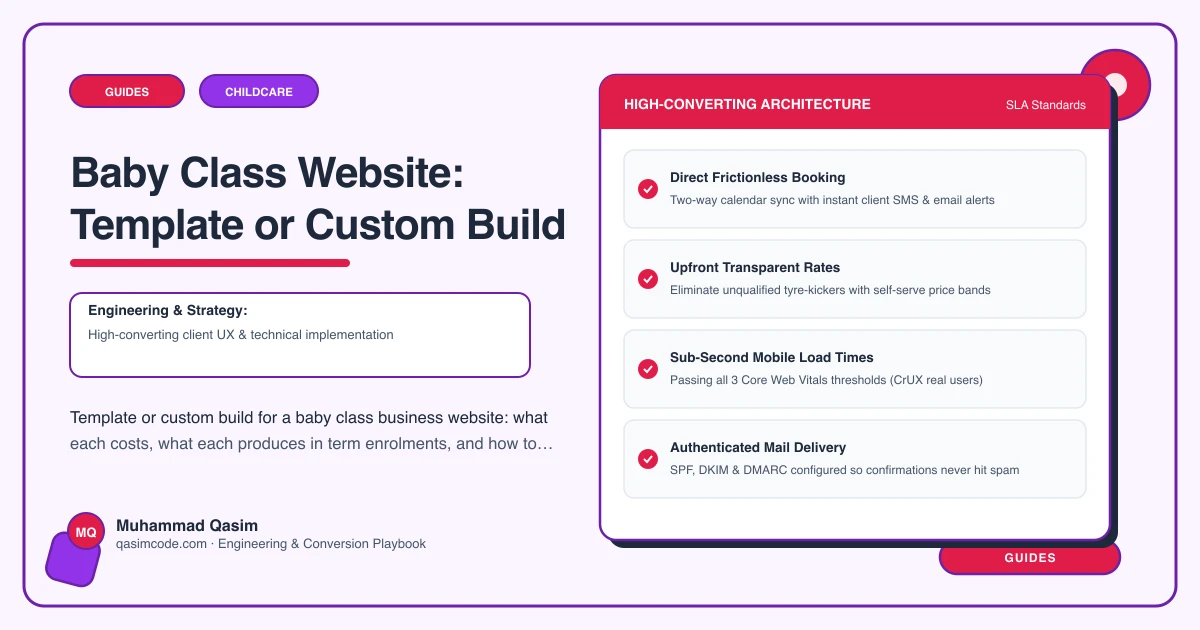
Classes organised by age band with the developmental focus explained, held as editable records. Trial booking and term enrolment from ClassForKids, Bookeo, TeamUp or Sawyer, embedded and deep-linked per class and venue, with the waitlist connected. Prices stated per trial and per term. A first-class page. A page per venue. Leader profiles with training and checks. Parent reviews beside the buttons. Fast on a phone, structured data, tracking, everything in your name.
Cost: mid four figures, fixed.
Good at: ranking for the age-shaped searches parents type, converting a nervous first-time parent into a trial, and turning that trial into a term.
Weak at: the invoice, and two to three weeks of your attention.
Where the extra enrolments come from
Age band pages. Parents do not search for your class name. They search for baby classes near them, or for something to do with a three month old. A page written for non-mobile babies, another for sitters and crawlers, another for walkers, each with its own focus, timetable slice and booking link, ranks for those searches and reassures the parent that they are in the right place. One long timetable ranks for none of them.
The trial as its own route. The trial is the conversion. On a template site it is usually a sentence saying to get in touch, which turns a ready parent into a message you answer four hours later while teaching. Given its own button, its own page and its own booking link, it converts at a completely different rate.
The first-class page. Parking, buggy storage, feeding, what to bring, what to wear, what happens when the baby cries or sleeps through the whole thing. These are the questions that currently arrive one at a time in your inbox, and they are also the reason nervous parents do not book.
The waitlist. A full term on a template site is a dead end. Connected to the platform, it is a list of parents you can fill January with.
Term dates you can edit. Selling a term is a two-week window. If the dates and prices on the site are wrong on the day you open enrolment, you lose the window, and no build cost compares to that.
The arithmetic
A provider with a template site getting 400 visits a month, converting 2 percent into an enquiry, and turning half of those into a trial, is getting four trials a month, of which maybe half stay for a term.
A build that ranks for three age-shaped local searches, publishes the trial as a one-tap booking and answers the practical questions might reach 700 visits at 6 percent, which is a different order of enrolment altogether. Even at a third of that improvement, the extra parents gained across two term launches, each worth two years of terms and a sibling later, clear the difference between the two builds well inside the year.
When the template is right
- One venue, one class, a waiting list already, and no ambition to add a second.
- A franchisee whose territory site is provided centrally and cannot be replaced.
- A first-year business still filling classes entirely from a local parents group.
When the template is a leak
- The same four questions about parking and feeding arrive every week by message.
- Parents ask which class their baby is old enough for, because the site does not say.
- Term dates on the site are out of date the week enrolment opens.
- The site takes over three seconds on mobile data.
- Full classes turn parents away with no waitlist.
- The domain or hosting is in the previous developer's name.
Deciding
Get three numbers. Monthly visits. Monthly trial bookings from the site. What a parent who stays for two terms and brings a sibling is worth. If the site converts under 3 percent, or cannot tell a parent which band a five month old belongs in, a custom build pays for itself in enrolments rather than in tidiness. If it is fast and converting, keep it and spend the money on photography from a real class and a first-class page instead.
Where this sits
Our baby class business websites are custom builds at a fixed price, with age band pages, trial booking, term enrolment, waitlists and the first-class page included, because that is the version that produces terms. The same structure sits behind the other childcare and family websites we build.