The short answer
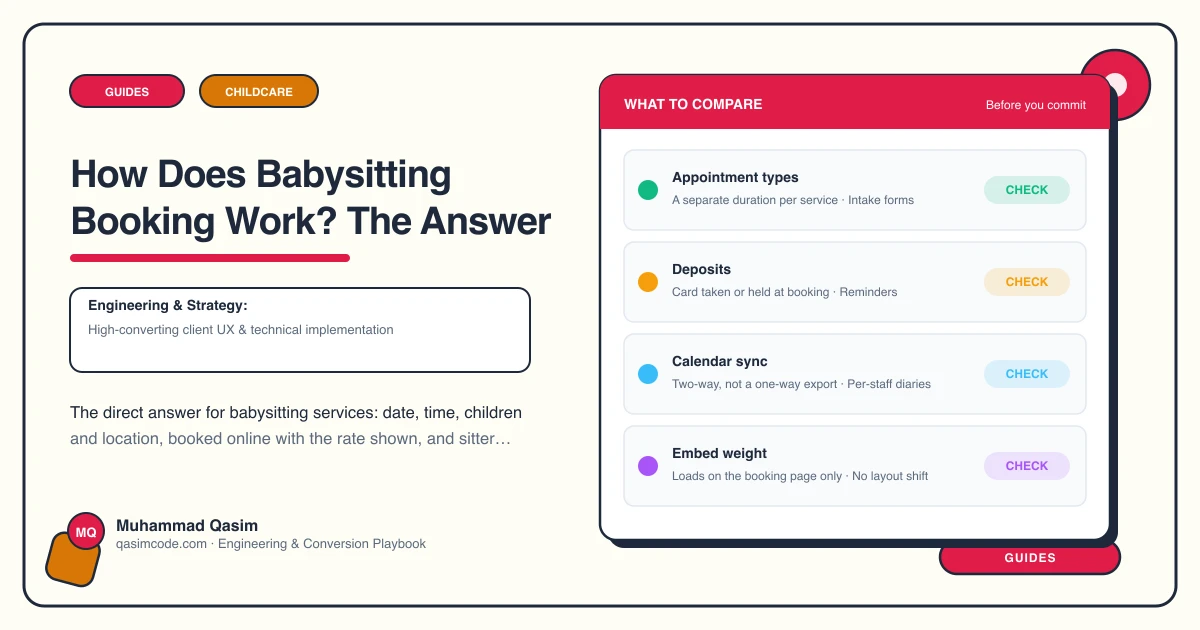
A parent picks a date, a start time and a finish time, says how many children and how old they are, gives an address and any needs you should know about, sees the rate, and confirms. That happens online, through a booking tool or your own platform, with no phone call required. Where you let parents choose their sitter, the profiles sit beside the flow so they can.
That is the whole answer. The rest of this post is what parents actually ask underneath it.
Do they get a confirmation or a request?
Say which, in the words on the button.
If you hold a roster and can guarantee cover, confirm instantly and say so. If every job needs a sitter matched first, call it a request, tell the parent what happens next, and state how quickly you will come back. Then meet that time.
A form that looks like a confirmation but is really a request is the single most damaging thing on a babysitting site. The parent stops looking, hears nothing for six hours, and books elsewhere.
What does the parent have to fill in?
Keep the required fields to one phone screen: name, mobile, email, address or postcode, date, start and finish, and the number and ages of the children.
Everything else follows after the booking, through the confirmation and a follow-up link. Allergies and medical needs, bedtime routine, feeding, pets, house access, emergency contacts, whether another adult will be home, and anything about the child the sitter should know before the door opens.
Ask for all of that at the booking screen and a fair number of parents will abandon halfway. Ask for it afterwards and you get better answers, because they are sitting down rather than standing in a supermarket queue.
How is a variable finish time handled?
This is the one thing babysitting booking does that a haircut appointment does not.
Three approaches work. Offer fixed durations such as four, five, six or eight hours as separate options. Or offer a base minimum with hourly extensions added on. Or take a start time and collect the finish as a required question, confirming the final figure back.
Pick one and hold to it. Whichever you choose, the minimum booking has to appear in the flow, not only in the terms, because the minimum is what parents most often miss.
Can parents choose their sitter?
Only promise it if you can deliver it. There are three honest models: named profiles where the parent chooses, named profiles where you match, and no individual profiles with your standards published instead.
Where parents can choose, each sitter needs their own availability in the booking system, usually modelled as a calendar or staff member, and a Book with this sitter button that opens the flow with that person selected. Where they cannot, replace that button with one line explaining how matching works.
What about tonight?
Set a minimum notice period in the platform, usually twenty-four or forty-eight hours, so the standard flow only offers dates you can staff. Route everything inside that window to a separate last-minute path with the surcharge stated on it.
Short notice is a large share of babysitting demand, so it needs its own designed route rather than a broken version of the normal one.
Is the rate visible before they commit?
It has to be. Either the flow calculates a running total as the hours are set, or the booking page carries a compact rates summary with the hourly rate, the minimum, and the late-night and short-notice additions, linked to the full rates page.
No parent should have to complete a registration to find out what an evening costs. Registration walls filter out the people who were ready to book and keep the ones who were only browsing.
What happens after they confirm?
Confirmation by email and text, with the date, hours, address, total, cancellation terms and a link to complete the child details. A reminder a day or two before. The sitter's first name sent through once matched, so nobody opens the door to an unexpected name.
Keep booking messages and marketing messages separate, with their own consent and an unsubscribe route on anything promotional.
Do we still need a phone number?
Yes, tappable in the header on every page. A first-time parent, or one with a child who has medical needs, will often want to speak to a person before the first booking. Take that call, then send the booking link by text so the record is completed the same way as everyone else's.
Where this sits
Online booking by date, time, children and location, with rates visible, a real last-minute route and sitter profiles wired to availability, is what a babysitting service website is built to do, and the same booking pattern runs through our other childcare and family websites. Packages are on pricing. Answer the date and the rate in ninety seconds and the booking is yours.