Best means the parent booked a trial
Tutoring websites compete on cheerfulness, and cheerfulness is cheap. Judged instead on families enrolled and kept, the good ones share nine traits. All nine answer the two questions a parent is holding when they land: can I trust these people with my child, and what will this cost me a term.
1. Written to the parent throughout
Not "improve your grades". Something closer to what the parent said out loud in the kitchen last week: the child who has stopped putting their hand up, the one who is fine in class and falls apart in tests, the one who has a year until the eleven plus. The child's voice belongs on one page about what a session feels like. Everywhere else, the buyer is the parent.
2. A page for each subject and age band
Primary maths, eleven plus, GCSE English, A level chemistry. Each with what is covered, the curriculum stage or exam board, what a term looks like, who it suits, the fee, the tutor, and its own trial button. These are the pages that rank for what parents type. One Subjects page ranks for nothing.
3. Fees stated, per session and per term
The per session number tells a parent whether you are in their range. The per term number tells them whether they can commit, and that is the decision they are actually making. Say what is included, whether materials cost extra, and how billing works. Editable by you, matching what the booking system charges.
4. Vetting and safeguarding in the main menu
Named background checks for every adult who teaches, when they were renewed, the safeguarding policy, the named person, and your practice on one to one sessions and on contact outside lessons. Country rules differ, so the good sites state precisely what applies where they operate rather than gesturing at "fully checked".
5. How sessions work, without euphemism
Length, frequency, where, what is expected between sessions, what happens if a child is ill, how many missed sessions before the slot goes, and whether a parent stays or leaves. This page turns interest into a booking because it removes every small unknown at once.
6. The progress answer, in writing
The single most under-answered question on tutoring sites. Say what a parent gets and when: a note after each session, a summary each half term, a call at the end of term, a portal. Then do it. A concrete small promise beats a vague large one.
7. Trial booking in one tap
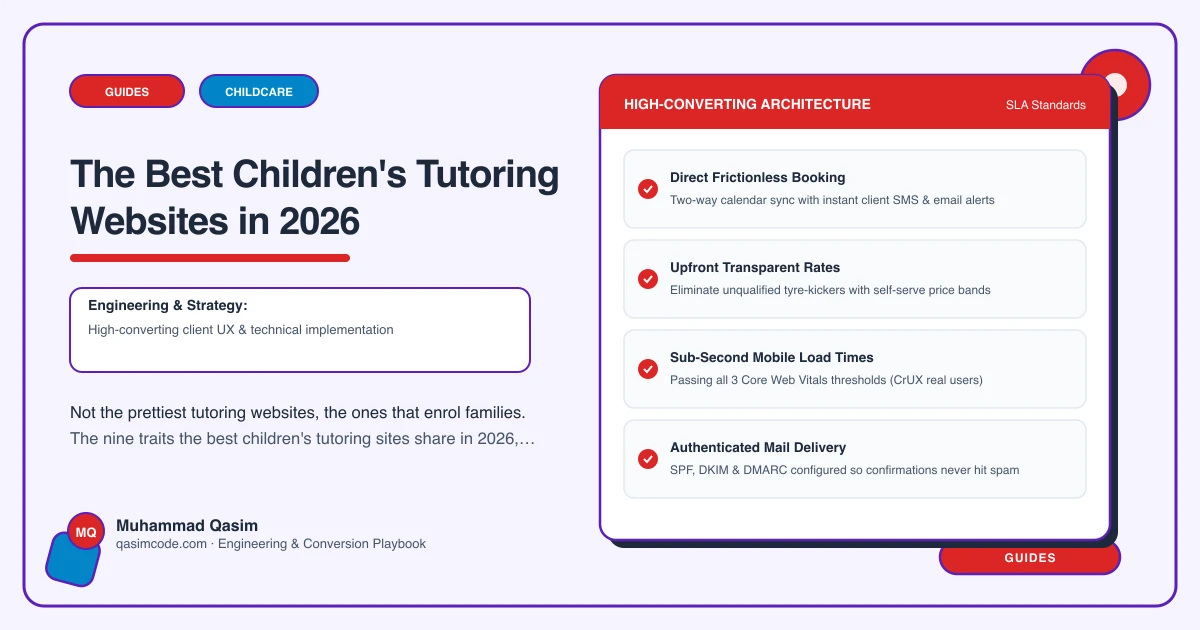
A Book a trial button in the header on every page, deep-linked into TutorBird, Teachworks, ClassForKids or Acuity with the subject and age preselected, asking for the child's first name, year group, subject and a parent contact and nothing else. The parent is the account holder. Tested on a real phone.
8. Tutor profiles that reassure rather than list
A photograph, a real name, qualifications, how long they have taught children of that age, what they are like with a nervous child, and their checks. A parent chooses a person, not an organisation, and this is the page they read twice.
9. Online safety stated, and everything measured
If you teach remotely: the platform, whether sessions are recorded and who holds the recording, whether a parent is nearby, how the link is issued. And on the business side, trial bookings and enquiries recorded by page, so the owner can say which subject page produced last month's families.
What the best ones do not share
- A look. Warm and primary-coloured, calm and academic, and plain and local all work.
- A platform. TutorBird, Teachworks, ClassForKids and Acuity all appear.
- Photographs of children. Many of the best have none, and rely on tutor portraits and the room instead. Where children do appear, it is with written parental consent.
- Many pages. Nine or ten well-made pages beats thirty.
Test your own, on your phone
Mobile data, private window, as a parent who has never heard of you:
- Find the cost of a weekly session for a year seven, per session and per term. Under thirty seconds?
- Read the home page as a parent. Is it addressed to you, or to your child?
- Find out whether the tutor has been background checked, and when.
- Find how you would hear about your child's progress, and how often.
- Tap Book a trial without scrolling. Is the subject preselected? Does it ask for a parent contact rather than the child's?
- Search your main subject plus your town. Is a page of yours on page one?
- If you teach online, find what platform is used and whether sessions are recorded.
- Ask yourself how many trials the site booked last month, by subject. Can you answer?
Seven or eight passes puts you ahead of nearly every tutoring site in your town. Most pass two or three.
Where this sits
Those nine traits are the specification we build a children's tutoring website to, and the list a diagnosis runs an existing site against. The same thinking shapes the rest of our childcare and family websites, from nurseries to holiday clubs. The cheerfulness is welcome. It goes on top of a structure that has already told the parent what it costs and who you are.