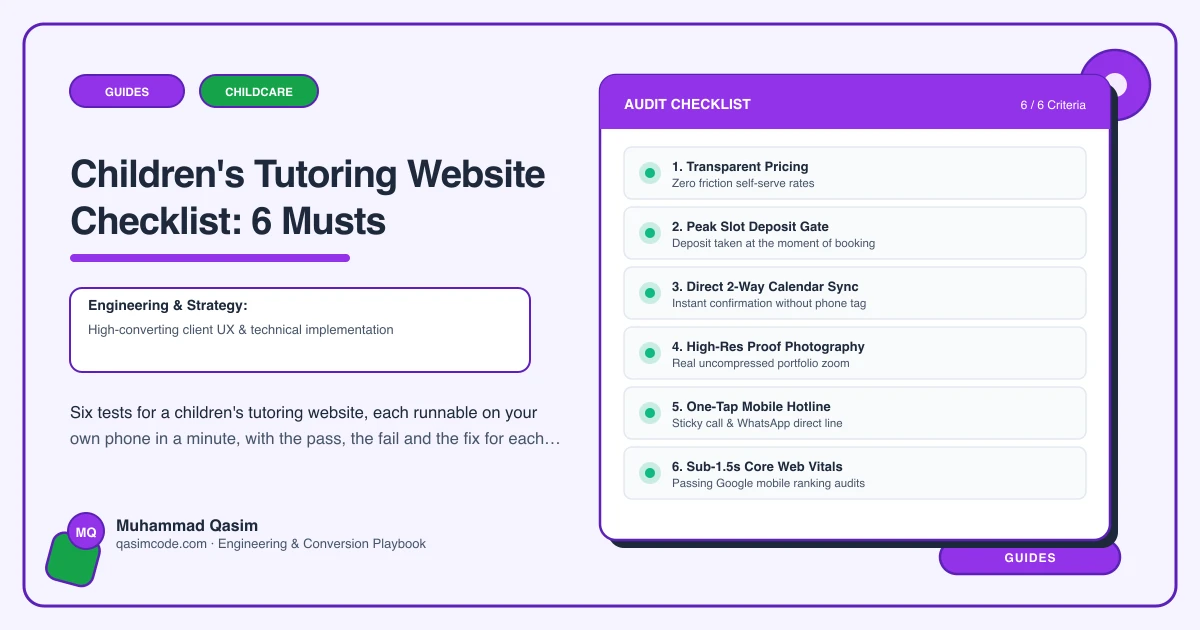
Six tests, ten minutes
A children's tutoring website has six jobs. Each has a test you can run on your own phone between sessions. Do them on mobile data in a private window, as a parent who has never heard of you would. The first three are the route from a worried parent's search to a trial in your diary.
1. Be found for the subject and the age
Test: search the subject that pays your rent, plus the age or stage, plus your town. Then look at what a visitor lands on.
Pass: a page for that subject and age band, covering what is taught, the curriculum stage or exam board, what a term looks like, the fee and the tutor, with its own trial button.
Fail: one Subjects page with a list of bullets, or a home page trying to be everything.
Fix: split the list into pages. Primary maths, eleven plus, GCSE English, A level sciences, whatever you actually teach. Write each one for the parent of a child at that stage. This is the single change that moves tutoring traffic most.
2. Answer the fee question in thirty seconds
Test: find the cost of a weekly session for a year seven, per session and per term. Time yourself.
Pass: both numbers on a fees page and repeated on subject pages, with what is included, whether materials are extra, and how billing works.
Fail: "contact for prices", or one hourly rate that does not tell a parent what a term costs.
Fix: fees as editable records by session length and age band, with the term figure calculated and stated, plus one honest paragraph on what changes it. Match whatever TutorBird, Teachworks, ClassForKids or Acuity charges, so the first invoice is not a surprise.
3. Book a trial in one tap
Test: without scrolling, tap Book a trial. Is the subject already chosen? Is it asking for a parent's details or a student's?
Pass: one tap into your booking platform, subject and age preselected, asking for the child's first name, year group, subject and a parent contact, and nothing else.
Fail: a general contact form, an email address, or a form that asks for a paragraph about the child before it will show you a time.
Fix: a Book a trial button in the header on every page, deep-linked per subject, tested on a real phone. Keep the first step short. The detailed intake belongs after the trial is in the diary.
4. Prove the vetting
Test: starting from the home page, find out whether the person who would teach your child has been background checked, and when.
Pass: a vetting and safeguarding page in the main menu naming the checks each adult holds and their dates, the safeguarding policy, the named person, and your practice on one to one sessions and on contact outside lessons.
Fail: the phrase "fully vetted" in a footer, or nothing at all.
Fix: write the page. Check regimes differ by country, so state exactly what applies where you operate, keep it as orientation rather than legal wording, and get it reviewed by whoever advises you if you are unsure.
5. Say how progress reaches the parent
Test: find out what you would be told about your child, and how often.
Pass: a plain statement, repeated on subject pages: a note after each session, a written summary at half term, a call at the end of term, or a portal login, with who writes it and when it arrives.
Fail: "we keep parents fully informed", or silence.
Fix: decide what you can genuinely sustain in the middle of a busy November, write that, and use your platform's lesson notes or portal to make it a routine rather than a favour.
6. Bring families back, and know what the site did
Test: think of a family who finished last summer and did not return in September. What did the site or the platform do about it?
Pass: recurring slots booked a term ahead, a reminder before term restarts, and trial bookings, enquiries and call taps recorded by page so you know which subject page fills the diary.
Fail: nothing goes out in August, and nobody can say how many trials the site produced last month.
Fix: set recurring lessons per term in your platform, put a re-enrolment message in the calendar for the fortnight before term, and add events for trial clicks, form submissions and call taps by page.
Scoring
Six out of six and the site is doing its job. Keep fees, term dates and tutor profiles current, and add a subject page when you add a subject.
Four or five: fix the failures individually, no rebuild needed.
Three or fewer, with tests one, two or three among the failures: the site is losing families every month, and a family is terms of sessions rather than one hour.
Where this sits
This is the launch checklist for every children's tutoring website we build, and the first ten minutes of a diagnosis on one you already have. The same six jobs, in different forms, sit behind the wider childcare and family websites we make. For tutoring, test one is usually where the missing enquiries are.