The short answer
Four platforms cover almost every children's tutoring business: TutorBird, Teachworks, ClassForKids and Acuity. Between them they handle a bookable trial, recurring weekly sessions, term or monthly payment, and communication that goes to the parent rather than the child.
Pick by the shape of your business, not by the feature list.
Pick by your situation
A solo tutor or a handful of tutors, one to one. TutorBird is built for exactly this: scheduling, recurring lessons, invoicing, lesson notes and a parent portal in one place, without the setup weight of a centre platform.
A centre with several tutors, mixed one to one and group. Teachworks is the heavier option, aimed at tutoring businesses with staff, multiple locations, payroll considerations and integrations with video and accounting tools. It costs more time to configure and repays it once you have a timetable to run.
Group classes and terms, particularly in the UK. ClassForKids is built around children's activity providers selling blocks and terms, with waiting lists and term registers. If your tutoring looks more like a weekly class than an appointment, it fits better than an appointment tool.
You want the simplest possible booking and nothing else. Acuity handles appointments, packages, intake forms and payment well, and is quick to set up. It does not know anything about students, terms or lesson notes, so you will keep those elsewhere.
The six things any of them has to do
- Sell a trial or assessment as its own short service, at its own price, bookable without an account.
- Turn that trial into a recurring weekly slot held for the child.
- Bill the way you actually sell: per session, monthly, or as a term block.
- Treat the parent as the account holder and the child as the student, with two names on one record.
- Send confirmations and reminders to the parent, branded with your name and address.
- Cancel, reschedule and pause without an email thread.
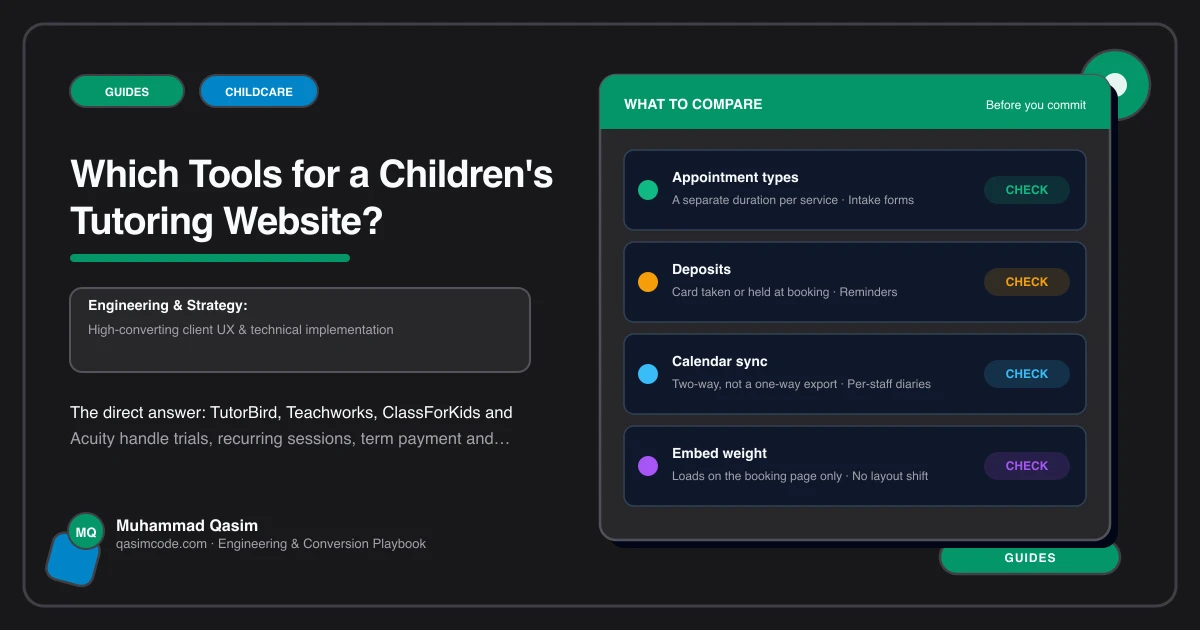
Check each of those against the vendor before you commit. Features move, plans differ, and the detail of term billing in particular varies between these products.
What generic tools get wrong
Plain calendar-booking tools model an adult booking themselves for a one-off appointment. A children's tutoring business breaks that in three places.
The buyer and the student are different people. Sessions repeat weekly for months rather than happening once. And money is often committed a term at a time rather than per booking. A generic tool can be forced through all three, but you pay for it every week in manual work.
The other common failure is that the reminder goes to the person who booked, in a tone written for a consumer appointment. Parents want a reminder that names the subject, the tutor and the room.
What the website has to do about it
The website's job is small and specific: get the parent from the page they are reading into the platform in one tap, with the right service pre-selected.
That means a Book a trial button in the header on every page, one under the fees table, and one on each subject page, each deep linked to the correct service. It means keeping required fields at booking down to parent contact, child's first name, year group and subject. And it means the confirmation carrying your address, parking, what to bring and the safeguarding link.
Hosted page or embedded widget
A hosted booking page on the platform's own domain is more reliable on phones than an embedded widget, and it is what we default to. If you embed, load the script only when the parent taps Book, check the height on a small screen, and confirm the calendar is reachable without an internal scroll trap.
On switching
Do not switch platforms in the middle of a term. Move at a term boundary, export the client and session records first, run both for a fortnight, and update every deep link on the site on the day you cut over. A booking button pointing at a dead service is worse than no button.
Where this sits
Wiring whichever of these platforms you run into the pages, buttons and confirmations is part of building a children's tutoring website, and the same approach sits behind our other childcare and family websites. The packages are on pricing. The platform holds the timetable. The site only has to get the parent into it.