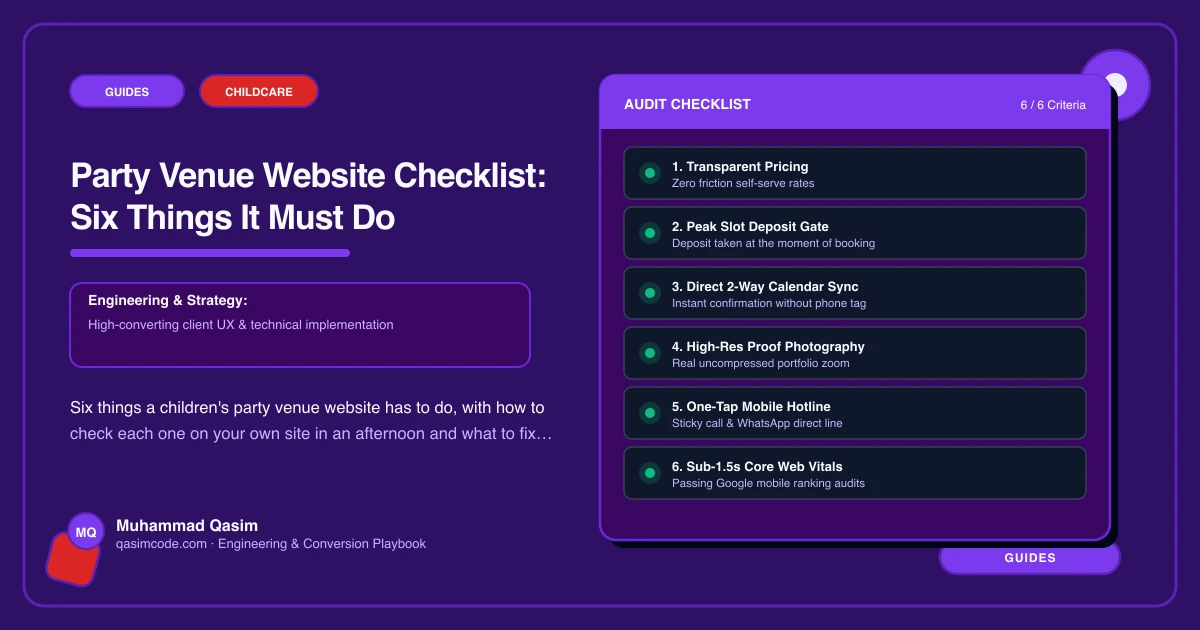
How to use this
Six items. Open your own site on a phone and work through them as a parent would, with a specific Saturday in mind and eighteen children in your head. Each item has a test you can run in a few minutes and a plain pass mark. Most venues fail two or three, and the fixes are smaller than they look.
1. Packages, by age, with price per child
What it means. Every package stated with its age range, duration, what is included, price per child, the minimum number of children, and what an extra child costs above the minimum.
How to check. Ask someone who has never seen your site to work out what a party for eighteen six year olds costs. Give them a phone and sixty seconds. If they cannot get to a number, you fail.
What good looks like. Comparable blocks rather than paragraphs, so the differences between packages are visible at a glance. Held as editable records so you can change a price or an inclusion yourself without ringing anybody.
If it fails. This is the first thing to fix. A parent who cannot price the party leaves, and most of them do not ring.
2. Availability and booking, with a deposit
What it means. A parent picks a date, sees whether the party room is free, books it, and pays a deposit, all on your site.
How to check. From the home page, count the taps to a confirmed party with money attached. Do it in the Instagram in-app browser as well as in Safari or Chrome.
What good looks like. Room slots from ROLLER, Bookeo, Xola or Party Center Software embedded and deep linked per package. A Book button in the header on every page. The deposit amount, the balance date and the cancellation and rescheduling policy on the same screen, in the same words as your confirmation email.
If it fails. An enquiry form is not availability. A form sent at four on a Saturday is answered on Monday, and the party has gone.
3. Food and add-ons, in the flow
What it means. Party bags, an extra half hour, a character or entertainer visit, hot or cold food, dietary options, all priced and selectable during the booking rather than agreed later by email.
How to check. Try to add party bags for eighteen children without sending a message to a human. If you cannot, you fail.
What good looks like. Add-ons presented at the point of booking with prices, and the total updating as they are chosen. Anything you cannot sell automatically, such as an outside children's entertainer, listed with its price and how to arrange it.
If it fails. You are doing the upsell by email on a Wednesday evening, and you are losing the share of parents who never reply.
4. A parent FAQ that answers the real questions
What it means. Adult supervision and how staff are vetted, allergies, invitations, what to bring, arrival and setup time, whether parents stay, what happens if numbers change, whether you can bring your own cake.
How to check. Write down the last ten questions you were asked on the phone. Search your own site for each. Count how many have a clear answer on a page.
What good looks like. A real FAQ page with each question as its own heading, in plain words, linked from every package page and from the booking flow.
If it fails. Every unanswered question is a phone call you take mid party, or a parent who books elsewhere.
5. Room photography, and a sense of scale
What it means. Photographs of each party room as it actually looks during a party, plus the food setup, the play area, the entrance and the parking.
How to check. Look at your gallery and ask whether a stranger could tell your venue from any other. Then ask whether they could tell how big the room is.
What good looks like. Real photos taken during working parties, with consent from the parents of children in shot. Capacity stated, or a simple room plan. No stock images of balloons.
If it fails. Book half a day with a photographer across a busy Saturday. It is the cheapest improvement on this list per pound spent.
6. Allergens and reviews, both visible
What it means. A plain statement of the allergens in the food you serve and how you handle a child with a known allergy, and real reviews from parents placed where the decision happens.
How to check. Search your site for the word allergen. Then look at where your reviews sit and whether a parent reaches them before or after the Book button.
What good looks like. An allergen page written for parents, with what you ask them to tell you at booking. Requirements differ by country and by how food reaches the table, so confirm what applies where you operate. Three or four parent reviews beside the package cards rather than on a page nobody visits.
If it fails. Both are quick. The allergen page is an afternoon. Reviews need a habit: ask the week after the party, while the parent is still pleased.
Scoring
Six passes and your site is doing its job. Four or five and you have a specific, cheap list. Three or fewer and the site is a brochure that happens to have your name on it, and your weekends are being filled by whoever answers the phone fastest.
Where this sits
These six are the specification we build to on a children's party venue website, and the same checklist shape, with different questions, runs across our childcare and family websites. Fix them in order. Availability and price per child first, because everything else is worth less until a parent can see both.