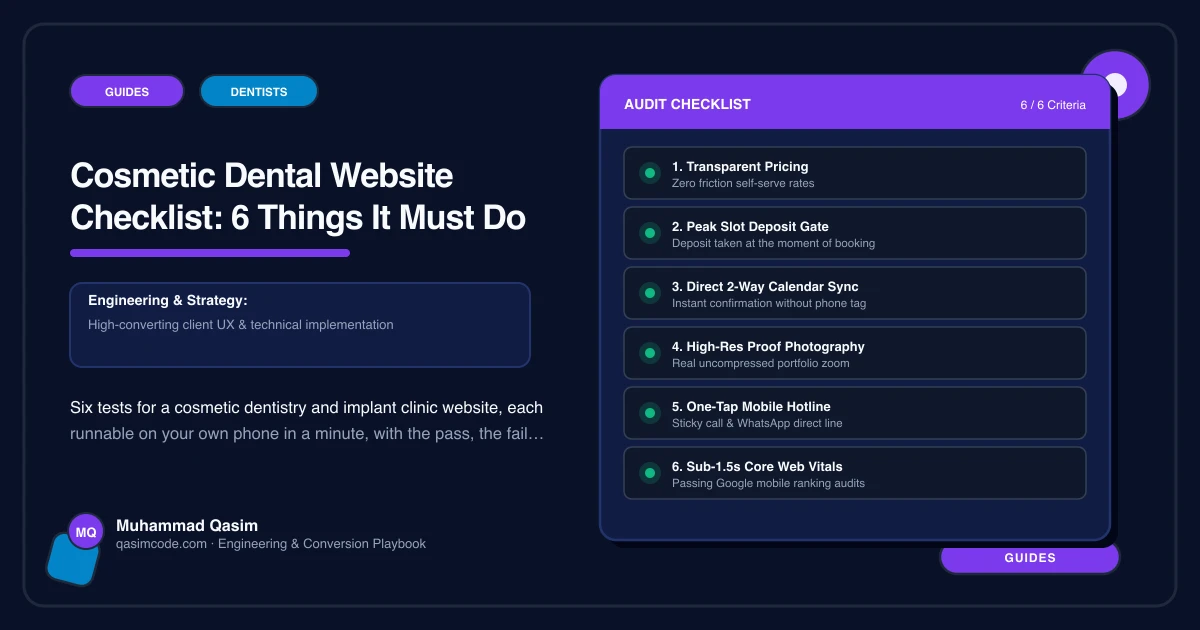
Six tests, ten minutes
Do these on your own phone, on mobile data, in a private window, as a stranger would. Not on the practice computer where the site is cached and you know where everything is.
1. Price a treatment in thirty seconds
Test: find what a single implant costs, and what a set of composite bonding costs.
Pass: a from-price on each treatment page, what it includes, how many visits, and a monthly finance figure with the lender's representative example.
Fail: "prices on request", a fees PDF from two years ago, or one page listing every treatment with no numbers.
Fix: from-prices held as editable records so the practice can change them without a developer, the finance wording supplied and approved by your finance partner, and a clear line on whether the consultation is free or paid.
2. Book a consultation in one tap
Test: from a treatment page, without scrolling, tap Book. Is the right consultation type already selected? Is there a video option?
Pass: one tap into your practice system or booking tool, the correct appointment type preselected, a short intake form attached, and a video consultation offered for distance patients.
Fail: a generic contact form, a phone number only, or a booking widget where the patient has to work out which appointment they need.
Fix: a header booking button on every page and one under each price, deep linked per treatment, with intake questions kept to what fits on one phone screen.
3. Show cases as evidence, not decoration
Test: open your gallery. Pick an image. Can you say, from the page alone, what treatment it shows, how many visits it took, and where the consent record for it lives?
Pass: consistent lighting and angles, a caption per case naming the treatment and the appointments involved, factual wording, and a consent record you can produce for every image.
Fail: unlabelled photographs, mixed lighting, stock images among real cases, or images whose consent nobody can locate.
Fix: cases built as records with treatment, clinician, visit count and a consent reference, so a withdrawn consent removes the image everywhere in one action. Where your regulator restricts before-and-after imagery, the gallery needs to be switchable per market.
4. Appear in under two seconds
Test: load the home page and your busiest treatment page. Count.
Pass: under two seconds on a mid-range phone, Core Web Vitals in the Good band on mobile.
Fail: a blank screen, then a hero slider of before-and-afters, then a booking widget.
Fix: images sized and compressed, hero image prioritised, galleries lazy-loaded, sliders and autoplaying video removed, booking hosted rather than heavily embedded, hosting above the cheapest tier.
5. Prove the clinician
Test: find who places your implants, their registration number, their training and roughly how many years they have been doing it.
Pass: a profile per clinician with registration details, training, the treatments they personally perform, and a photograph of the actual person.
Fail: a team page of first names, or claims about specialisms nobody has checked against the rules.
Fix: profiles built into the template so the registration field cannot be dropped by accident. In the UK the GDC sets standards for how registrants describe themselves; in the US, state dental boards govern qualification and specialty wording. Have someone who knows your regime read the page before it goes live.
6. Catch what the site produced
Test: how many consultation bookings came from the website last month, and from which page?
Pass: booking clicks, call taps and form submissions tracked by page, plus a "how did you hear about us" field on intake, reviewed monthly.
Fail: nobody can answer, so the website conversation is opinion versus opinion.
Fix: events on every booking button and phone link, a source question on the intake form, and ten minutes a month with the report.
Scoring
Six out of six: keep prices and cases current and add a page when you add a treatment.
Four or five: fix the failures individually. No rebuild needed.
Three or fewer, with tests one, two or three among them: the site is losing the patients who were comparing you tonight, and those are the highest value cases you will see all year.
Where this sits
This is the launch checklist for every cosmetic dentistry and implant clinic website we build, and the first ten minutes of a look at one you already have. The same six jobs in simpler form sit behind our other dental practice websites, and packages are on pricing. Test three is the one to take slowly: photography and consent are where a cosmetic site gets into trouble, and this checklist is orientation rather than legal advice.