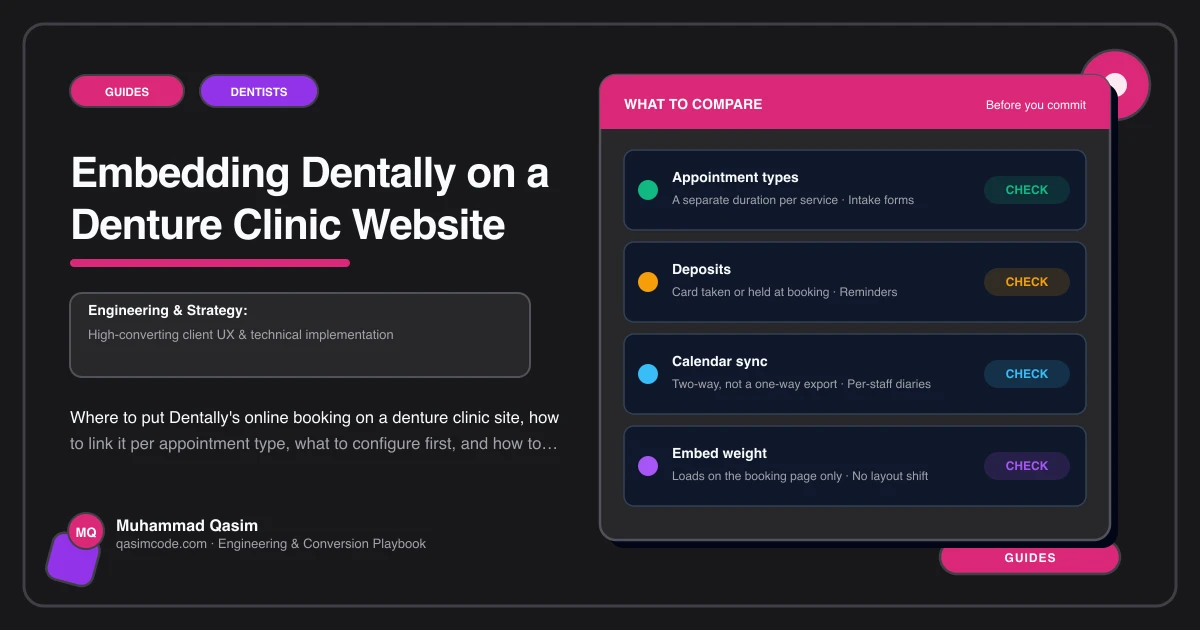
What Dentally gives a denture clinic website
Dentally is cloud practice management software, and from a website's point of view the piece that matters is its patient-facing online booking. It runs as a hosted booking page on a Dentally address, branded with your logo and colours, showing availability from the same diary your team works in. The patient picks an appointment type, chooses a slot, enters their details, and receives confirmation and reminders.
It is a hosted page you link to rather than, primarily, a widget you scatter across a site. That is good news for a denture clinic, because a hosted page is faster and easier to make readable at large text sizes than an embedded frame.
Feature detail and available options change between releases and between plans, so confirm exactly what your plan exposes with Dentally before the website depends on it.
The rule: nothing loads until they tap Book
A denture clinic site is mostly read, not booked. The price table, the repair page, the qualifications page and the home visit page do the persuading. Loading a third party booking script on all of them slows the pages that convince, for the benefit of the one page that books.
So: link out from everywhere, and if you embed anything at all, embed it on one page only.
Option A: link to the hosted page, which is usually right
The Book button on every page is a plain link to your Dentally booking address. Nothing third party loads until it is tapped.
- Take the booking URL from Dentally's online booking settings.
- Make it the target of the header Book button and every Book call to action on the site.
- Where Dentally's links let you pre-select an appointment type, point each page at the right one: the consultation from the denture type pages, the repair assessment from the repair page.
- Open it in the same tab. New tabs confuse older patients more than they help.
Option B: one booking page with an embed
If you want the booking to feel like part of the site, give it one page and nothing else. /book, carrying the embed, a short reassuring line, the phone number and your opening hours.
Reserve the height before the widget arrives so the page does not jump while it loads, and preconnect to the Dentally domain in the head.
<link rel="preconnect" href="https://your-practice.dentally.co">
<div class="booking-embed" style="min-height: 720px"><!-- Dentally booking embed --></div>
Then test it with the phone's system text size scaled up. If the widget breaks, traps the scroll, or hides the confirm button at that size, abandon the embed and link to the hosted page instead. Readability wins over neatness on this kind of site.
Configure Dentally before the site points at it
- Appointment types named the way patients say them. New patient consultation, denture repair or reline assessment, review or adjustment, home visit enquiry. Not internal codes.
- Durations that match reality, with the clinical time around a consultation blocked properly so the diary does not overfill.
- Repair slots held daily and closed at your cut-off time, so nobody books a same-day repair at half past four.
- Only the fields you actually need at booking. Name, phone, email, what they need, and a description box. No health history through a website form.
- Confirmations and reminders in your voice, sent by text as well as email, carrying the address, the parking and the number to ring.
- Notifications to the phone somebody watches, not an inbox checked on Fridays.
- New patient and existing patient routes kept separate, because an existing patient booking into a new patient consultation costs you a long appointment.
Then book a test consultation from your own phone, end to end, and cancel it.
The phone number does not move
Whatever the booking route, the tap-to-call number stays the same size as the Book button, side by side, in the header, on the home page, on every denture type page, on the repair page, and in a fixed bar at the bottom of the screen on phones. Many of your patients will always ring, and the site must never suggest that is the awkward option.
Do not send patient data through the website
The booking flow collects contact details and a short description. Anything clinical stays in Dentally, or in the clinic. The website itself should store nothing about a patient's health, and your privacy notice should say plainly where booking data goes and who holds it. Data protection duties differ by country, so have the notice checked locally.
Testing and tracking
Test the whole route in Safari and Chrome on iOS and Android, at normal and enlarged text sizes, and one handed. Repeat monthly, because hosted booking pages change without telling you.
Add a booking click event on every Book tap and a call click event on every tap-to-call, each recorded with the page it came from. Once a month, compare taps by page against booked appointments in Dentally. That is how you find out whether the price table or the repair page is filling the diary.
Where this sits
Wiring Dentally, or Software of Excellence, Cliniko, Jane or Acuity, into the pages is a standard part of a denture clinic website, and the same one-booking-page pattern runs through our other dental practice websites. The packages are on pricing. Dentally holds the diary. The site's job is to get an anxious patient into it in one tap, or onto the phone in one tap, whichever they prefer.