Why the repair page earns its place
Somebody has just broken a denture. They cannot eat properly, they will not go out, and they are searching on a phone for the words "denture repair near me" right now. That is the highest intent traffic a denture clinic ever gets, and most clinics answer it with a single line buried on a services page.
The repair page is the fix. One page, its own address, written for a person in a hurry.
Give it its own URL and its own title
Not a section of "Our services". A page at something like /denture-repairs, with the town in the page title, linked from the main navigation and from the home page above the fold.
That matters for search and it matters for the person who lands on it from Google without ever seeing your home page. Assume the repair page is the only page they will read.
Put the answer in the first screen
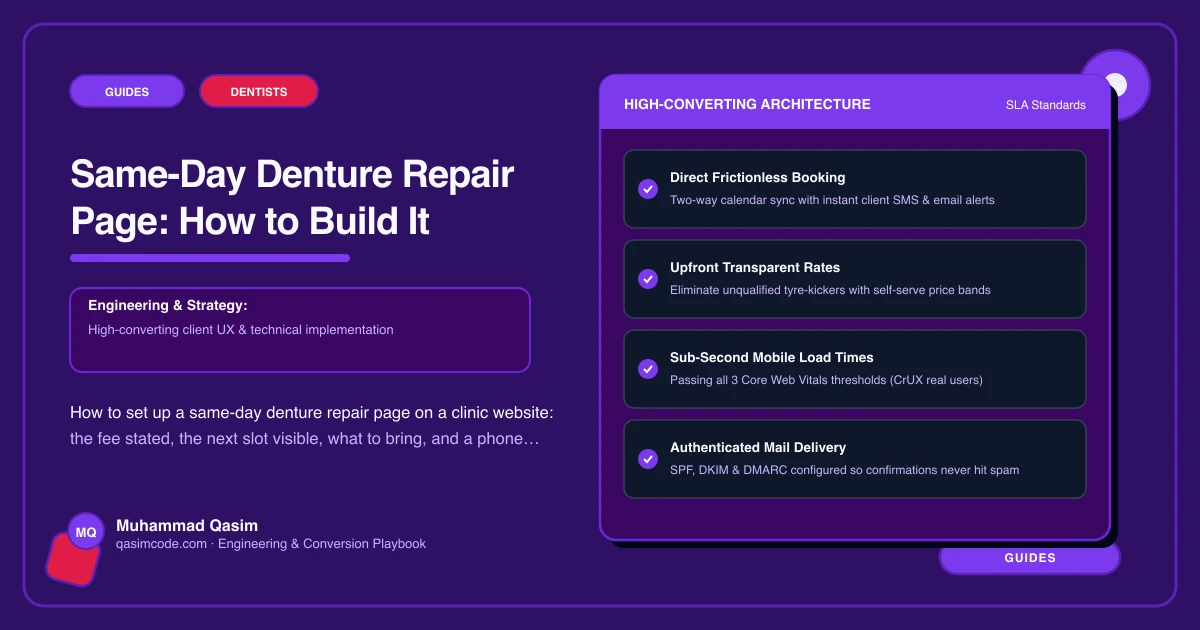
Four things, before any scrolling:
- Whether you do same-day repairs, in those words
- The repair fee, or a from-price with what changes it
- Today's cut-off time, the hour by which a denture has to be with you for same-day turnaround
- A phone number as a tap-to-call button, with a booking button beside it
Everything else on the page supports those four. If a patient has to scroll to find out whether you can help today, a competitor who put it at the top has already got the call.
State the fee, and what moves it
Repairs are the one thing in this trade where a number is genuinely publishable. A simple crack or a single tooth replaced is a known job. Say so, as a from-price, and then name the cases that cost more: multiple fractures, a repair that needs a new impression, adding a tooth to a partial, a reline done at the same time.
Add the honest line that a repair is assessed before it is quoted, and that you will ring with a price before doing anything beyond the stated job. Patients are not annoyed by conditions. They are annoyed by surprises at the desk.
Show the next slot where you can
If your software publishes live availability, put the next repair slot on the page. Dentally, Software of Excellence, Cliniko, Jane and Acuity all run diaries that a website can point into, though how much of that a given plan exposes varies, so check with the vendor before the page promises a live time.
Where you cannot show a live slot, do not fake one. Show your repair hours and a stated response promise instead: "Bring it in before two and it goes back the same day where the break allows." A promise you keep is worth more than a calendar you cannot trust.
Say what to bring and what happens
Short list, plain words. Bring the denture and any pieces, including the small ones. Bring the case if you have it. Say whether you need the patient to stay in the building, roughly how long a straightforward repair takes, and what happens if the break turns out to need laboratory work rather than a chairside fix.
Do not write anything that reads as clinical instruction. Never tell people how to repair a denture themselves, and do not advise on glues, kits or what to do with a sore mouth. The page's job is to get the denture to a qualified pair of hands quickly, and to say that clearly.
Cover the cases that arrive with it
Three neighbours to the repair job, each worth a short section with its own booking link:
Relines. The denture is intact but no longer fits. Explain the term in one sentence, because most patients have never heard it.
Additions. A tooth has been lost and a partial needs one added.
A spare set. For a patient who has just spent a fortnight without teeth, the case for a spare makes itself. Mention it once, without pressure.
Make it readable
Repair traffic skews older and more distressed than the rest of the site. Large text, high contrast, generous line spacing, and no small tap targets. Test the page with the system text size turned up on a real phone. Test the phone button one-handed.
Wire the diary behind it
Hold a small number of repair slots each day rather than letting consultations fill everything. A repair appointment is short, it is often paid on the day, and it is the appointment most likely to turn into a full denture case later. Set the online booking to release those slots and to close them at your cut-off time so nobody books a same-day repair at four in the afternoon.
Track it separately
Give the repair page its own booking click and call click events. Within a month you will know whether it is producing calls, bookings or neither, and whether the fee line or the cut-off time is what people read before they act.
Where this sits
A repair page with the fee stated and the next slot visible is one of the standard pieces of a denture clinic website, and the same urgent-visit pattern sits behind emergency pages on the dental practice websites we build. The packages are on pricing. Answer the four questions in the first screen and the phone rings.