The decision in one sentence
For most businesses the template versus custom question is about looks. For an emergency dental service it is about load time and live availability, and those two things are exactly where dental templates are weakest.
What a template gives you
A dental theme from a marketplace, or a Squarespace, Wix or Duda template dressed with your logo, gives you a presentable site quickly and cheaply. You get pages for treatments, a team section, a contact form, a gallery. Somebody in the practice can edit text. That is real value and it is worth having for the general practice site.
The trouble starts when you ask that template to do the emergency job.
Where templates break under emergency traffic
Weight. Dental themes ship with a slider, an animation library, a font stack, an icon set and a page builder. The demo looks calm because it loads on a desktop connection. Your emergency patient is on a mid-range phone on mobile data at eleven at night, and the theme's baseline is two or three seconds before your content appears. Every tenth of a second there is patients going to the next result.
Availability. A template's booking block is almost always a link out or an iframe of a generic scheduler. Showing real emergency slots from Dentally, Software of Excellence, Dentrix, Open Dental or Curve Dental, filtered to the one appointment type you hold back for emergencies, is integration work. Templates do not do integration work.
The fold. Themes are built to lead with a hero image. The emergency page needs the phone button, today's availability and the fee in the first screen, with no image competing for that space. You can fight the theme to get there, and you will fight it again after every update.
Structured data. Opening hours markup that Google can use is either absent or generic in most themes. It matters here more than on any other dental page, because "are they open now" is the question behind the search.
Where a custom build earns its money
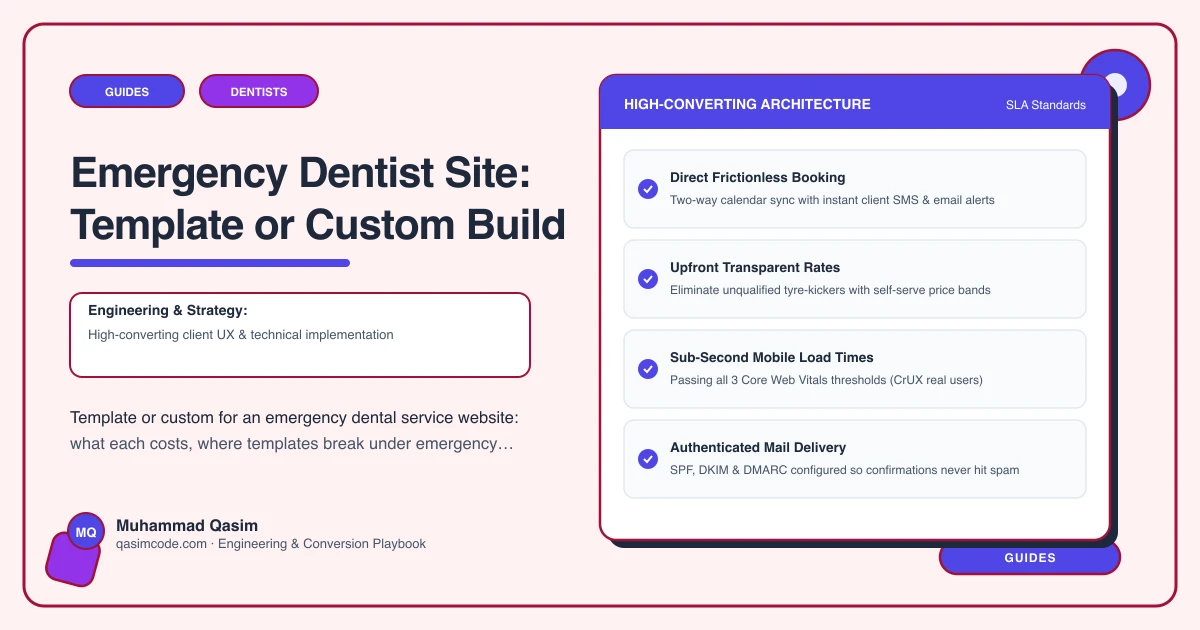
A build for this job starts from the constraint rather than the design. The page is assembled to render its first screen fast, with the phone number as a button, the next available slots, the fee, and the address. Booking is deep-linked or embedded on interaction so the widget cannot delay the tap. Guidance sections for the common presentations are structured as their own blocks, written and signed off by a clinician at the practice. Opening hours are held as data, so they feed both the page and the markup and are edited in one place.
None of that is exotic. It is simply not what a marketplace theme is built to do.
The honest middle path
Plenty of practices do not need a bespoke site. They need a fast, purpose-built emergency page attached to a perfectly ordinary practice site. That is a legitimate and often correct answer: keep the template for treatments, team and fees, and build the emergency route properly.
For that to work, the emergency page has to escape the theme's weight. In practice that means a stripped template for that route, images limited to one, the page builder off, and the booking widget deferred. If the platform will not let you do that, the emergency page will inherit the site's speed and the argument is over.
Cost and payback
A template emergency page is a few hundred dollars of setup on a site you already pay for. A purpose-built emergency site sits around the $2,500 to $6,000 band. The gap is real money for a small practice.
The payback maths is unusual here, though, because of what an emergency patient is worth. These are not one-off transactions. A patient seen the same day, treated well and told what it cost in advance frequently registers afterwards. A handful of registrations a year covers the difference between the bands, and the traffic is available every single night whether you capture it or not.
Against that, a template page that loads in four seconds and says "call to enquire about availability" converts a fraction of the same traffic, and you will never see the patients you lost.
How to decide
Choose the template route if you take emergencies opportunistically, do not advertise out-of-hours cover, and your practice software has no public booking anyway. Make the page fast and honest, put the phone number in a button, and state the fee.
Choose the custom route if you actively want emergency and out-of-hours patients, your software can expose availability, and you are willing to protect emergency slots in the diary so the page is telling the truth.
Choose the middle path if you have a working practice site you like and only the emergency route is failing. That is the most common situation and the cheapest fix.
Where this sits
We build emergency dentist websites around speed, live slots and a stated fee, and the same page can be added as a fast route to an existing dental practice website. What each package includes is on pricing. Whichever route you choose, the what-to-do-now wording on the page must be written and approved by a clinician at your practice rather than by whoever builds the site.