What you are actually buying
An emergency dental page has a narrower job than a practice website. It has to answer three questions for a stranger in pain, on a phone, at ten at night: can you see me today, what will it cost, and how do I get there. Everything else exists to support those three.
Note the unit of value before you look at the numbers. A routine hygiene booking is worth one visit. An emergency patient who is seen the same day frequently registers with the practice afterwards, which is years of appointments. That changes what a page is worth building properly.
The free option, and what it costs you
The word "emergency" appears in a paragraph on the treatments page, and the route to an appointment is the main practice phone number.
You get: something to point at when a patient asks.
You do not get: a page that ranks for "emergency dentist" plus your town, a stated fee, today's availability, or a phone button that a person with one working hand can hit without scrolling.
Right for: nobody who wants out-of-hours patients from search.
A template site
A page added to whatever the practice already runs, with a heading, some copy and a link to the general contact form.
You get: a URL you can put in the voicemail message.
Usually missing: speed, because the page inherits the practice site's sliders and scripts. Also stated fees, live slots, tap-to-call above the fold, out-of-hours instructions and opening-hours structured data.
Right for: a practice that takes emergencies occasionally and does not market them.
What we build: Essentials at $500, Complete at $1,500
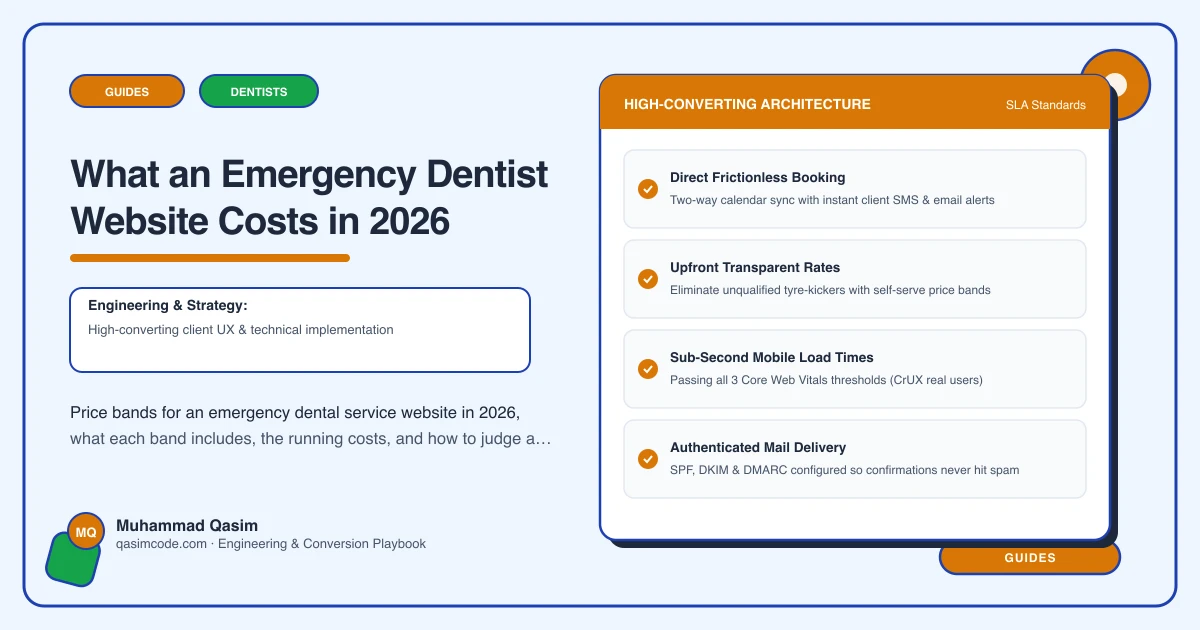
Built around the two minutes a patient in pain spends choosing. Live same-day slots pulled from the practice diary where Dentally, Software of Excellence, Dentrix, Open Dental or Curve Dental exposes online booking, so the patient sees a time rather than a promise. Tap-to-call as a persistent button with hours beside it. The emergency fee stated, with what it covers and what the common next steps cost. A what-to-do-now section covering the usual presentations, written by a clinician at your practice rather than by a copywriter. A clear answer for unregistered patients. Opening-hours structured data so the hours can surface in the result itself. The whole thing loading in under two seconds on a mid-range phone on mobile data.
You get: the result the patient stops at, and calls that come from people who are already on their way.
Not usually included: photography, and the clinical review of your guidance text, which has to come from inside the practice.
Right for: any practice that genuinely offers same-day or out-of-hours appointments and wants to be found for them.
When it goes past that: Custom, quoted after a call — multi-site or an out-of-hours network
Several practices with separate diaries and rotas, or an out-of-hours co-operative where the page has to route by location and by time of night. Add on-call rota logic, per-site hours and a triage form that decides where the patient is sent.
After launch
- Hosting: managed WordPress at $20 to $50 a month, or often free on a framework host, in your name.
- Domain: small, annual, and registered to the practice rather than to an agency.
- Practice software: whatever you already pay for Dentally, Software of Excellence, Dentrix, Open Dental or Curve Dental. Online booking is sometimes a module rather than a default.
- Maintenance: a care plan from $99/mo, which is where hours, fees and speed get kept current.
- Copy review: budget clinical time once a year to re-read the guidance section.
Where the money goes
- Live slot display, wired to the appointment type you hold back for emergencies, so cancellations show up rather than sitting empty.
- Tap-to-call that survives every layout, including the sticky footer on a small phone.
- A fee block with the emergency assessment, and honest ranges for the usual follow-ups such as an extraction or a root canal started.
- Guidance for the common presentations, drafted with your clinicians, reviewed by them, and dated.
- The unregistered patient answer, in plain words, because ambiguity here generates exactly the phone calls you were trying to avoid.
- Speed work: no hero video, one small image at most, no third-party script that blocks the first tap.
- Structured data and tracking of call taps and booking clicks by hour, so you can see what the night traffic does.
Judging a quote
Ask six things. Does the page show real availability from our diary, and if not, why not. Is the fee stated on the page or behind a form. What is the measured load time on a mid-range phone on mobile data, not a lab score. Who writes and signs off the guidance text. Is there opening-hours structured data. Whose name are the domain and hosting in. A quote that cannot answer those is a template quote whatever the number says.
Where this sits
Our emergency dentist websites are built to that standard at a fixed price, with live slots, a stated fee, tap-to-call and a sub-two-second target included, and the wider approach is on the dental practice page. Any first-aid or what-to-do-now wording on a site like this must be written and approved by a clinician at your practice, not by your web team. If your emergency route is currently band 1, the number worth weighing against a rebuild is how many people searched for an emergency dentist in your town last night and did not find you.