Work in this order
An emergency dental page fails in a predictable sequence, and the fixes are worth doing in the order below because each one is cheaper and higher impact than the next. Do not start with content. Start with whether the page appears at all.
1. The page is too slow to be seen
The patient is on a phone, often on poor signal, and they have three or four tabs open. If your first screen takes four seconds, a proportion of them have already gone and you will never appear in any report as a lost booking.
Check: load the emergency page on a real mid-range phone on mobile data, not on the practice wifi, and count.
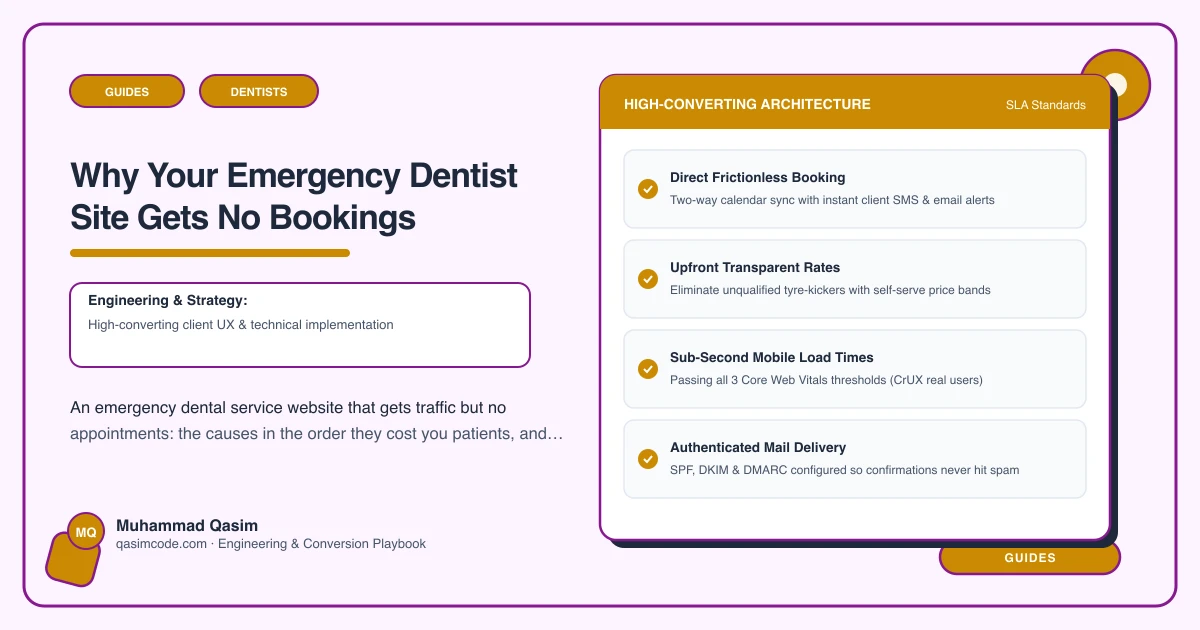
Fix: one image at most and no hero video. No slider. Defer the booking widget until it is tapped. Turn the page builder off for this route. Get the first screen, phone button included, painting in under two seconds.
2. The phone number is not a button
Emergency traffic converts by phone far more than any other dental traffic. A number typed as plain text, in a footer, or inside an image is a number that does not get dialled by someone holding a cold compress.
Check: open the page on a phone. Without scrolling, can you tap the number and have it dial?
Fix: tap-to-call above the fold on every screen size, with the hours stated beside it so the caller knows whether anyone will answer. Keep it visible as the page scrolls.
3. The page says "call to enquire about availability"
This is the single most common failure and it is a content one. The patient wants to know that a slot exists. A promise to discuss the possibility of a slot is not that.
Check: does the page state a time, a day, or at minimum a firm commitment such as "we keep emergency appointments every weekday and see patients the same day"?
Fix: where your practice software exposes online booking, show the next available emergency slots pulled from the diary. Where it does not, state the commitment in words and put the phone button next to it. Either is far better than an enquiry.
4. There is no fee anywhere on the page
Fear of an open-ended bill stops bookings, particularly out of hours and particularly for patients who are not registered with you. People assume an emergency visit is expensive and unpredictable, and they will phone three practices to find out rather than book one.
Fix: state the emergency assessment fee, say what it covers, and give honest ranges for the usual next steps. That one block removes a whole category of phone call and a whole category of hesitation.
5. Unregistered patients cannot tell if you mean them
Half of emergency searchers are not your patients. If the page reads as though it is written for the practice list, they assume they are not eligible and move on.
Fix: one plain paragraph. Do you see people who are not registered, what do they need to bring, is registration required afterwards, and how does follow-up work.
6. Booking is not deep-linked to the emergency slot
If the Book button drops the patient into a general scheduler where they have to pick a practice, a practitioner and an appointment type from a list, most will not finish.
Fix: create one Emergency appointment type, hold slots back for it daily, expose it to online booking, and link straight to it. Test the whole flow on a phone yourself, at night, as a stranger would.
7. Nobody knows you take emergencies
If none of the above is the problem, the problem is upstream. The page is not being shown for "emergency dentist" plus your town.
Fix: a dedicated page rather than a paragraph on a treatments page. Opening-hours structured data so hours can appear in the result. The town in the heading and the copy, naturally. The service listed on your Google Business Profile with the fee and a link to the page. Being an actual out-of-hours provider matters more than any technique here, so say what your real hours are and do not overclaim.
8. The slots on the page are not real
Showing availability and then telling callers there is nothing today is worse than showing nothing. It burns the trust that made the page work.
Fix: protect the emergency slots in the diary as an operational rule. Reception checks online emergency bookings at the start of every session and mid-morning. If the rota changes, the hours on the page change the same day.
9. You cannot see what is happening
Most practices cannot say how many emergency bookings the website produced last month, which makes every argument about it a matter of opinion.
Fix: record call taps, booking clicks and completed bookings by page and by hour of day. Look at it for ten minutes a month. Out-of-hours patterns in that data usually tell you whether your stated hours match demand.
A note on the guidance sections
What-to-do-now sections for common presentations help patients and help the page, but they are clinical content. They must be written and approved by a clinician at your practice, dated, and reviewed. Do not let a web team, an agency or a copywriter draft first-aid wording.
Where this sits
Speed, tap-to-call, live slots and a stated fee are the four things we build first on an emergency dentist website, and the same conversion order applies across the dental practice websites we make. What the packages include is on pricing. If you only fix one thing this week, make the phone number a button above the fold.