What a memorial consultation needs from a calendar
A memorial consultation is not a fifteen minute slot. It is a family sitting down with stone samples, lettering styles and a page of regulations from the cemetery, deciding on something that will stand for decades. It runs to an hour or more. Some of it happens at your showroom, some in a family's front room twenty miles away, and some over the telephone with a son who lives abroad.
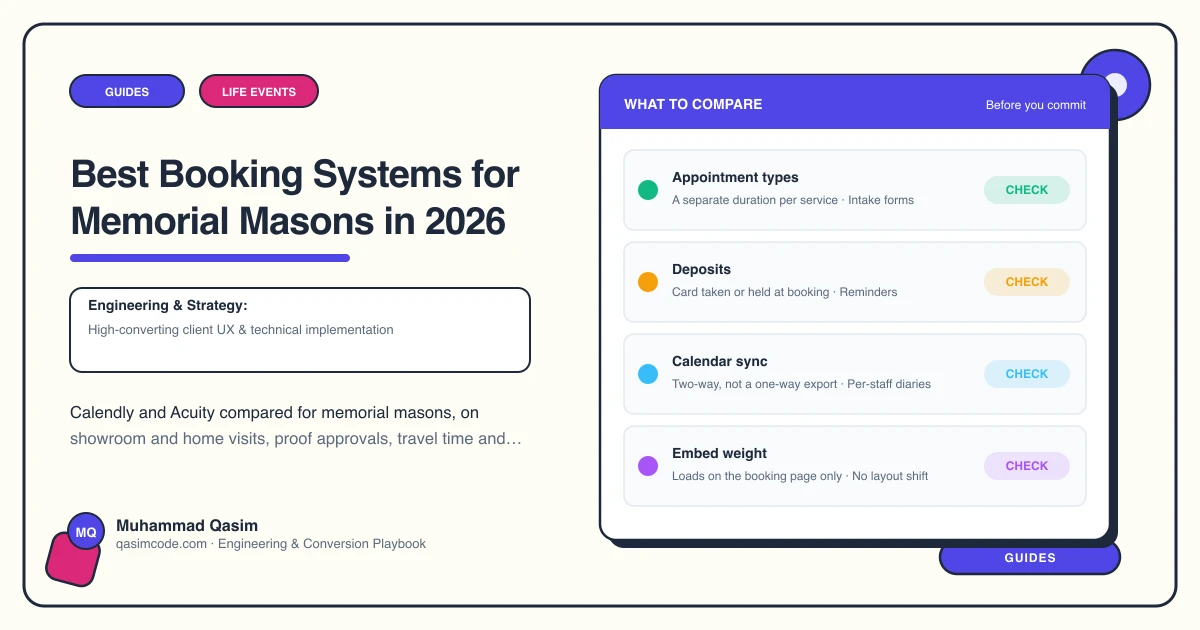
So a scheduler in this trade has to hold three things a general appointment tool often does not: appointment types of different lengths, travel time around the visits that are not at the showroom, and a booking form that quietly gathers what you need before you meet, which is the cemetery or churchyard, the grave details if the family have them, and whether this is a new memorial, an additional inscription or renovation work.
It also has to sit beside the telephone rather than in front of it. Plenty of families will never book online, and a number in the header remains the most used route on most memorial mason sites.
Calendly
What it does: appointment types with their own durations, buffers and availability windows, calendar sync with Google and Microsoft 365, custom questions on the booking form, automatic reminders, and embedding on your site as an inline block or a pop-up.
Strengths: the interface most people have already seen, which matters when the person booking is seventy. Reliable calendar sync. Separate links for each type of appointment, so a showroom consultation, a home visit and a telephone call can have different lengths and different questions.
Watch: the free tier is limited in the number of appointment types you can publish, and paid tiers are charged per user, which matters if two masons each need their own diary. Confirm current plan details with the vendor.
Good for: a workshop where one or two people take consultations and most of them happen at the showroom.
Acuity
What it does: the same core scheduling, with more configuration. Multiple calendars and staff, intake forms with several fields, appointment types grouped and hidden from the public page, packages, and payments where you take a deposit.
Strengths: the intake form is more capable, so the cemetery name, the grave reference and the kind of work can all be asked before the meeting. Good for splitting the diary between people, and for keeping some appointment types private and shared by direct link only.
Watch: more setup than Calendly, and the settings take an afternoon to get right. Check the current plan tiers with the vendor before assuming a feature is included.
Good for: a mason running showroom and home visits across a wide area, or a workshop with more than one person taking appointments.
Others worth knowing
Microsoft Bookings is included with many business Microsoft 365 plans, so if you are already paying for Outlook it costs nothing further. It handles staff, services and a public booking page, and it is perfectly adequate for showroom appointments. The booking page is less polished than the two above.
Google Appointment Schedules, in a paid Google Workspace plan, does the simple version of the same job.
Neither is worth moving to on its own, but if your email already sits in one of those platforms, start there before paying for a third product.
What your website needs from any of them
- The telephone number first. A number in the header on every page, tappable, with your hours stated plainly. The scheduler is the alternative, not the replacement.
- One clear consultation route, deep-linked so the appointment type is already chosen when the page opens.
- Three appointment types at minimum: showroom consultation, home visit, telephone call. Different lengths, different questions.
- Travel time around home visits, set as a buffer, so you are not booked in two towns an hour apart.
- A short intake form: cemetery or churchyard, grave details if known, whether this is a new memorial, an additional inscription or renovation, and the best number to call.
- A reminder the day before, by email and text where you have consent to send one.
- No pressure in the wording. Call it a consultation or a conversation about a memorial, not a sales appointment, and say that nothing is decided on the day.
- A separate, plainer route for additional inscriptions, which is frequently a short call rather than a full consultation.
- Tracking of enquiry form submissions, booking clicks and telephone taps by page, so you know which memorial pages produce work.
Choosing
- One or two people, mostly showroom: Calendly.
- Home visits across a wide area, or several people taking appointments: Acuity.
- Already on Microsoft 365 and not fussy about the booking page: Microsoft Bookings.
- Already running something that works: stay on it. The website's job is to get the family into whichever scheduler you keep, in one tap, having already understood roughly what a memorial costs and what the cemetery will allow.
Where this sits
Embedding a scheduler properly, keeping the telephone number in front of it, and asking only the questions that make the meeting useful is part of every memorial mason website we build, and the same restraint runs through the wider funeral and life events sites. Regulations on what may be fixed differ by cemetery and burial authority, so the intake form asking which one a family is dealing with saves a difficult conversation later.