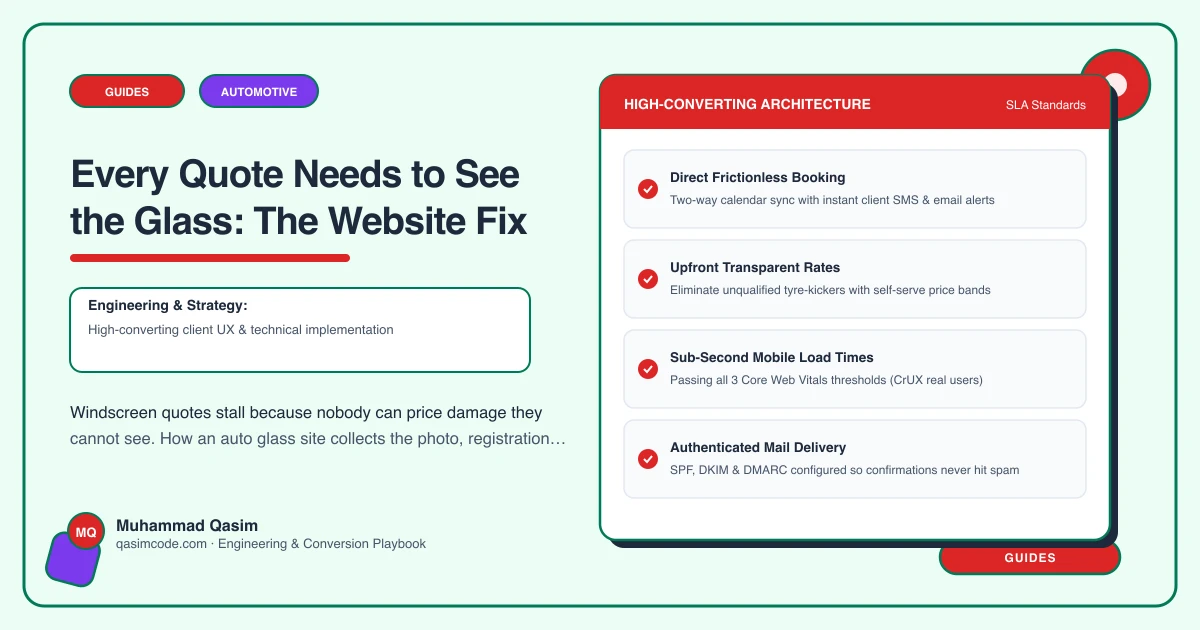
The conversation that goes nowhere
"How big is the crack?"
"About this big." A pause. "Sort of like, across the bottom?"
"Is it in the driver's view?"
"I'm not sure what counts as the driver's view."
You have had that call a hundred times. It ends one of two ways: you send a van out to look at a job you cannot charge for, or you give a range so wide it sounds evasive and the driver rings the chain instead.
The problem is not the customer. Nobody can describe glass damage usefully. The problem is that the conversation is happening in words when it should be happening in pictures.
What actually determines the price
Three things, and a driver can supply all three from where they are standing.
The registration. From it you get the make, model, year and glass specification: heated, acoustic, rain sensor, heads-up display, camera mount. This is most of the cost.
A photograph of the damage. Repair or replace is a judgement about size, depth, type and position, and it takes you five seconds from an image and five minutes from a description.
Something for scale. A coin, a fingertip, a credit card held next to the chip. Without it a photograph flatters or exaggerates.
Add whether they intend to claim and a postcode for the mobile decision, and you can quote most jobs without moving the van.
Move the quote off the phone
Build the quote form to collect exactly that, in that order, and nothing else.
- Photograph the damage. First field, camera-first on mobile. Allow two images.
- Registration. Plain text, uppercase, no validation gymnastics.
- Something next to it for scale. A one-line instruction with an example image is worth more than a paragraph.
- Are you claiming on insurance? Yes, no, not sure. "Not sure" is the most common answer and it should be an option.
- Postcode. Decides mobile or in-shop.
- Mobile number. One contact field, not three.
Six fields. Anything else you want to know can be asked in the reply.
The technical part that decides whether it works
Photo upload from a modern phone means files of five to ten megabytes, often on a weak signal in a car park. If the upload fails, it must fail loudly, and ideally it should not fail at all: resize the image in the browser to something around 1600 pixels wide before it is sent. That single piece of engineering is the difference between a form that works outdoors and one that only works on your office wifi.
The photographs then have to land somewhere useful. In Jobber, ServiceM8 or Housecall Pro they attach to a request or job record. In an email inbox they get lost by Thursday.
What to say next to the form
Two sentences of expectation management earn more completions than any design change.
Say when the quote comes back: "Most quotes go out within two hours during working hours." Say what happens if the photograph is not enough: "If we cannot tell from the picture we will ring you, and there is no charge for looking." And state the chip repair price above the form, so the cheapest outcome is visible before anyone commits.
The jobs the form cannot handle
Some damage genuinely needs eyes on it, and some drivers will not use a form. Do not fight either.
Keep the phone number prominent. When a call comes in, take the details and text a link to the form while they are still on the line, so the photograph arrives without a second conversation. And where the glass is not a windscreen, a rear screen or a quarter light, route it to a short enquiry instead, because the standard flow will mislead.
What changes when it works
The van stops making free inspection trips. Quotes go out the same day, which is usually before the competitor has called back. And the jobs that arrive are pre-qualified: you know the glass spec, you know whether they are claiming, and you know where the car is.
Where this sits
Our auto glass websites include the photo-and-registration quote form, with browser-side resizing and the job landing in your system, at a fixed price. The wider trade version is on the automotive page. You cannot price glass you cannot see, so build the thing that lets you see it.