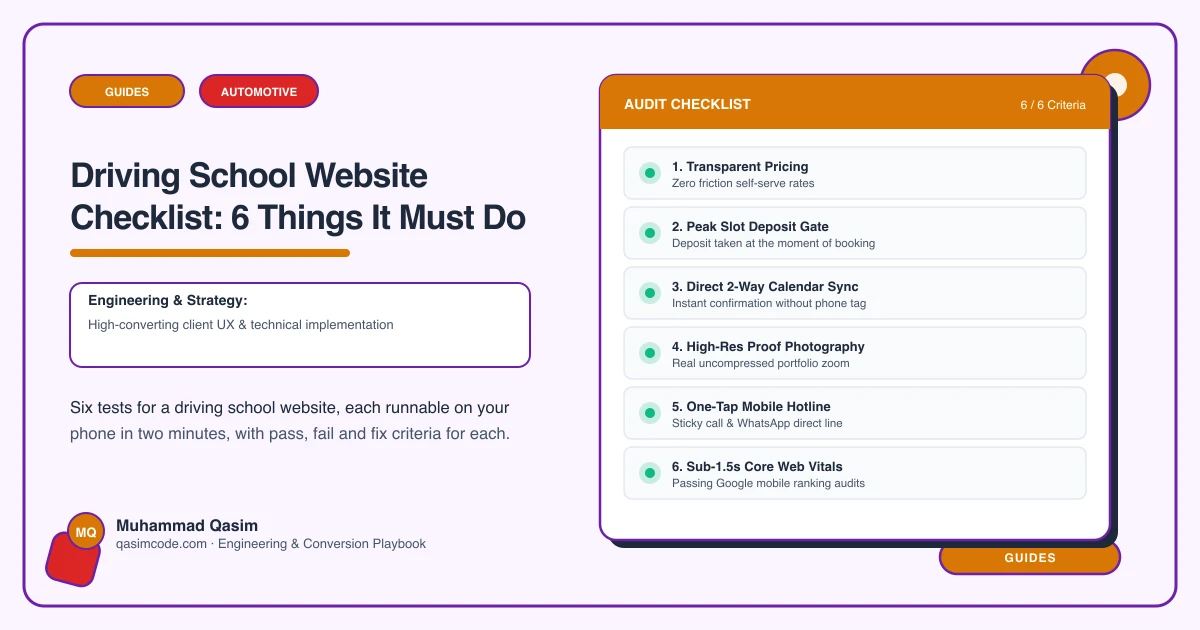
Six tests, ten minutes
A learner is usually a parent with a phone, comparing three instructors at nine in the evening. Run these on mobile data and score each pass or fail.
1. Find the hourly rate and the block price
The test: find what one hour costs, and what ten hours cost.
Pass: per-hour, block and intensive prices stated as numbers, with what a block includes.
Fail: "competitive rates, call for details". Price is the first filter a learner applies, and an enquiry form is where they leave.
The fix: state the three numbers. If you discount blocks, the discount is the reason someone commits to ten hours instead of one.
2. Tell instructors apart
The test: if you have four instructors, can a learner work out which one to book?
Pass: a page per instructor with qualifications, the car they teach in, the areas they cover, their availability, and a button that books them.
Fail: one "our team" grid of photographs and first names.
The fix: a page each. Learners and parents pick a person, not a school — and a page per instructor is also a page per search for their name and area.
3. Book and pay without a text message
The test: book two hours on Saturday and pay for them.
Pass: live availability for the chosen instructor, payment taken up front for blocks.
Fail: "text me to arrange". Every booking that runs through your phone is a booking that only happens while you are not driving.
The fix: Total Drive, myDriveTime and DriveTech are built for this; Acuity or Square Appointments work if you run a simple diary. Take block payment at booking — it settles the cancellation problem by itself.
4. Be found for the right test centre
The test: search the town of the test centre your learners use, plus "driving lessons".
Pass: a page for each area you teach in and each test centre you cover, with something true about the routes.
Fail: one home page naming your own town, or thirty generated pages with a name swapped.
The fix: four to eight genuine pages. Learners search by where they live and by which centre they will be tested at, and those are two different searches.
5. Handle the pass-rate question honestly
The test: look for a pass rate.
Pass: either a real figure with the period and how it is calculated, or nothing at all.
Fail: "97% pass rate" with no source. Advertising regulators look closely at unverifiable performance claims in this trade, and a competitor can report you for it.
The fix: if you have the DVSA figures and can show the working, publish them with the working. If you cannot, publish reviews instead — they persuade nearly as well and carry no risk.
6. Appear in under two seconds
The test: on mobile data, count until the price or booking button is usable.
Pass: under two seconds.
Fail: a hero video of a car on a dual carriageway, or a chat bubble on every page.
The fix: one compressed image, no slider, booking script on tap only. Add theory resources and Google reviews — both give a nervous parent a reason to stay on the page.
Scoring
Six passes and the site is working; spend on advertising. Four or five, fix the failures in order. Three or fewer and the problem is structure — most likely no page per instructor and no online payment, which are the two that move bookings.
Where this sits
Our driving school websites are built to pass all six at a fixed price. The wider trade version is on the automotive page. What you may claim about pass rates differs by country, which the country pages cover.