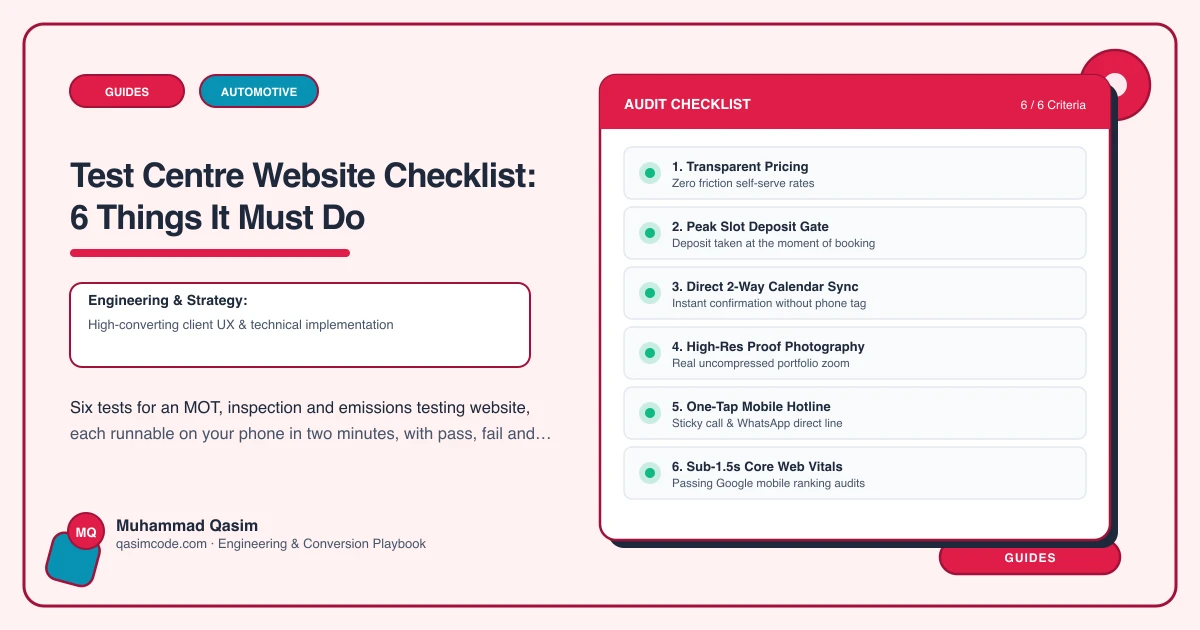
Six tests, ten minutes
An MOT is a commodity. The driver is not choosing you on quality, they are choosing whoever makes booking the test easy and the price obvious. Run these on a phone, on mobile data, and score each pass or fail.
1. Book a test in three taps
The test: book a test for Thursday. Count the taps from landing on the site.
Pass: registration, date, confirm. Three taps, with the vehicle looked up from the plate so the driver types almost nothing.
Fail: a contact form, a callback request, or a booking that asks for make, model, engine size and fuel type by hand.
The fix: registration lookup from your garage software — Autoflow, Garage Hive, Shopmonkey, Tekmetric and Workshop Software all expose it. Every field you remove raises the completion rate.
2. See the fee without asking
The test: find what you charge.
Pass: the fee stated as a number, with any discount for booking a test alongside a service spelled out.
Fail: "competitive rates" or a price only by telephone. For a statutory test with a capped maximum fee, hiding the number reads as though you are charging the cap.
The fix: state it. If you discount when the test is booked with a service, say so on the same line — it is the cheapest upsell you have.
3. Answer the fail question before it is asked
The test: pretend your car is five years old and you expect it to fail on a tyre. Can the site tell you what happens next?
Pass: a fails and retests page covering the retest rules, whether the retest is free or reduced, how fast you can usually do repairs, and whether you can advise without pressure.
Fail: nothing. This is the anxiety that stops a driver booking, and almost no test centre addresses it.
The fix: write it as short questions and answers, and link it from beside the booking button rather than burying it in a services list.
4. Appear in under two seconds
The test: on mobile data, count until the booking button is usable.
Pass: under two seconds.
Fail: a slider of workshop photos, a chat widget, or the booking tool loading on every page rather than on tap.
The fix: one compressed image, chat off, booking script deferred. Drivers search for this in a car park with one bar of signal.
5. Look like somewhere that will not invent faults
The test: as a stranger, decide whether to trust you.
Pass: real photographs of the bays and the team, accreditations displayed and linked, and Google reviews pulled in automatically.
Fail: stock photography and three testimonials with no source. The fear of invented faults is the main reason drivers stay with a dealer at twice the price.
The fix: real photos, live reviews, and a plain page on how you test and what you advise. Say what you do when something is borderline.
6. Bring the driver back next year
The test: after booking, is there anything that will reach you in eleven months?
Pass: a reminder set from your software at booking, with one-tap rebooking in the message.
Fail: nothing, so every year is a fresh acquisition cost.
The fix: turn on reminders in the software you already pay for and make the site explain that you send them. A test centre with reminders has a book of returning customers; one without has a queue of strangers.
Scoring
Six passes and the site is doing its job. Four or five, fix the failures in order. Three or fewer and the booking flow is the problem, not the design — and no amount of new photography will fix a five-field form.
Where this sits
Our test centre websites are built to pass all six at a fixed price. The wider trade version is on the automotive page. What the scheme is called and how retests work differs by country, which the country pages cover.