Two kinds of booking tool
A practice booking a first meeting has two options, and they are not really competitors. The first is a general scheduler that sits beside whatever else you run: Calendly, Acuity, Microsoft Bookings. The second is a practice tool that books the meeting and starts the client record at the same time: Clio Grow, Karbon, Intelliflo and their equivalents. The right choice depends on whether the intake matters more than the calendar.
Here is how the common ones compare on what a website needs from them.
The general schedulers
Calendly. The default. Event types per meeting kind, per-person and round-robin links, buffers, questions on the booking form, payment collection on paid consultations, and automatic video links for Zoom, Teams or Google Meet. Embeds inline or as a popup, and deep-links per event type, so a service page can book that service. Watch: the free tier is one event type; the intake questions are simple, so anything longer belongs in a separate form.
Acuity Scheduling (Squarespace). More configuration than Calendly: intake forms with conditional questions, multiple locations, packages, deposits, and separate calendars per adviser. Embeds and hosted pages. Watch: the admin takes an afternoon to learn.
Microsoft Bookings. Included in most Microsoft 365 business plans, which many firms already pay for. Staff calendars come straight from Outlook, meetings land as Teams calls, and the data stays in the tenant your IT policy already covers. Watch: the booking page styling is limited and the intake fields are basic.
Also seen: Google Calendar appointment schedules for a very simple diary, Square Appointments where a notary also takes payment at the desk, and TidyCal or SavvyCal as lighter alternatives.
The practice tools
Clio Grow. Intake and client development for law firms. A scheduler, but the point is the pipeline: the enquiry becomes a matter record, with intake forms, e-signature on engagement letters, and automated follow-up. Pairs with Clio Manage. Useful when the first meeting is the start of a documented intake, which for a law firm it is. Watch: priced as practice software, not as a scheduler.
Lawmatics. Similar territory for law firms: intake forms, scheduling, automation and marketing.
Karbon. Work management for accounting firms, with client requests, workflows and email in one place. Firms often pair it with Calendly for the discovery call itself and use Karbon for everything after.
Intelliflo. Back-office and client portal software widely used by financial advisers and planners. Where it is the system of record, the website's job is to hand it a booked meeting and a client who has already been told what to bring.
Also seen: Docketwise for immigration consultants; TaxDome and Canopy for tax preparers, both combining booking, secure document upload and portal; Smartr365 for mortgage brokers; Reapit, Alto and Street.co.uk for estate agent valuation booking straight into the CRM; CoachAccountable or Paperbell for executive coaches.
Features change; confirm the current specification with the vendor before you commit.
What the website needs from any of them
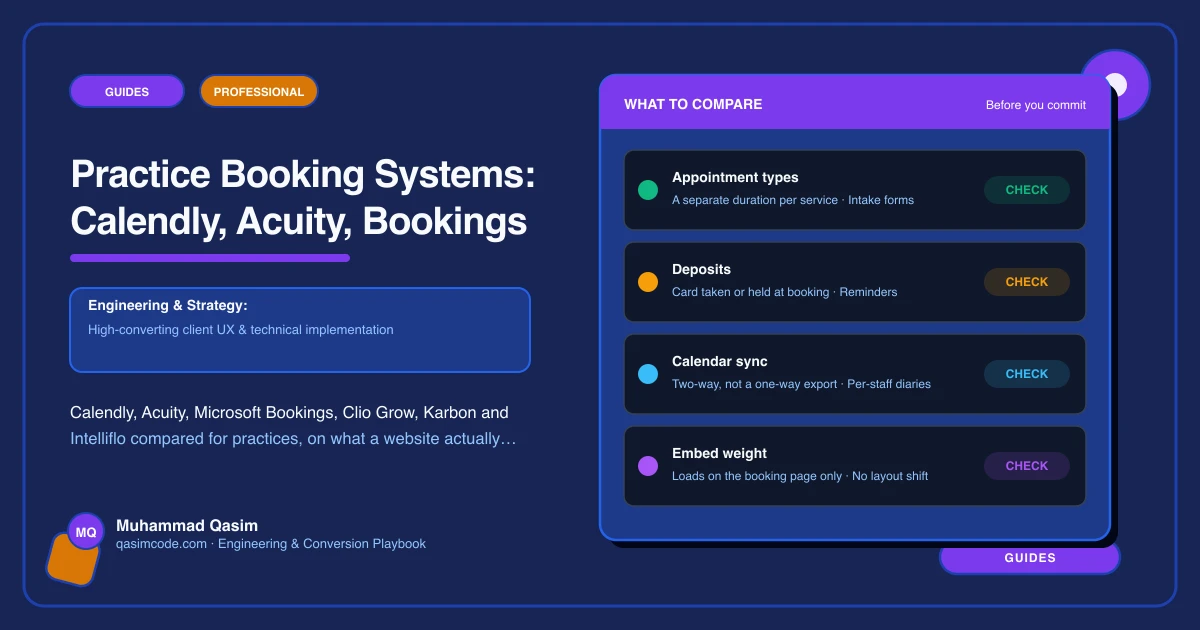
- A booking route on every page. One tap from the header, and a Book button on each service page that pre-selects the right meeting type.
- Meeting types that match the site. If the site offers a fifteen-minute discovery call and a paid one-hour consultation, the tool offers exactly those two, with the same names.
- Intake questions with the booking. Enough for the meeting to start with facts, not so many that nobody finishes. Three to six fields for a first call; anything longer goes in a form sent with the confirmation.
- A booking button per person. Team profiles that book that adviser, solicitor or partner.
- In-person, phone and video as separate choices, with the video link generated automatically.
- Confirmations that do work: what to bring, what the meeting covers, how long it takes, the cancellation window, and any documents needed in advance.
- A phone route beside it, because a meaningful share of professional services clients will not book a stranger online.
- Tracking of booking taps and completed bookings by page, so you know which service page produces meetings.
Choosing
- Sole practitioner or small firm, simple diary: Calendly.
- Already on Microsoft 365 and IT-conscious: Microsoft Bookings.
- Several advisers, paid consultations, real intake forms: Acuity.
- Law firm treating intake as a process: Clio Grow or Lawmatics.
- Accountancy firm with workflow already in one place: Karbon plus a scheduler.
- Adviser or broker with practice software: whatever your back office already runs.
Already on one that works? Stay. The website can make any of them book well, and migrating a diary mid-year is a project you do not need.
A note on confidentiality
Whatever the tool, the booking form is not the place for detail about a client's matter, their finances or their immigration status. Ask for enough to hold the meeting, keep sensitive material to a secure portal or an encrypted upload, and check the tool's data handling against your own policy and your regulator's expectations before you publish it. This is orientation rather than advice, and your compliance lead has the final say.
Where this sits
Embedding whichever tool a practice runs, with meeting types that match the service pages, real intake, a booking button per person and every route tracked, is the core of what we build into a professional services website. The tool holds the diary. The website's job is to get a qualified client into it without a phone call.