What makes repair booking different
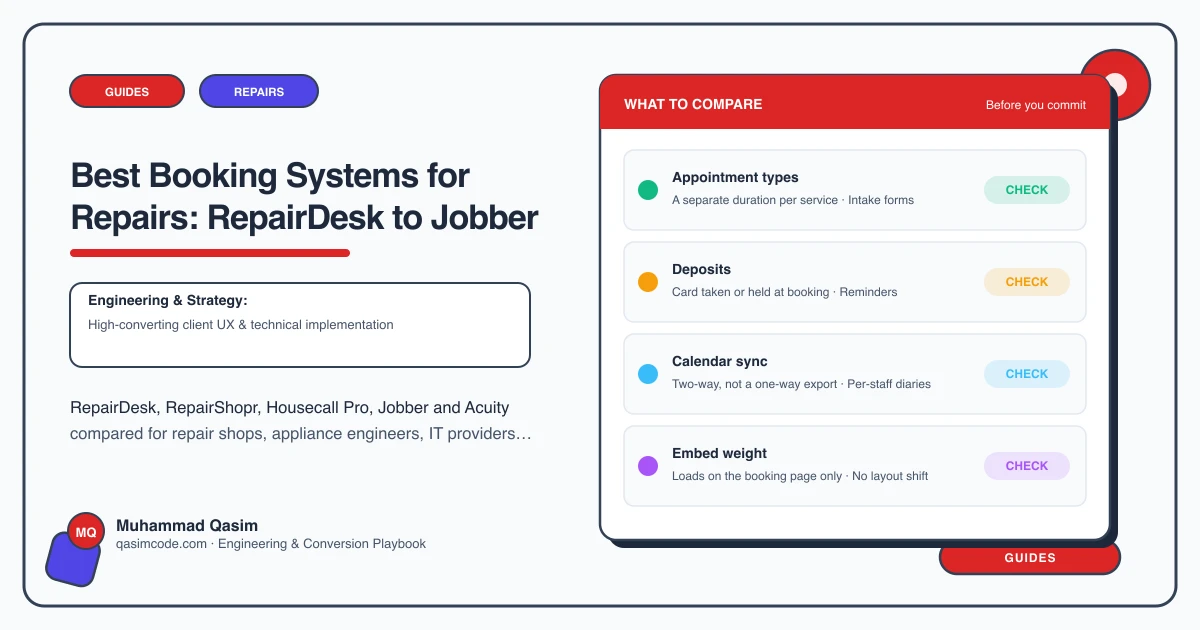
A repair booking needs the item as well as the person. Device or appliance, make and model, the fault described, and whether it is a drop-off, a mail-in or a visit to an address. Then it needs to become a job with a status the customer can follow. Generic appointment tools take a name and a slot and stop there. Repair shop software goes further, and the website's job is to put its booking one tap from every page with the item and fault captured. Here is how the common ones compare on what a site actually needs.
RepairDesk
Website: a customer-facing booking or repair-request flow you can link or embed, with device and repair selection, plus a customer-facing ticket status page.
Behind: point of sale, ticketing, inventory and parts, technician assignment, and status notifications by text and email.
Strengths: built for phone and computer shops, so device and repair menus and job tracking come as standard rather than as bolt-ons. Watch: confirm which features your plan includes and how far the booking flow can be styled to match the site.
RepairShopr (RepairQ and similar shop systems)
Website: a customer portal and web intake form for repair requests, embeddable or linked, and ticket status the customer can check.
Behind: tickets, invoicing, inventory, recurring billing for managed services, and automated status updates.
Strengths: it spans the walk-in repair bench and the managed-services side, which suits a shop that also supports business clients. Watch: it is a large system; a single-bench shop may use a fraction of it.
Housecall Pro
Website: an online booking widget for your site with service selection, address and time window, landing in the job schedule.
Behind: dispatch, job management, estimates, invoicing, payments and customer messaging with on-my-way notifications.
Strengths: the best fit where the repair happens at the customer's address, so appliance repair engineers use it heavily. Watch: pricing rises with users and features; check which plan carries online booking.
Jobber
Website: an online booking or request form embeddable on the site, with service, address and availability, landing in the schedule.
Behind: quoting, scheduling, routing, invoicing, payments and a client hub where the customer sees their jobs and quotes.
Strengths: the client hub does much of what job tracking needs without extra work. Watch: the booking widget's styling is limited, so the site around it has to do the persuading.
Acuity, Square Appointments and Calendly
Website: clean embeddable scheduling with services, durations, prices, intake questions and deposits.
Strengths: the simplest way to book a bench appointment, a fitting or a consultation, and the intake questions can capture the item and fault. Good for a bike shop booking service levels, a jeweller booking an appointment, or an IT provider booking a discovery call, where Calendly and Microsoft Bookings are the usual choices. Watch: they are calendars, not job systems. There is no ticket, no parts, no status page, so tracking has to come from somewhere else.
Booking, or an intake form?
Live booking suits work with a known price and duration: a screen by model, a battery, a bike service level, a standard alteration, a callout with a stated fee.
An intake or fault form suits everything else: a laptop that will not start, an intermittent fault, a camera with an unknown problem, an heirloom that needs inspecting. Item, model, symptoms, photos and a call-back window, with a diagnostic fee stated. A customer who books a "repair" for an unknown fault arrives expecting a price you cannot give, so the site should say plainly which is which. The electronics repair sub-page covers quoting from a description in more detail.
What the website needs from any of them
- A Book button on every page, one tap into the software with the repair pre-selected.
- Item and fault captured in the flow, so the job arrives usable.
- Price tables on the site matching the menu the flow offers.
- Mail-in as an option where you take work by post, with packaging and insured postage explained.
- Job tracking, whether that is the software's status page, its text updates or its client hub, linked from the header as Track my repair.
- Tested on a phone, because a customer with a cracked screen is booking on a cracked screen.
- Tracking of booking clicks, form submissions and call taps by page.
Choosing
- Phone and computer shop: RepairDesk or RepairShopr, for device menus, tickets and status.
- Appliance or in-home repair: Housecall Pro or Jobber, for address, window and routing.
- Bike shop, cobbler or jeweller: Acuity or Square Appointments for service levels and appointments.
- IT support: Calendly or Microsoft Bookings for the discovery call, with a ticketing system behind.
- Mixed shop and business support: RepairShopr, or a shop system plus a separate enquiry route.
Already on one that works? Stay. The website can make any of them book well, and switching is a project of its own.
Where this sits
Wiring whichever software a shop runs into the site, with the item and fault captured, the price tables matching the menu, tracking linked from the header and every Book button measured, is the core of what we build into a repair business website. The software holds the bench diary; the website gets the customer into it in one tap.