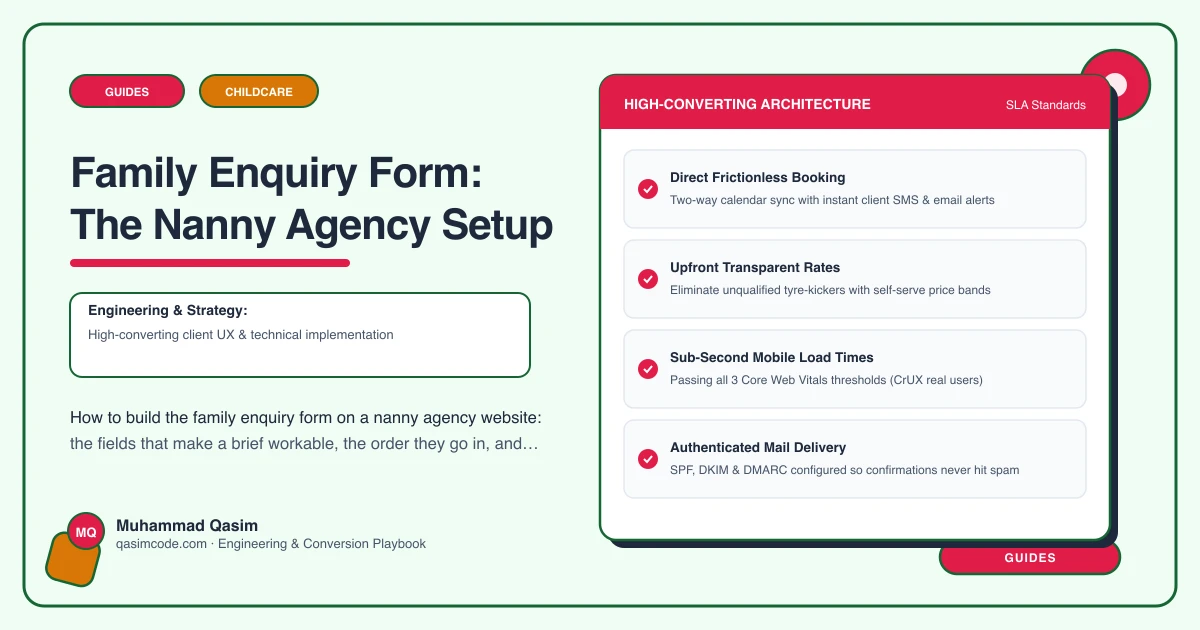
What we are building
A family enquiry form that arrives as a workable brief rather than a name and the sentence "we are looking for a nanny". Enough detail to shortlist before the first call, short enough that a parent completes it on a phone at half past nine at night, and delivered straight into your CRM.
Most agency enquiry forms ask for name, email and a message box. That form guarantees two extra emails and a phone call before anyone can search. The fix is not a longer form. It is the right fields in the right order.
1. Work backwards from the search
List the fields you actually need before you can shortlist a candidate. For a permanent nanny role that is usually: location, number and ages of children, days and hours, live-in or live-out, start date, driving requirement, salary or budget, and anything non-negotiable such as languages, special educational needs experience or sole charge.
Anything not on that list is a conversation, not a field.
2. Split it into three steps
One long form on a phone reads as a job application. Three short steps read as an enquiry. Step one: what you need. Step two: your household. Step three: how to reach you and when.
Show progress, keep every step to a screen or less, and let the person go back. Put contact details last, when they are already invested, rather than first.
3. Get the children's details right and keep them minimal
Ages, not dates of birth. A number of children and an age each, entered as a repeatable row, is enough to shortlist. Do not ask for names, schools, addresses or medical detail on a public form. That is children's personal data on an open web page, and there is no operational reason to hold it before you have a client.
If the role involves additional needs, ask one optional free-text line about support the child needs, and say why you are asking.
4. Make hours structured, not prose
Days and hours typed as free text produce sentences you have to decode. Give a weekly grid or a set of day rows with a start and end time, plus a flag for overnights, weekends, travel and flexibility. Add a field for whether the schedule is fixed or rotating.
This one change does more for shortlisting speed than everything else on the form.
5. Ask for a budget with a helpful frame
Families often do not know what a nanny costs. An empty salary box gets skipped; a range selector with a note gets answered. State whether you are asking for gross or net, since nanny pay is quoted net in many markets, and add a line reminding them that the employer also carries payroll costs. Link the fees page from beneath the field.
A budget range plus a "not sure, please advise" option is better than a blank.
6. Distinguish permanent, temporary and au pair at the top
The first question should be what kind of help they are looking for: permanent nanny, temporary or emergency cover, nanny share, maternity nurse, au pair, or not sure. Branch the rest of the form on that answer, so an au pair enquiry asks about host family arrangements and a temp enquiry asks about dates and urgency.
One form, several paths, is far better than four separate forms nobody can find.
7. Add the urgency field
"When do you need someone to start" with a date field and an option for as soon as possible. Emergency and short-notice enquiries are your highest-value, most time-sensitive traffic, and they should trigger a different notification and a different reply time.
8. Consent, privacy and the paperwork
A short privacy line under the submit button, linking a real privacy notice: what you collect, why, how long you keep it, and who sees it. A separate, unticked box for marketing contact, kept apart from the enquiry itself. Do not bury terms of business acceptance in the form; introduce them properly when you take the client on.
9. Wire it into the CRM properly
The form should post server side into your CRM or applicant tracking system, whether that is a recruitment platform, a general CRM, or a childcare-agency-specific system, with a mailbox copy as a fallback so an enquiry is never lost when an integration fails. Map the fields, do not dump everything into a notes blob.
Send the family an immediate confirmation that says what happens next and by when. Send yourself a notification that puts location, children's ages, hours and start date in the subject line, so you can triage from a phone.
10. Test it like a parent would
Complete it on a real handset, one-handed, with autofill on. Check the keyboard type on every field, check errors appear next to the field rather than at the top, check nothing is lost if the browser reloads, and check the confirmation email is not in spam. Then check the record landed in the CRM with every field mapped.
Where this sits
A branching, three-step family enquiry form that produces a workable brief and lands in your CRM is part of every nanny agency website we build, and the same form pattern runs through our childcare websites. The packages are on pricing. Ask the right eight things and the first call is a shortlist, not a fact-finding exercise.