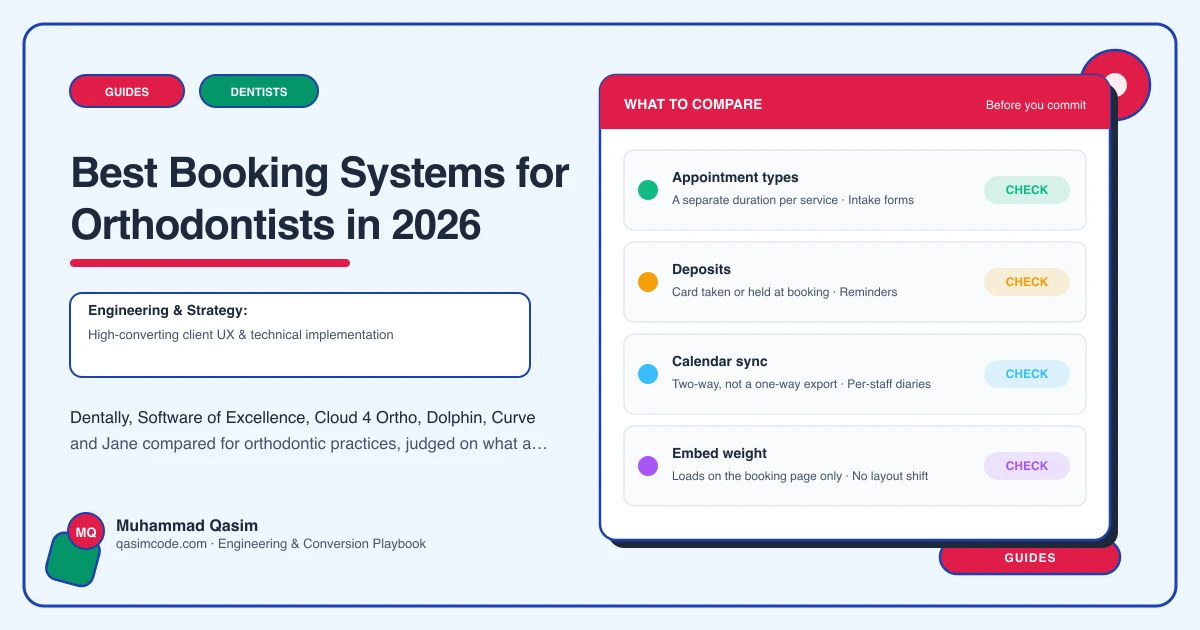
What an orthodontic booking has to carry
A hygiene appointment needs a name and a slot. An orthodontic consultation needs more. It is usually free, it is usually the first contact with a family rather than one patient, and the person booking is frequently not the person being treated. The system has to know which treatment prompted the enquiry, send an intake form before the visit, and hold the whole thing in a diary that already runs long adjustment cycles against fixed chair time.
Then the harder part. A consultation is the start of a course that runs for months, so the same system has to manage the recall pattern, the finance plan the family signed, and the retainer review long after treatment ends. Generic appointment tools do the first part and none of the second.
Below are the systems orthodontic practices actually run, judged only on what a website needs from them. Feature sets move, so treat this as a shortlist to test rather than a specification, and confirm the current detail with each vendor.
Dentally
For: UK practices wanting cloud practice management with a modern patient-facing layer.
Website side: an online booking route and patient portal that a website can point at, including links you can aim at a specific appointment type, so the Book a Free Consultation button on your Invisalign page opens the right thing rather than a generic diary.
Watch: confirm how orthodontic course management and treatment plan tracking fit your workflow before you commit, since that is where general dental systems and orthodontic-specific ones diverge.
Software of Excellence
For: established UK practices, often with a mixed general and orthodontic list.
Website side: patient engagement and online booking are part of the wider product family rather than the core system, so the question to ask is which module you are licensed for and what it exposes to a website.
Watch: ask specifically whether new-patient consultations can be booked without an existing patient record, because that single answer decides whether the website can take a stranger's consultation at all.
Cloud 4 Ortho
For: practices that are orthodontic only and want software built for the specialty rather than adapted to it.
Website side: the sensible pattern is a booking or enquiry route that lands in the same diary the practice already runs, with the website deep-linking to it.
Watch: specialty systems are strong on treatment course management and can be lighter on general web integrations. Ask what a website can embed, what it can only link to, and whether the booking page carries your branding.
Dolphin Management
For: practices already using Dolphin for imaging and wanting management in the same family.
Website side: Dolphin is best known in orthodontics for imaging and treatment presentation rather than for public online booking, so the realistic website pattern is a well-built enquiry and consultation request that your team converts into the diary.
Watch: confirm exactly what patient-facing booking is available on your licence before you design a site around it.
Curve Dental
For: North American practices on cloud dental software.
Website side: online booking and patient communication sit in the wider Curve product family. Ask which plan includes them, and whether the booking page can be deep-linked per appointment type.
Jane
For: practices in Canada, Australia and the UK that want a straightforward cloud booking and clinic system rather than a dental-specific one.
Website side: Jane is strong on public online booking, per-service links and intake forms, which is exactly the shape a consultation booking needs. The trade-off is that it is not built around orthodontic course management, so check it against how you actually run a treatment plan.
How to choose in an hour
Book a free consultation on your own website as a stranger, on a phone, on mobile data. Then answer six questions.
Can a person with no patient record book? If the answer is no, no website will fix it.
Can the button be deep-linked per treatment? The Invisalign page should open an Invisalign consultation.
Does an intake form go out automatically with the confirmation? This is the difference between a consultation that starts with a conversation and one that starts with a clipboard.
Are reminders by email and text included, and can the family reply? Free consultations no-show more than paid appointments do, and the reminder is the whole defence.
Does the booking page look like your practice? A jump to an unbranded page loses people mid-flow.
Where does the enquiry go when booking is not possible? Some systems will only ever take an enquiry, and that is workable, but only if it lands somewhere with a named owner and a response time.
The website's half of the job
Whichever system you pick, the site still has to do the things the diary cannot. Show the from-price and monthly figure so the person booking already knows they can afford it. Put the same consultation button on every page. Explain what happens at the visit. Capture the treatment interest so the consultation is prepared. Handle finance wording and any before-and-after imagery the way your regulator expects, which differs by country and is a question for your own regulator rather than a blog post.
Where this sits
We wire consultation booking into whichever of these runs your diary as part of an orthodontic practice website, and the same approach runs through our wider dental practice websites. What is in each package is on pricing. Pick the system your clinical team will actually use every day, then make the website open it in one tap.