What they all already do
Jobber, ServiceM8, Housecall Pro and Tradify are the systems mobile mechanics run, and all four handle what this trade needs structurally: a booking flow that takes the vehicle registration, the job, the address and the parking access, plus travel buffers between jobs so a diary does not quietly book two visits across town in the same hour.
That shared baseline matters more than a feature table, because it means the choice is rarely about capability. It is about fit at your size, what you have to touch on a phone between jobs, and how the thing behaves once it is embedded in a website.
Why there is no ranking here
A ranked list of job software is worth little to a specific business. The system that suits one mechanic covering three towns is not the one that suits four vans across a county, and neither cares about what decides it for a plumbing firm.
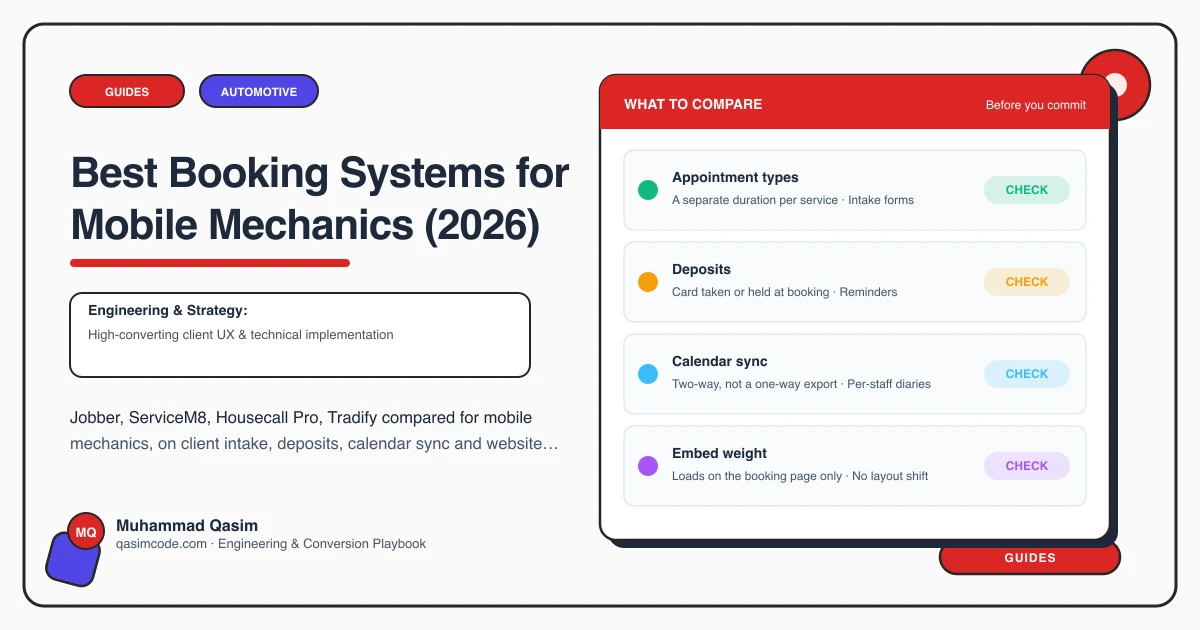
So instead: the questions that actually separate these four for a mobile mechanic. Ask them on a trial, with your own job types set up, before you commit.
Does the booking flow check the area?
This is the question that matters most and the one most demos skip. A customer forty minutes outside your radius should not be able to reach the confirmation screen. Check whether the system can refuse or flag an out-of-area postcode at booking rather than after, because every one that slips through is a call you make later to cancel.
Does a job carry travel time either side?
A driveway visit is not a workshop slot. Check that the diary can hold travel before and after, that the buffer can differ by area, and that back-to-back bookings respect it. A system that treats your day as a row of equal slots will strand you across town by mid-afternoon.
Can it capture access, not just an address?
A house number is not enough. Parking, whether the car is on a drive or a street, whether there is a gate, and whether the keys will be with someone — these decide whether the job is doable when you arrive. Check the booking form can ask for them and that the answers reach your phone, not just an inbox.
Can a fault arrive without a price?
Some jobs cannot be priced in advance. A noise, a warning light, a leak. Check whether the system can take an enquiry with photos and a description separately from a priced booking, or whether you will be running that through a second inbox and matching it up by hand.
Can prices show the total, including travel?
Mobile customers compare you against a garage, and the number they compare is the one that includes coming out. Check the system can present a job price with the call-out built in rather than adding it at the end, because a total that grows at checkout is where the booking is abandoned.
What does the embed do to the page?
Test this on a real phone, on mobile data, not on the office wifi. Some booking embeds load a large script and shift the layout as they arrive. Watch whether the page jumps while it loads, and whether the form is usable one-handed — which is how most of your customers will fill it in.
The website side of the decision
Whichever you pick, the booking widget should load on the page where someone books and nowhere else. A script that runs on every page slows the area pages and the price list, and those are the pages that earn the booking in the first place. A dedicated booking page, or a widget that loads when someone taps Book, keeps both fast.
Where this sits
Every mobile mechanic website we build embeds whichever of these four you already run, wired to your diary, at a fixed price. For what the build costs, see what a mobile mechanic website costs.