Start with what they have in common
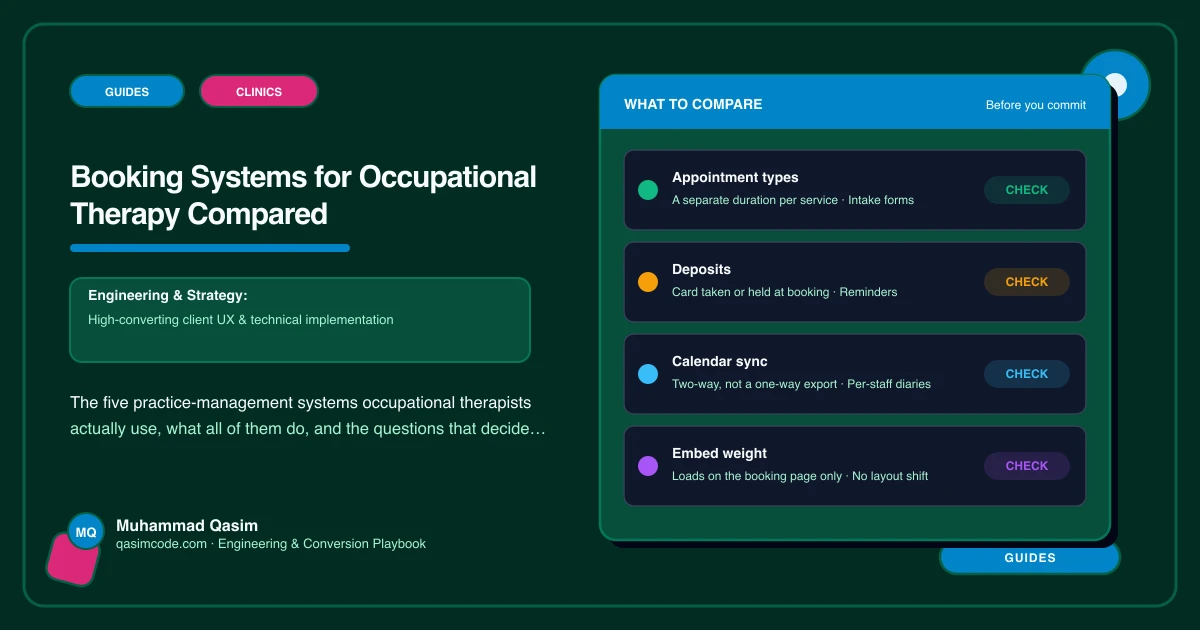
Cliniko, Jane, Zanda, Power Diary and WriteUpp are the systems OT practices run. All five already handle what an OT diary needs structurally: appointment types at different durations, so a ninety-minute initial assessment and a forty-five-minute follow-up are not the same slot; intake forms sent to the family before the first visit; and home-visit bookings where you do them.
That shared baseline matters more than any feature table, because it means the decision is rarely about capability. It is about fit at your size, what your admin has to touch every day, and how the thing behaves once it is embedded in a website.
Why we are not ranking them
A ranked list of practice-management software is worth very little to a specific practice. The system that suits a solo paediatric OT doing school visits is not the one that suits a four-therapist practice with an insurer caseload, and neither of them cares about the features that decide it for a physiotherapy chain.
So instead: the questions that actually separate these five for an OT practice. Ask them on a trial, with your own appointment types set up, before you commit.
Can it hold two different intake forms?
Families and professional referrers send you completely different information. A parent supplies a school's concern and a developmental history. A case manager supplies a claim number, a deadline and a scope. If the system only supports one intake form, one of those two groups fills in fields that do not apply to them, and you chase the rest by email.
Does a home visit look different from a clinic visit?
Check what happens when a home visit is booked: whether the slot can carry travel time either side, whether it captures a full address rather than just a phone number, and whether you can limit which areas are bookable. A system that treats a home visit as a clinic appointment with a note attached will eventually double-book you across town.
Can an assessment and a report be separate things?
A report commissioned by a school, an insurer or a solicitor is not an appointment. It is a piece of work with a turnaround time and its own fee, and it often follows an assessment that was booked weeks earlier. Ask whether the system can hold that as its own item, or whether you will be tracking report deadlines in a spreadsheet alongside it.
Does it let a family choose the therapist?
Where a practice has more than one OT, families want a person, not a slot. Check whether booking can be filtered to one therapist, whether each therapist can carry their own appointment types and durations, and whether a link exists that books that person directly, because that link is what a therapist profile page needs.
What does the embed do to the page?
This is the question most practices never ask and then live with. Some embeds load a large script and shift the layout as they arrive; some size themselves correctly on a phone and some do not. Test the embed on mobile data, on a real phone, and watch whether the page jumps while it loads.
Who owns the data if you leave?
Before the migration is hypothetical, find out what the export looks like: client records, notes, documents and the appointment history. A practice that cannot leave a system will end up shaping its website around that system's limits.
The website side of the decision
Whichever you pick, the booking widget should load on the page where someone books and nowhere else. A script that runs on every page slows the pages that do the explaining, and on an OT site the explaining is what earns the booking in the first place. A dedicated booking page, or a widget that loads when someone taps Book, keeps both fast.
Where this sits
Every occupational therapy website we build embeds whichever of these five you already run, wired to your calendar, at a fixed price. To audit what you have now, run the six phone tests, or read why your OT site gets no bookings.