The page every parent opens second
A parent looks at the rooms, then looks for the fees. If the fees page says "contact us for our current fee structure", a share of them contact a nursery whose site gave a number. Fees and funding confusion is one of the three pains that sends childcare enquiries to voicemail, and the fix is a single plain page. This post is about how to build that page so it stays accurate with no developer.
What the page contains, in order
1. Sessions. Every session type you offer as a row: name (Full day, Morning, Afternoon, School day, Term-time only), hours, and which age groups can take it. A parent should be able to find their working pattern in the list.
2. Fees per session, per age group. A table with age groups across and sessions down, the fee in each cell. Not a "from" price. If under-twos cost more than pre-schoolers, show both.
3. What is included. Meals, snacks, nappies, formula, trips, extra-curricular sessions. What is charged separately, and how much. Parents comparing two nurseries on headline fee want to know why one includes lunch and one does not.
4. Funding. Which schemes you accept and how each works with your sessions. Under a heading per scheme, three or four sentences in plain words: who qualifies, how many hours, how the hours can be used across your sessions, what the parent pays on top. Then how to apply: the government route, and what you need from them.
5. Vouchers and other payment routes. Employer childcare vouchers, tax-free childcare accounts, subsidies or benefits that pay providers directly. Say which you accept.
6. Deposits, registration fees, notice periods and late collection. The four things parents get surprised by. Stated.
7. Two buttons. Book a viewing and Join the waitlist. A parent who has read this far is ready for one of them.
Keep it to one page
The temptation is to split funding onto its own page, or to link out to a government site and leave it there. Parents want one page that answers "what will it cost me". Link to the official scheme pages for the application step, but explain the scheme here, in the context of your sessions.
Building it as records
Sessions as records: name, hours, ages. Fees as a record per session and age group. Funding schemes as records: name, who qualifies, hours, how it applies to your sessions, application link. Inclusions as a list. The page renders from them. When fees change in September, the manager updates the numbers in the fee records and the table updates. When a scheme changes its eligibility, one record changes.
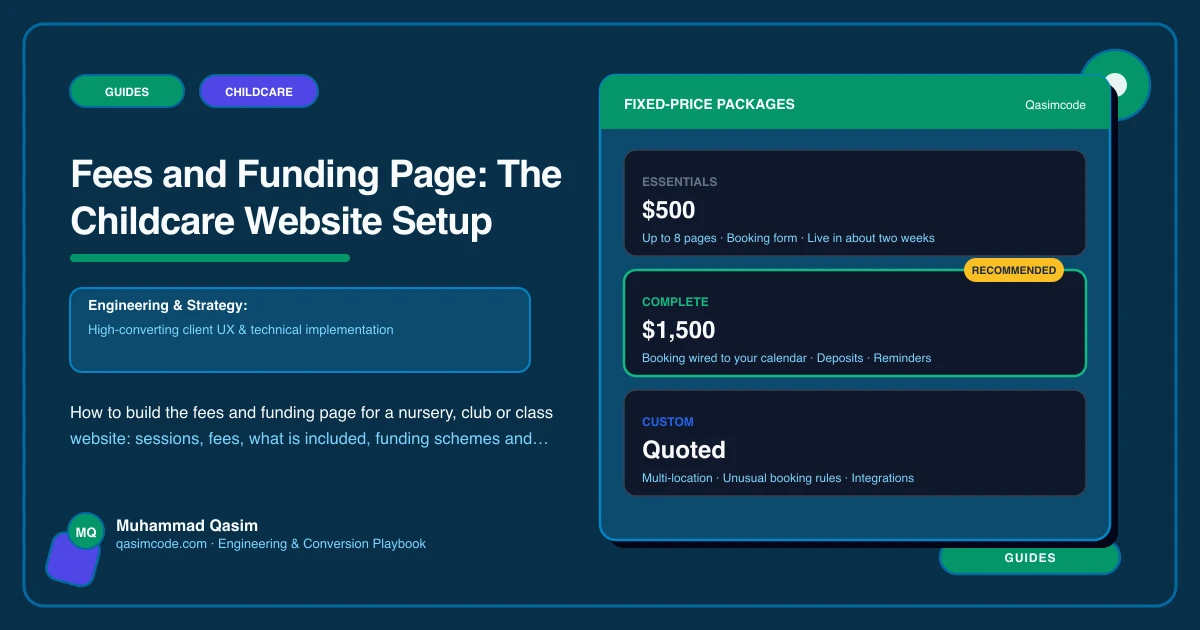
This is also the part of the site the pricing of a build is most often asked about, and the honest answer is that a page built on records costs the same to build as a page built on paragraphs and far less to maintain.
Variations by kind of setting
Nurseries and daycare. The full version above. A nursery website with funded hours can add a worked example: "A three-year-old attending three full days with 30 funded hours pays this."
Holiday and after-school clubs. Fees per day, per session and per week, with early-booking or sibling rates if you have them, and a clear statement of which childcare voucher and funding schemes you accept and how to pay with them. The holiday club parent is often paying in a way that decides whether they can use you at all.
Baby classes. Price per term and per trial, by age band, with what happens if a session is missed. The baby class parent is comparing against other classes at the same time slot.
Nanny and babysitting. Placement fees and ongoing fees for a nanny agency; hourly rates, minimums and late-night or short-notice surcharges for a babysitting service. Same rule: numbers, not "competitive rates".
Tutoring. Per session and per term, with trial pricing.
Currency and country
Show fees in your own currency with the tax position stated where relevant. If you serve parents across a border or online, say which currency applies. The funding section is country-specific by nature and should name the scheme as parents know it.
What not to do
- "Contact us for fees."
- A PDF fee sheet dated two years ago.
- Fees for one age group only.
- Funding explained by pasting the government's text.
- Extras discovered on the first invoice.
Where this sits
A fees and funding page built on session, fee and scheme records is one of the six must-haves on every childcare website we build. It is the page parents open second, and the page most likely to be out of date on the sites we replace. Records fix both.