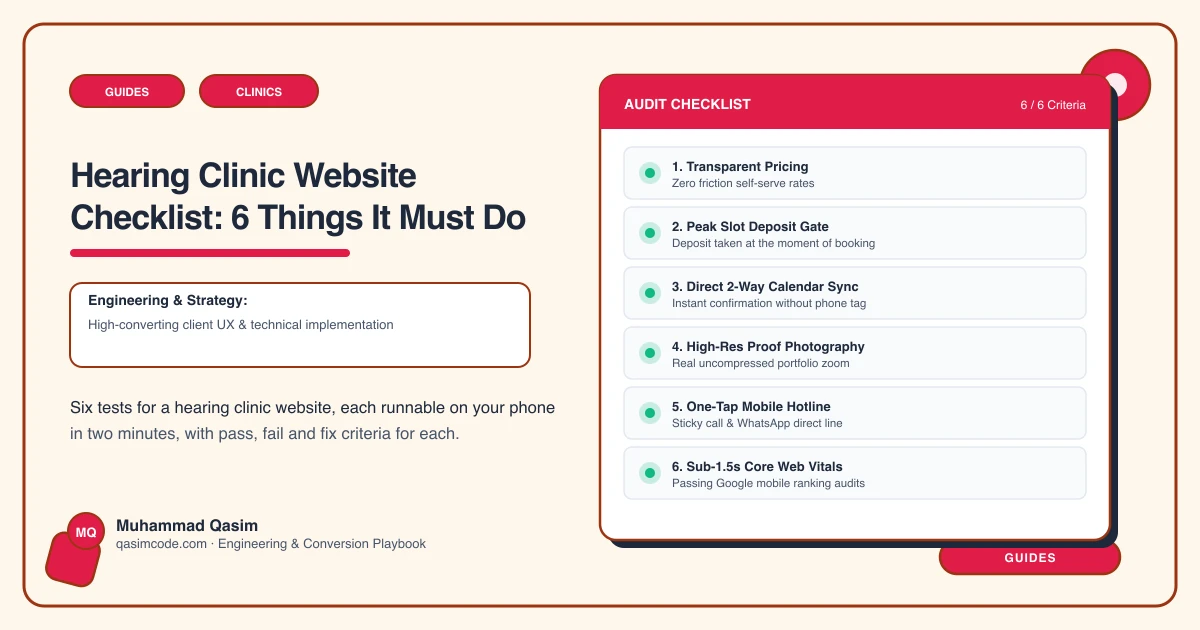
Six tests you can run before your first patient arrives
Use a phone, not the clinic computer, and mobile data, not the clinic Wi-Fi. Each test is something a patient, or the relative booking for them, physically attempts. Run all six and write down what fails.
1. Book a hearing test in ninety seconds
The test: from your home page, try to actually book a hearing test, timing yourself.
Pass: real availability appears, the test is its own appointment type, and the clinic number and hours are on the same screen as the widget.
Fail: an enquiry form and a promise that reception will ring back, or a booking widget with no phone number anywhere near it.
The fix: embed availability from the clinic software you already run, with test, fitting and follow-up as distinct types, and set the phone number beside it rather than three screens away.
2. Learn what a hearing aid costs without speaking to anyone
The test: using only the site, work out what you would pay.
Pass: each technology level shows a range, and under the range it says what comes with it — the fitting, the follow-up appointments, the warranty.
Fail: "prices discussed at consultation", or a figure that only appears once a form is submitted.
The fix: publish the ranges per level with the inclusions written out. The unpublished price does not remove you from the comparison, it just means the family compares you on nothing.
3. Search your own site for ear wax
The test: search Google for wax removal on your domain, the way a stranger would.
Pass: a page that gives the price, describes the method, says what to expect, and carries a booking button.
Fail: wax removal as a bullet on a services page, or nothing at all while reception fields the calls.
The fix: one page, written properly. It is among the most searched things in this field and the one most clinics leave off entirely.
4. Arrive with the funding question
The test: as somebody who has heard there is help with the cost, try to find out whether it applies to you and what you do next.
Pass: a page naming the scheme that operates where you practise, who it covers, and how to book that appointment.
Fail: silence, or a line inviting you to ring and ask.
The fix: name the scheme and link to the official source rather than paraphrasing eligibility yourself. The site routes the right patient to the right appointment type; it does not adjudicate a claim.
5. Find out who would actually see you
The test: look for the clinician you would be booked with.
Pass: a profile per audiologist with qualifications and a registration number.
Fail: a group photograph, or "our team of experienced professionals".
The fix: a profile each, carrying registration. What a clinic may claim about outcomes, and whether testimonials are permitted at all, varies by country — check the rules where you practise before adding either.
6. Turn the text size up and try to finish
The test: set the phone's text size to its largest setting, then complete a booking from the home page without changing it back.
Pass: you get to the end. Labels stay visible, buttons stay hittable, nothing overlaps, no text is clipped.
Fail: you cannot finish it — a fixed-width embed cuts off, a date picker becomes untappable, navigation collapses onto itself.
The fix: build and test at scaled text sizes with proper contrast and large tap targets. Your patients are the reason this test exists, and it is the one almost nobody runs.
Scoring
Which failed matters more than how many. Tests 1 and 6 together decide whether a convinced patient can act at all, so they come first regardless. Test 2 is the year of delay: a hidden price gets read as an unaffordable one. Test 3 is free traffic you are declining. Test 5 is the trust check the family member makes last.
Where this sits
Our hearing clinic websites are built to pass all six, at a fixed price. For the same ground ordered as causes rather than tests, read why your hearing clinic site gets no bookings. For the cost of the build itself, see what a hearing clinic website costs.