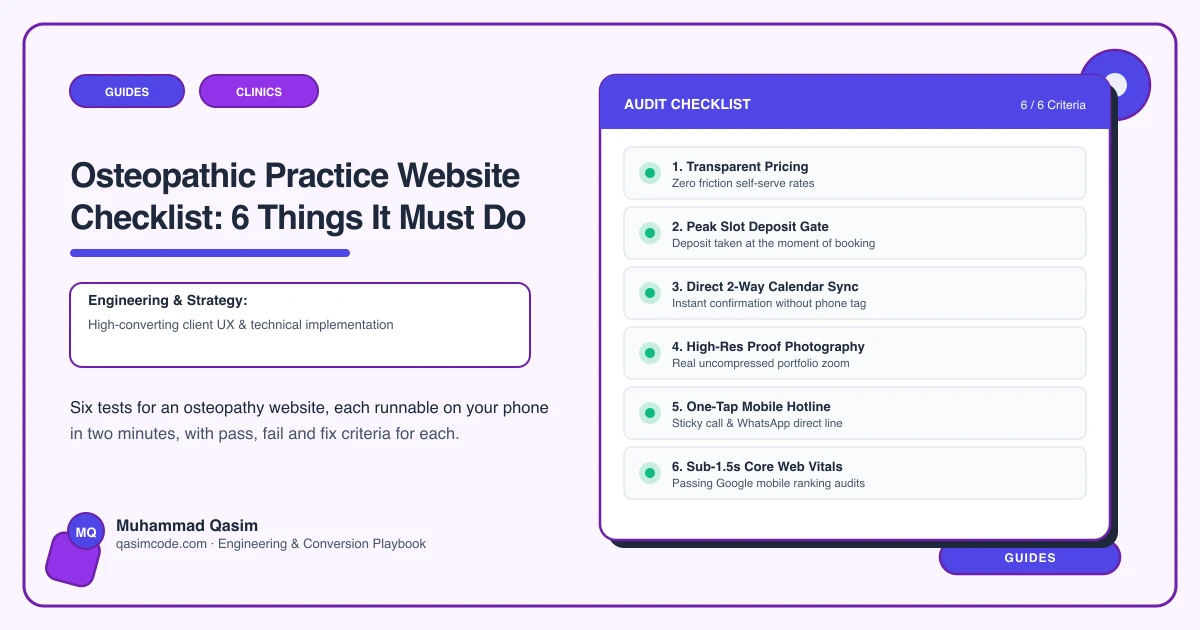
Six tests, one phone, ten minutes
Come off the clinic Wi-Fi onto mobile data, open your site in a private window, and work through these in order. Each is something a patient in pain physically does. Note which ones fail; the order matters more than the score.
1. Ask a stranger what you would do for them
The test: hand the phone to somebody who has never seen an osteopath, let them read your first screen, then ask what would happen if they booked.
Pass: they answer in their own words, naming the problem they would come in with.
Fail: they repeat the word osteopathy back at you, or they say they are not sure whether they should see a physio instead.
The fix: a what-we-do page written for a patient rather than a colleague, tied to the problems people type into a search box. On most osteopathy sites it is the busiest page and the least rewritten one.
2. Book as a brand-new patient, right now
The test: on the phone in your hand, book a first appointment without speaking to anyone.
Pass: real availability loads, the new-patient appointment is its own longer slot, and an intake form follows the confirmation.
Fail: an enquiry form, a phone number, or a diary offering a follow-up slot as a first visit.
The fix: embed your clinic software's booking with the new-patient flow kept separate from the follow-up, and reminders switched on.
3. Find a registration number in ten seconds
The test: open a practitioner page and look for the registration number without reading the biography, then check the footer.
Pass: the number is there as text, in both places.
Fail: "fully qualified and registered" with no number, a group practice sharing one About page, or a number inside an image.
The fix: a profile per practitioner carrying qualifications, registration number and areas of focus, plus the number in the footer template where an edit cannot lose it. In the UK the GOsC expects registered osteopaths to be identifiable; in Australia AHPRA registration should be shown. The country pages cover what applies where you practise.
4. Answer the insurer question without a phone call
The test: arrive as somebody with health cover. Using the site only, find the initial fee, the follow-up fee, and whether you are recognised by their insurer.
Pass: one page carries private fees and the insurers, reachable from the navigation.
Fail: fees on request, or a strip of insurer logos with nothing said about them.
The fix: fees and insurers together on one page. A patient with cover is checking two things at once; a logo strip answers neither.
5. Search your own site for one condition
The test: in your phone browser, search site:yourpractice.com "neck pain", then repeat it for the sports injury or pregnancy-related pain you treat most.
Pass: a page of its own comes back for each, with a way to book on it.
Fail: the search returns your home page, or a single services page with the condition as a bullet.
The fix: a page for each condition, written to the standard your regulator sets for what a practice may say. Paediatric work is where this bites: claims about it are restricted in the UK and Australia, so the page describes what you do, not what it achieves.
6. Count the seconds to the first heading
The test: hard-refresh your home page on cellular signal, counting out loud until a heading is readable.
Pass: under two seconds.
Fail: three seconds, a spinner, or a photograph that arrives in bands.
The fix: one compressed hero image rather than a rotating set, no chat bubble, and no booking script on pages where nobody is booking. Pain gets searched on a phone, on a weak signal.
Reading the result
Six out of six is uncommon. Test 1 decides whether anybody reads far enough for the rest to matter, so fix it first. Tests 2 and 4 stop a patient who was already convinced. Test 3 is what a regulator and a cautious patient both look for. Tests 5 and 6 are the patients you never hear from.
Where this sits
Our osteopathic practice websites are built to pass all six at a fixed price. The diagnostic version, ordered by what each failure costs, is why your osteopathy website gets no bookings. The build price is in what an osteopathy website costs.